Popular
-

Minecraft PE / Bedrock 26.70.22 (1.21.132/26.60)
More epic battles in the new structure, wind -

TreeCapitator Addon for Minecraft PE 1.17/1.18/1.19/1.20/1.21.132 (26.60)+
No modifications, now the old TreeCapitator is -

Vein Miner & TreeCapitator Addon for Minecraft PE 1.17/1.20/1.21/26.70+
Start your first day working as a miner or -

Apollon Client 6.70 for Minecraft PE 1.21.114/26.52
Apollon is a standalone client wrapped in -

Minecraft Bedrock 1.21.132/26.60/26.70.21 Patched (apk)
Do you prefer to play non render dragon shaders -

Body Actions Addon v3.4.13 for Minecraft PE 1.19/1.21.110/26.60+
Humanization of characters in Minecraft Bedrock -

LeviLauncher v0.3.11 (LeviLaunchroid v1.6.0) for Minecraft Bedrock 1.21.132/26.60
LeviLauncher is the tool you've been -

Shadow Company Addon for Minecraft PE 1.21/26
A killer weapon addon for Minecraft Bedrock, -

Newb (Legacy/ Dragon/ Trailer/ Glow/ Firelight/ Gold/ Dynamite/ Memories/ Stellar/ AI/ Plus)
Uniting under a single name, all presented Newb -

Mini Structures Addon v2.0 for Minecraft PE 1.18/1.19/1.20/1.21/26.70+
There are 30 structures at the moment, and all
0
Quick Chat often appears in various clients for Bedrock Edition 1.21, making chat interaction much easier. But if you don't need a full client and just want a convenient chat, here's a free and highly functional solution that gives you the most comfortable chat experience on touch devices.
By: NeBux
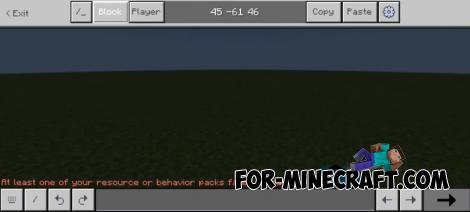
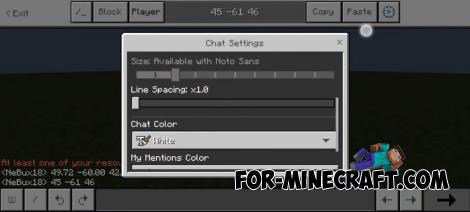
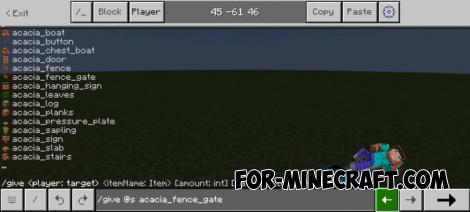
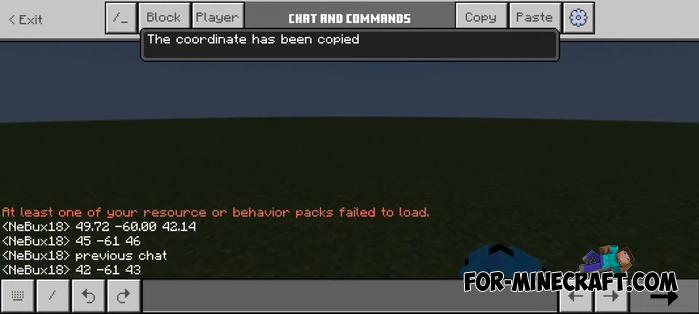
1. Easily view previously typed messages and move between past and future inputs without retyping
2. Quickly switch through different command variations with a single button
3. Write messages or commands of any length without character limits
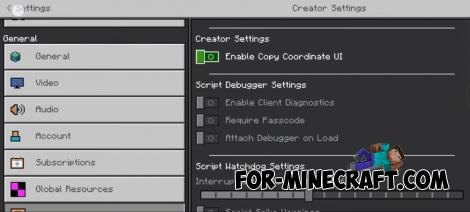
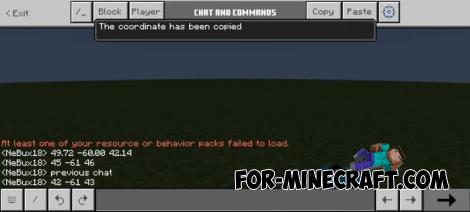
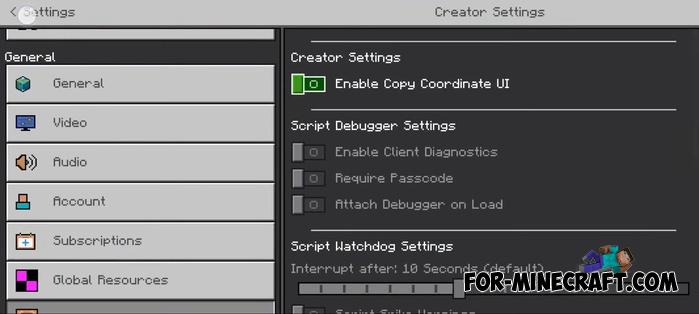
4. Copy and paste coordinates for faster and easier navigation
5. Tap commands directly in the chat box instead of typing them manually
6. Continue reading older chat messages without auto-scrolling interruptions
7. Keep the chat window open even when taking damage in MinecraftPE
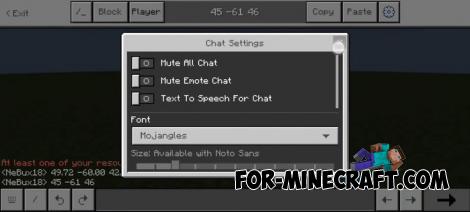
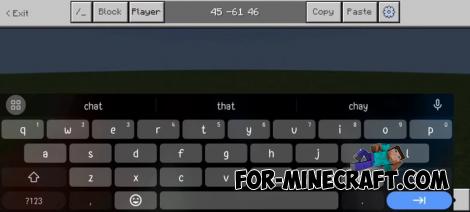
Actually, these are just the main features, not all of them. You'll really feel how much more convenient the chat has become, especially if you use it often.
Quick Chat UI for Minecraft Bedrock 1.21
- Author: Bernard
- Date:
Quick Chat often appears in various clients for Bedrock Edition 1.21, making chat interaction much easier. But if you don't need a full client and just want a convenient chat, here's a free and highly functional solution that gives you the most comfortable chat experience on touch devices.
By: NeBux
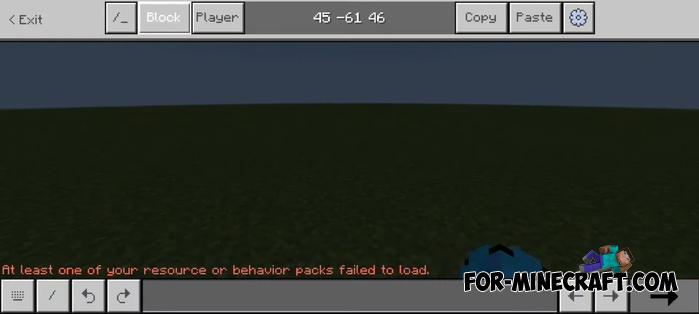
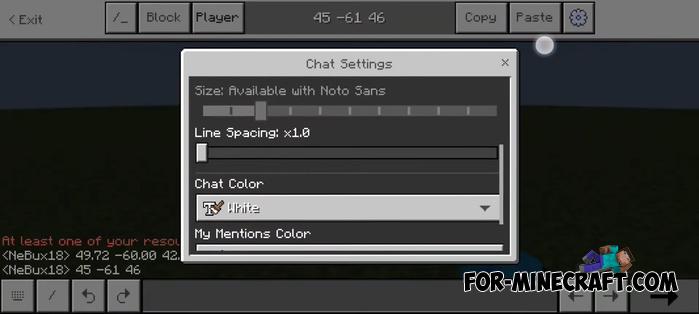
Quick Chat UI features:
1. Easily view previously typed messages and move between past and future inputs without retyping
2. Quickly switch through different command variations with a single button
3. Write messages or commands of any length without character limits
4. Copy and paste coordinates for faster and easier navigation
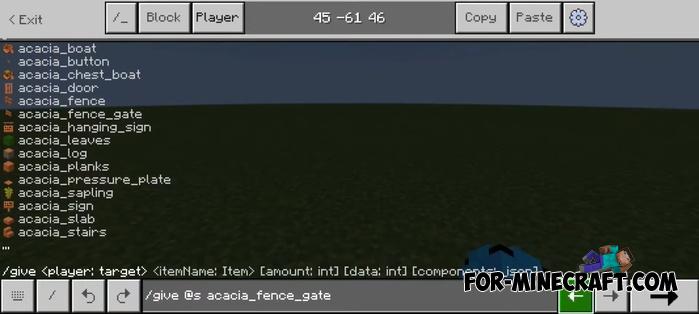
5. Tap commands directly in the chat box instead of typing them manually
6. Continue reading older chat messages without auto-scrolling interruptions
7. Keep the chat window open even when taking damage in MinecraftPE
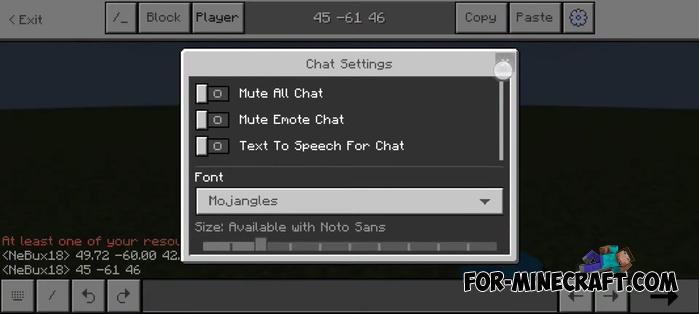
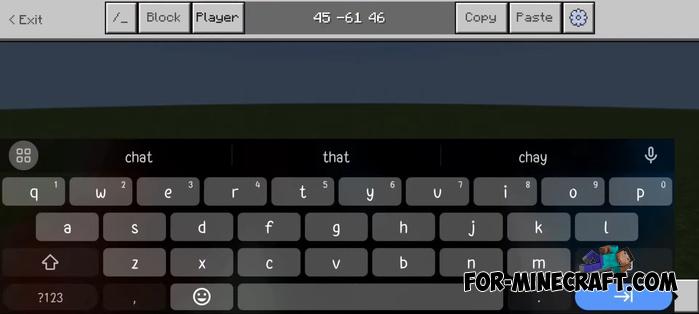
Anything else?
Actually, these are just the main features, not all of them. You'll really feel how much more convenient the chat has become, especially if you use it often.
- Category: Texture Packs for Minecraft Bedrock
Recommend:
-
 IndustrialCraft PE mod v2.0 Pre-Release 7 for Minecraft PE
IndustrialCraft PE is a global mod for MCPE which is a very accurate IndustrialCraft copy for Minecraft PC. It
IndustrialCraft PE mod v2.0 Pre-Release 7 for Minecraft PE
IndustrialCraft PE is a global mod for MCPE which is a very accurate IndustrialCraft copy for Minecraft PC. It
-
 Inner Core for Minecraft PE 1.16 - 3.1.1b127-128 (ARM64 Update)
Inner Core was created on the basis of the original MCPE 1.0.3 and is a full complement for creating and playing with
Inner Core for Minecraft PE 1.16 - 3.1.1b127-128 (ARM64 Update)
Inner Core was created on the basis of the original MCPE 1.0.3 and is a full complement for creating and playing with
-
 IndustrialCraft PE Mod 2.4.8 for Minecraft PE 1.16
The IndustrialCraft PE history continues and now it goes to a new level..
IndustrialCraft PE Mod 2.4.8 for Minecraft PE 1.16
The IndustrialCraft PE history continues and now it goes to a new level..
-
 Factorization Mod 5.2 for Minecraft PE 0.11/0.12/0.13/0.14
The basis of mod make blocks-mechanisms. With these systems of the mechanisms can be automated almost any process in
Factorization Mod 5.2 for Minecraft PE 0.11/0.12/0.13/0.14
The basis of mod make blocks-mechanisms. With these systems of the mechanisms can be automated almost any process in
-
 WorldEdit Addon for Minecraft PE 1.17/1.18/1.19/1.20/1.21.80
This kind of WorldEdit comes with some amazing features made possible by version 1.16..
WorldEdit Addon for Minecraft PE 1.17/1.18/1.19/1.20/1.21.80
This kind of WorldEdit comes with some amazing features made possible by version 1.16..
