-

Minecraft PE / Bedrock 26.70.26 (1.21.132/26.66)
More epic battles in the new structure, wind -

Lucky Block Addon for Minecraft Bedrock 1.17/1.18/1.19/1.20/1.21/26.60+
Keep the latest lucky block addon for current -

X-Ray for Minecraft Bedrock Edition 1.19/1.20/1.21.132/26.66+
X-Ray is a cult cheat in the past, available as -

TreeCapitator Addon for Minecraft PE 1.17/1.18/1.19/1.20/1.21.132 (26.60)+
No modifications, now the old TreeCapitator is -

Vein Miner & TreeCapitator Addon for Minecraft PE 1.17/1.20/1.21/26.70+
Start your first day working as a miner or -

Minecraft Bedrock 1.21.132/26.66/26.70.21 Patched (apk)
Do you prefer to play non render dragon shaders -

Body Actions Addon v3.4.13 for Minecraft PE 1.19/1.21.110/26.60+
Humanization of characters in Minecraft Bedrock -
RealSource Resource Pack v1.9.3 for Minecraft PE 1.19/1.20/1.21.111/26.62
Prefer the vanilla look over all other Minecraft -

LeviLauncher v1.1.0 (LeviLaunchroid v1.7.1) for Minecraft Bedrock 1.21.132/26.63
LeviLauncher is the tool you've been -

Graves Addon for Minecraft Bedrock 1.18/1.19/1.20/1.21/26.66
After a ridiculous death, you, like any player,
Yes Steve Model Bedrock Mod (YSM) for Minecraft Bedrock 1.26.60+
- Author: Bernard
- Date:
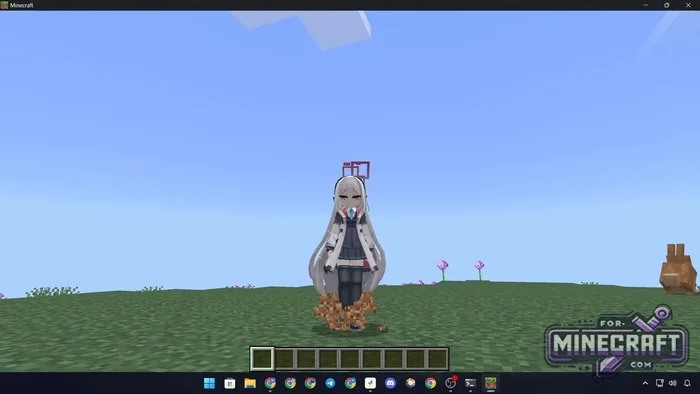
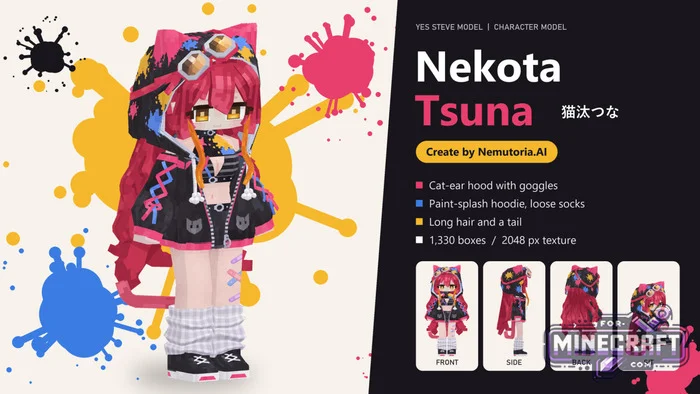
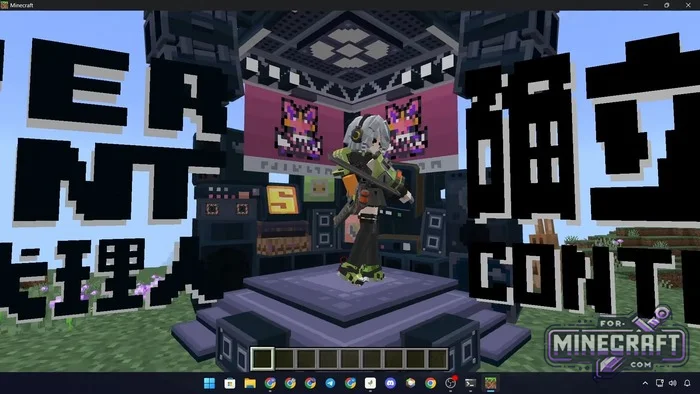
This is an unofficial port of YsmBedrock by XiaViolet, which brings the Yes Steve Model mod to Minecraft Bedrock. It adds 3D characters with their own pose and level of detail (this is a purely visual modification that changes only the character's appearance and movements, similar to 4D and 5D skin packs, but with new animations).
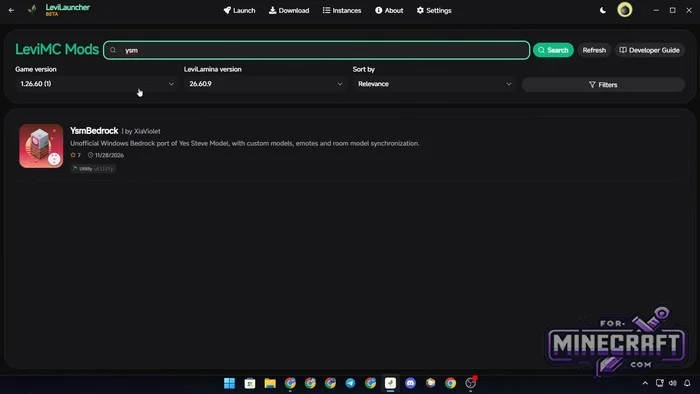
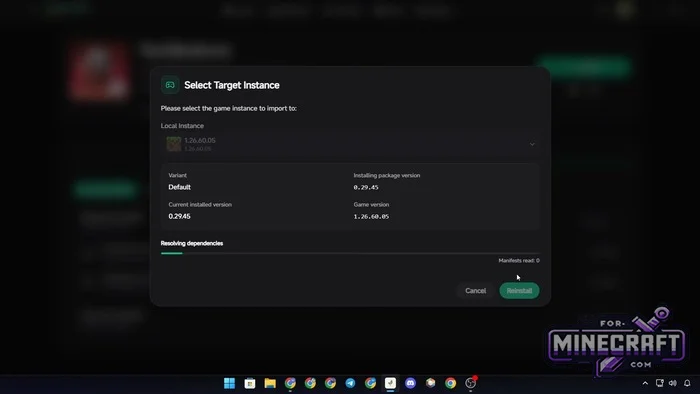
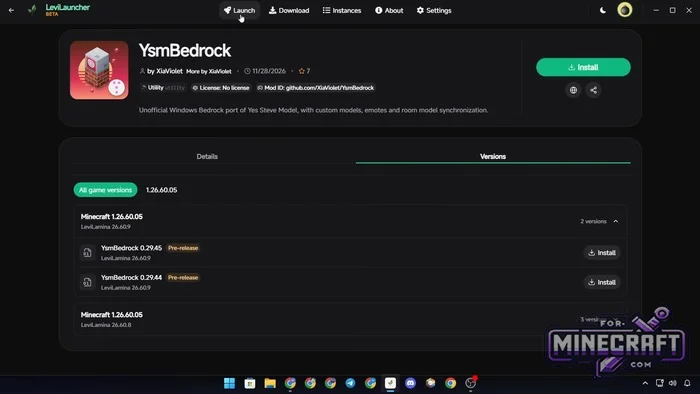
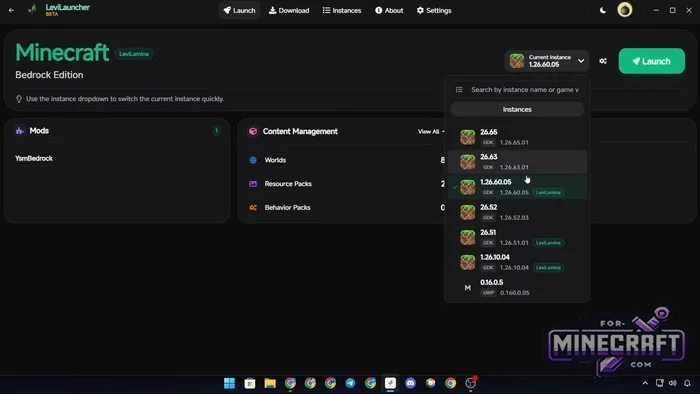
Installation via LeviLauncher:
To run YSM on Minecraft Bedrock, youll need LeviLauncher and the LeviLamina loader (the current build works with game version 1.26.60.05 and LeviLamina version 26.60.9).
- Open the mods section in the launcher and find YsmBedrock using the search function (or download it below and import it).
- Select a pre-release version (for example, 0.29.45) and click the install button.
- Specify the target game instance after which the launcher will automatically check dependencies and load the files.
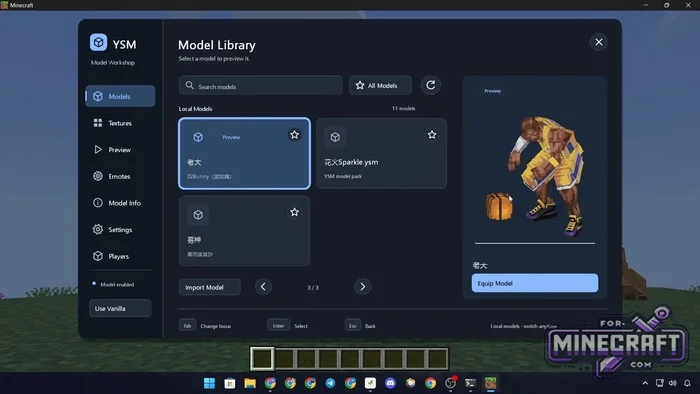
In-Game Workshop:
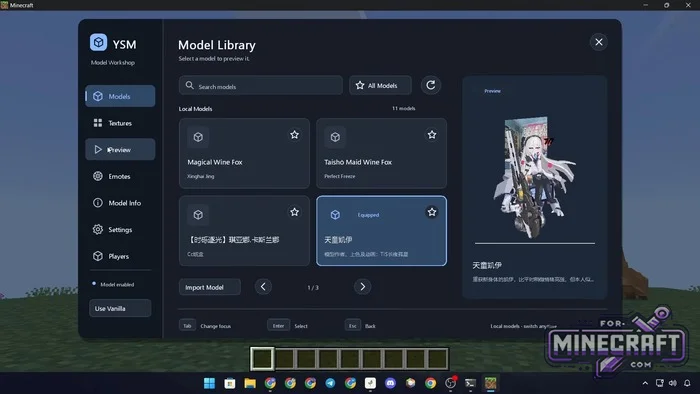
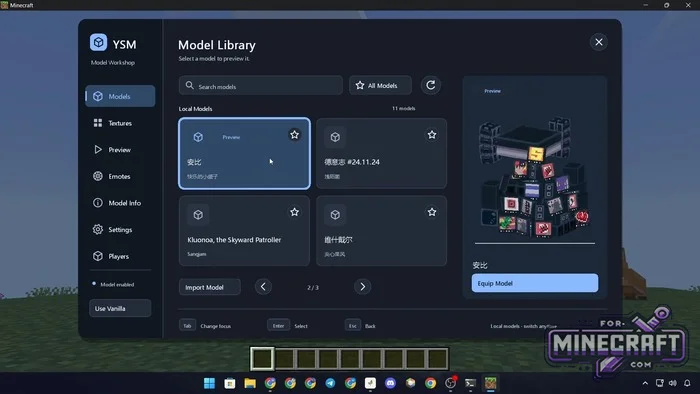
There's a seperate workshop menu where you can import .ysm files, search for specific skins by name, switch textures and rotate 3D previews.
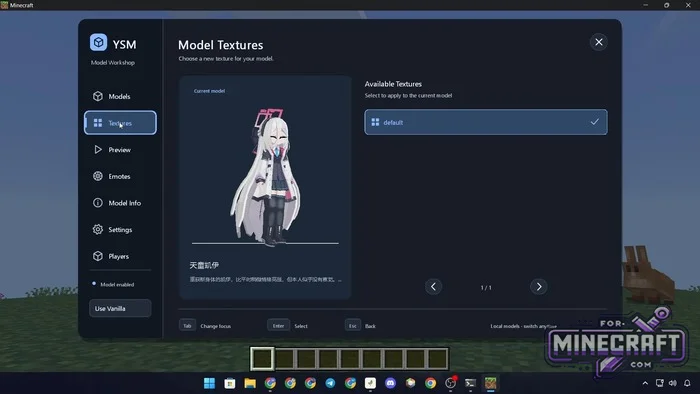
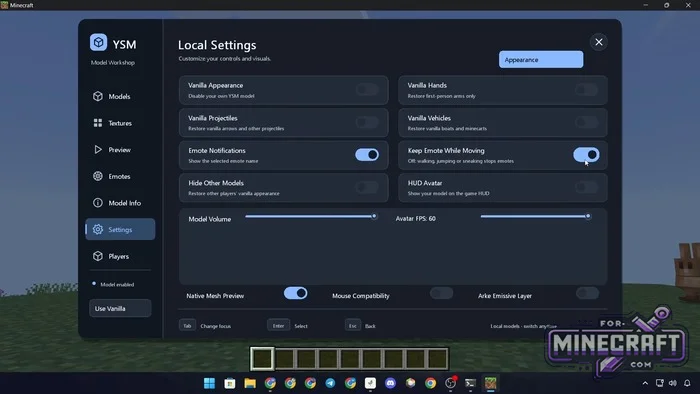
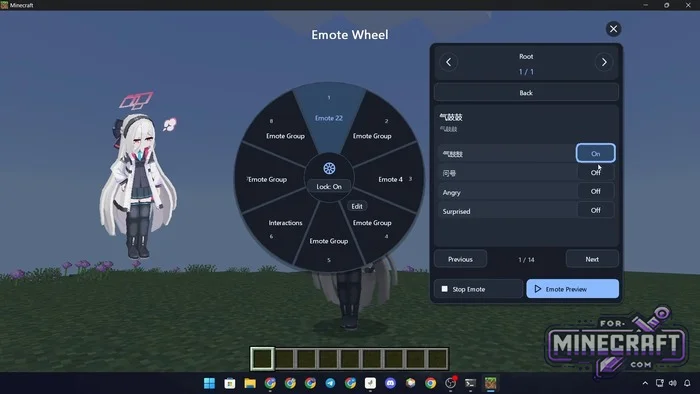
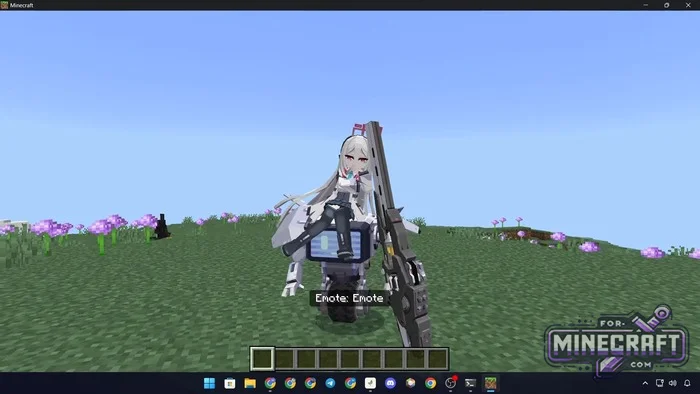
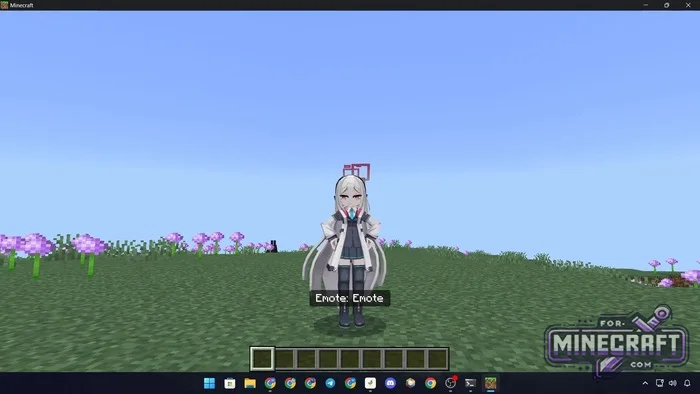
Emotes in Yes Steve Model Bedrock:
A radial emote wheel has been added, divided into groups and pages. You can preview animations, block them or enable them. Local settings also let you adjust the skin's frame rate (up to 60 FPS), the volume of the model's sounds, its display in the interface, and disable other players custom skins, if they obstruct your view. In multiplayer skins are synchronized among room participants.

Credits:
XiaViolet
github.com/XiaViolet/YsmBedrock
Original Java Mod: Yes Steve Model
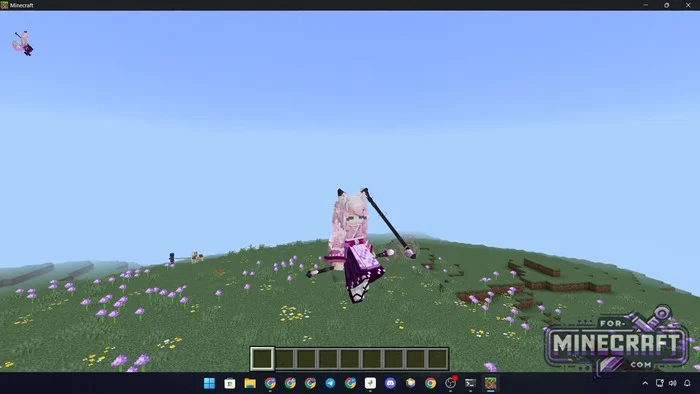
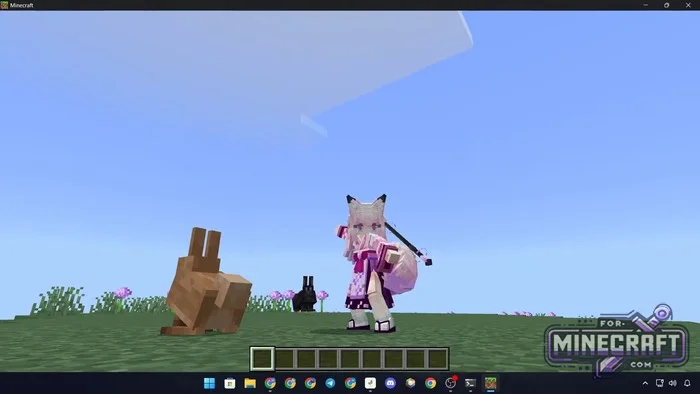
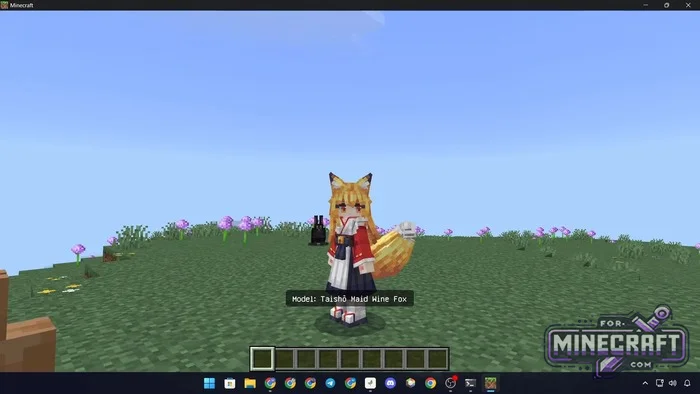
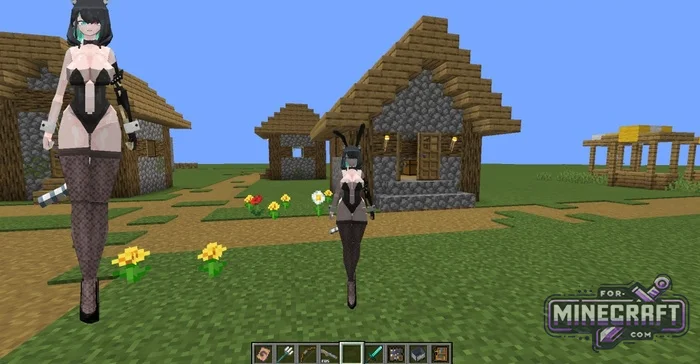
Download Yes Steve Model Bedrock Mod Manager v1.15.0 (Windows/Android/Linux)
Download YSM Free Models
Free Models
- Category: Bedrock Tools
Recommend:
-
Minecraft PE / Bedrock 26.70.26 (1.21.132/26.66)
More epic battles in the new structure, wind shooting mob, auto crafting and more..
-
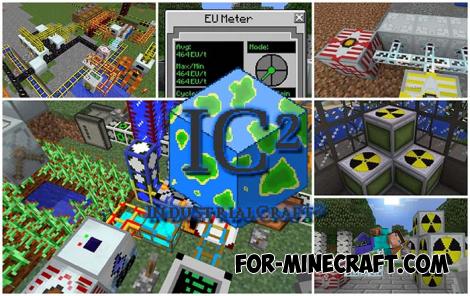 IndustrialCraft PE Mod 2.4.8 for Minecraft PE 1.16
The IndustrialCraft PE history continues and now it goes to a new level..
-
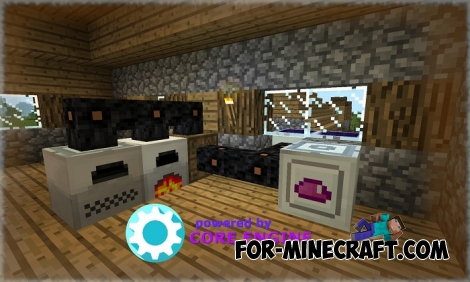 IndustrialCraft PE mod v2.0 Pre-Release 7 for Minecraft PE
IndustrialCraft PE is a global mod for MCPE which is a very accurate IndustrialCraft copy for Minecraft PC. It
-
 Inner Core for Minecraft PE 1.16 - 3.1.1b127-128 (ARM64 Update)
Inner Core was created on the basis of the original MCPE 1.0.3 and is a full complement for creating and playing with
-
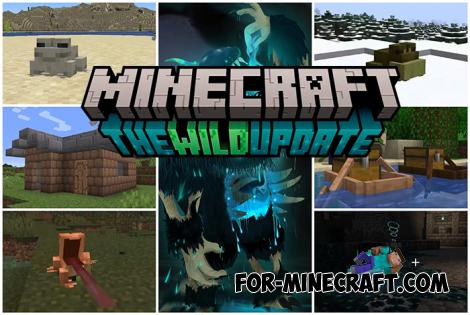 Minecraft PE 1.19.80.24 Beta (1.19.81 Release)
Meet the officially announced Minecraft PE 1.19 update with frogs, warden, fireflies and swamps!
