Popular
-

Minecraft PE 26.70.22 (1.21.132/26.60)
More epic battles in the new structure, wind -

Dynamic Lights PE Addon for MCPE 1.16/1.17/1.18/1.19/1.20/1.21/26.60+
Dynamic Lights has long been created for almost -

TreeCapitator Addon for Minecraft PE 1.17/1.18/1.19/1.20/1.21.132 (26.60)+
No modifications, now the old TreeCapitator is -

Vein Miner & TreeCapitator Addon for Minecraft PE 1.17/1.20/1.21/26.70+
Start your first day working as a miner or -

Apollon Client 6.70 for Minecraft PE 1.21.114/26.52
Apollon is a standalone client wrapped in -

Minecraft Bedrock 1.21.132/26.44/26.70.21 Patched (apk)
Do you prefer to play non render dragon shaders -

LeviLauncher v0.3.11 (LeviLaunchroid v1.6.0) for Minecraft Bedrock 1.21.132/26.60
LeviLauncher is the tool you've been -

Shadow Company Addon for Minecraft PE 1.21/26
A killer weapon addon for Minecraft Bedrock, -

Newb (Legacy/ Dragon/ Trailer/ Glow/ Firelight/ Gold/ Dynamite/ Memories/ Stellar/ AI/ Plus)
Uniting under a single name, all presented Newb -

Mini Structures Addon v2.0 for Minecraft PE 1.18/1.19/1.20/1.21/26.70+
There are 30 structures at the moment, and all
0
How to run Java Shaders on Minecraft Bedrock 1.21/26
- Author: Bernard
- Date:
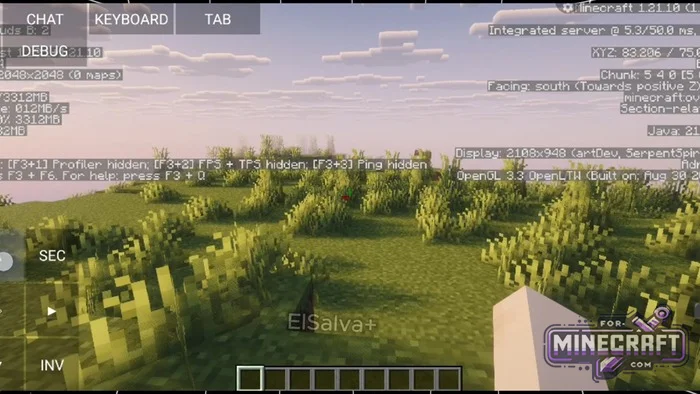
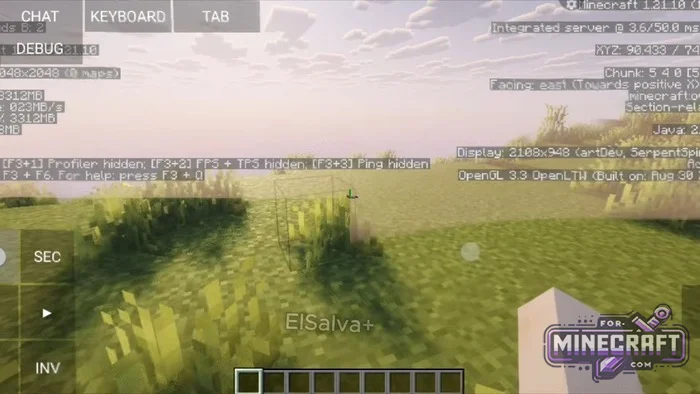
Graphics from Java Edition on a regular smartphone are no longer just a pipe dream. So instead of fiddling with settings in Minecraft Bedrock, you can use special emulation software or ready-made builds. Below is a quick guide on how to run Java shaders in Bedrock Edition (currently available only for Android).
By: ElSalva
Prerequisites:
Mojo Launcher - Assembling a set of optimizers, performance mods, and graphics libraries from scratch takes a long time. Its easier to use a ready-made, optimized build for version 1.21, where the basic set of libraries is already configured and tested. Then just follow a few steps.
Preparation Before Testing:
- Start with effects disabled and a reduced chunk rendering distance.
- Create a simple test world (this makes it easier to tell if the processor can handle the engine emulation).
Selecting Graphics Settings for Your Device:
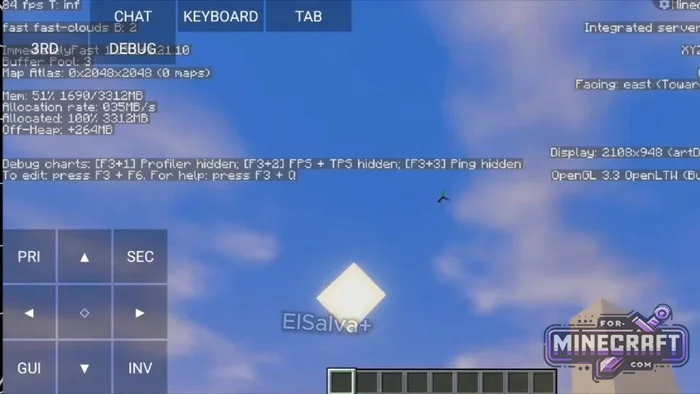
- Lightweight profiles - cut out some effects but consistently deliver around 70 frames per second on mid-range hardware.
- Balanced sets - provide the familiar look of Java lighting with soft shadows, maintaining around 60 FPS with a reasonable render distance.
- Ultra modes - for flagship processors. The frame rate drops to 20 FPS, but the visuals is as realistic as possible.
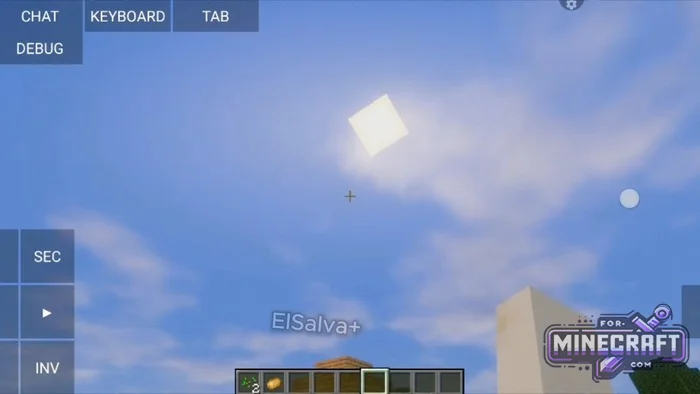
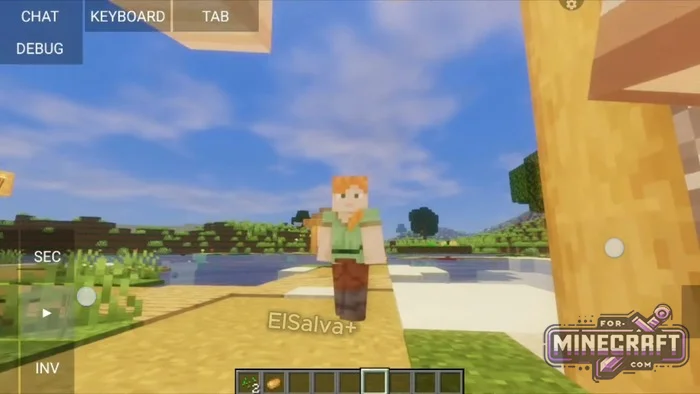
So how do you install a Java shader in Bedrock?
- Download and install Mojo Launcher then grant it permission to access your files.
- Import the pre-made modpack for version 1.21. To avoid the hassle of dealing with Sodium, Iris and graphics libraries, select a pre-configured profile with mods and shaders for version 1.21 (26).
- Configure the basic graphics settings. Before enabling effects go to Video Settings, disable the shaders, lower the Render Distance to 4-6 chunks, and create a test world.
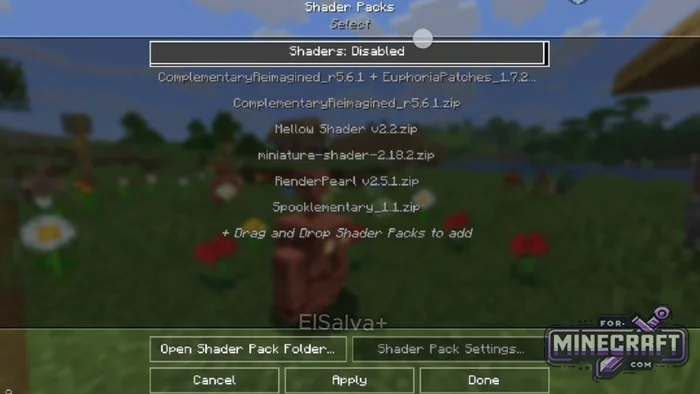
- Enable and test the shader. Open Graphics Settings - Shader Packs and select a preset based on your CPU's performance:
-
- Light preset
- Medium/balanced
- Heavy (ultra)
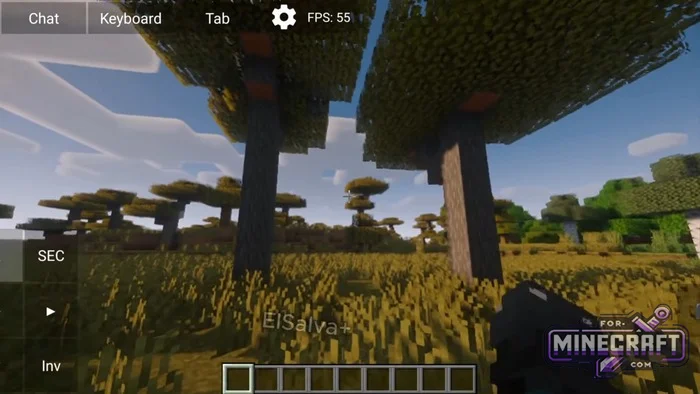
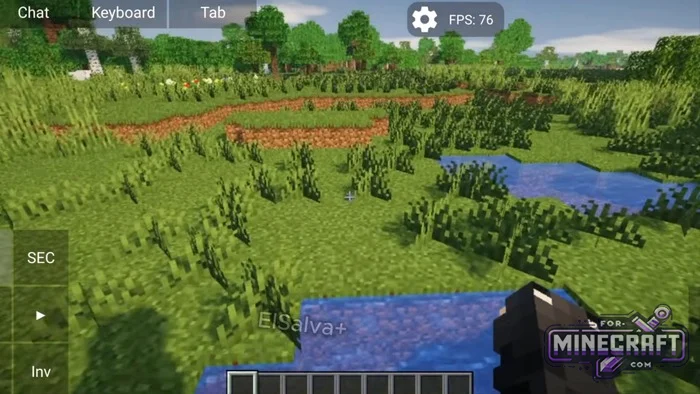
- Category: Shaders for Minecraft Bedrock (PE)
Recommend:
-
 MojoLauncher - Iris Release (play Minecraft Java on Mobile)
MojoLauncher is a newer version that was released recently and features more modern engine and more stable
MojoLauncher - Iris Release (play Minecraft Java on Mobile)
MojoLauncher is a newer version that was released recently and features more modern engine and more stable
-
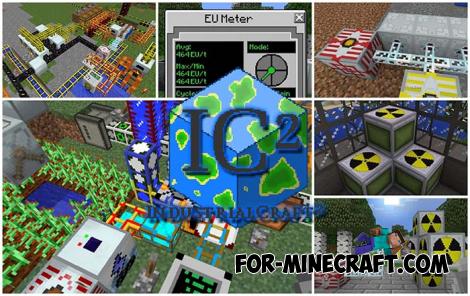 IndustrialCraft PE Mod 2.4.8 for Minecraft PE 1.16
The IndustrialCraft PE history continues and now it goes to a new level..
IndustrialCraft PE Mod 2.4.8 for Minecraft PE 1.16
The IndustrialCraft PE history continues and now it goes to a new level..
-
 IndustrialCraft PE mod v2.0 Pre-Release 7 for Minecraft PE
IndustrialCraft PE is a global mod for MCPE which is a very accurate IndustrialCraft copy for Minecraft PC. It
IndustrialCraft PE mod v2.0 Pre-Release 7 for Minecraft PE
IndustrialCraft PE is a global mod for MCPE which is a very accurate IndustrialCraft copy for Minecraft PC. It
-
Minecraft PE 26.70.22 (1.21.132/26.60)
More epic battles in the new structure, wind shooting mob, auto crafting and more..
-
 Inner Core for Minecraft PE 1.16 - 3.1.1b127-128 (ARM64 Update)
Inner Core was created on the basis of the original MCPE 1.0.3 and is a full complement for creating and playing with
Inner Core for Minecraft PE 1.16 - 3.1.1b127-128 (ARM64 Update)
Inner Core was created on the basis of the original MCPE 1.0.3 and is a full complement for creating and playing with
