Popular
-

Minecraft PE / Bedrock 26.70.22 (1.21.132/26.60)
More epic battles in the new structure, wind -

TreeCapitator Addon for Minecraft PE 1.17/1.18/1.19/1.20/1.21.132 (26.60)+
No modifications, now the old TreeCapitator is -

Vein Miner & TreeCapitator Addon for Minecraft PE 1.17/1.20/1.21/26.70+
Start your first day working as a miner or -

Apollon Client 6.70 for Minecraft PE 1.21.114/26.52
Apollon is a standalone client wrapped in -

Minecraft Bedrock 1.21.132/26.60/26.70.21 Patched (apk)
Do you prefer to play non render dragon shaders -

Body Actions Addon v3.4.13 for Minecraft PE 1.19/1.21.110/26.60+
Humanization of characters in Minecraft Bedrock -

LeviLauncher v0.3.11 (LeviLaunchroid v1.6.0) for Minecraft Bedrock 1.21.132/26.60
LeviLauncher is the tool you've been -

Shadow Company Addon for Minecraft PE 1.21/26
A killer weapon addon for Minecraft Bedrock, -

Newb (Legacy/ Dragon/ Trailer/ Glow/ Firelight/ Gold/ Dynamite/ Memories/ Stellar/ AI/ Plus)
Uniting under a single name, all presented Newb -

Mini Structures Addon v2.0 for Minecraft PE 1.18/1.19/1.20/1.21/26.70+
There are 30 structures at the moment, and all
0
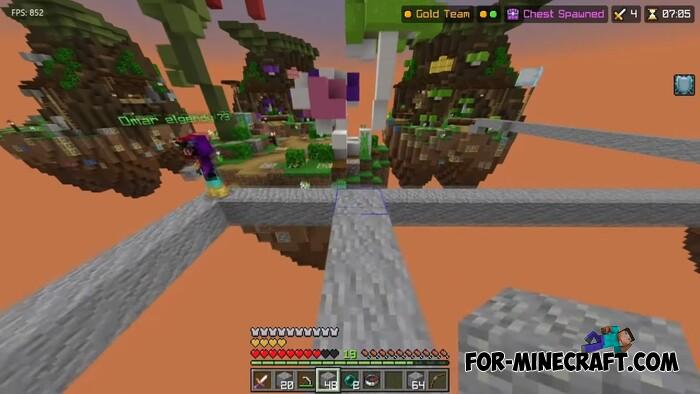
Darkness UI is a lightweight optimizer for Bedrock, the purpose of which is to increase FPS in a systematic way without depriving the game of its main qualities. In simple words, it works with everything that somehow consumes or increases the consumption of resources of your pc or smartphone. Activating it leads to a small increase in frames and simple optimization.
By: ItzRealFad
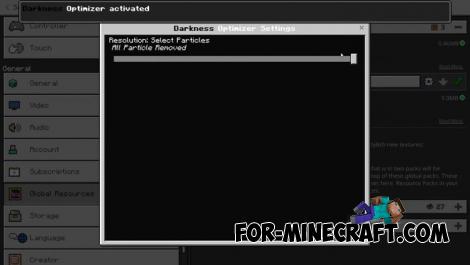
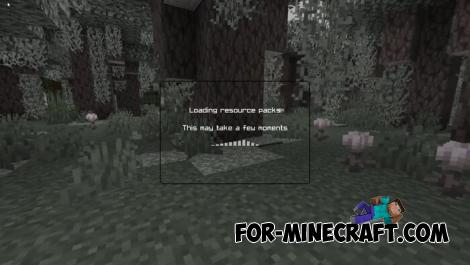
For Minecraft Java, developers have a lot of ways and mods to increase FPS, but in Bedrock Edition there are not so many. At the same time, Darkness does not go into the internal code and is not a patch; it is just a 5MB client.
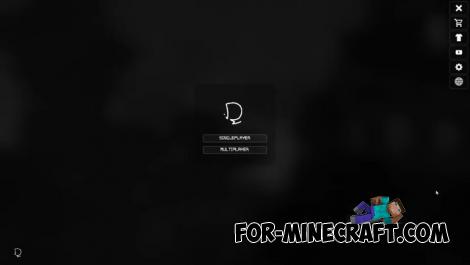
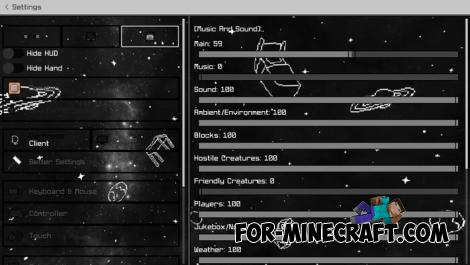
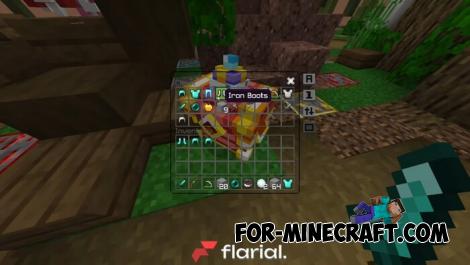
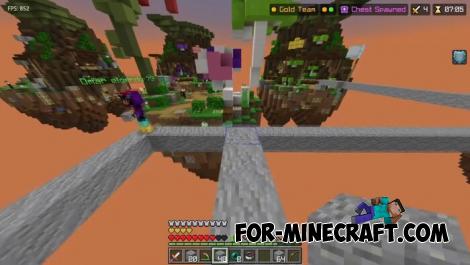
1. Download the pack and open using MCPE
2. Go to the game settings and activate it
Darkness UI Pack for Minecraft PE 1.21
- Author: Bernard
- Date:
Darkness UI is a lightweight optimizer for Bedrock, the purpose of which is to increase FPS in a systematic way without depriving the game of its main qualities. In simple words, it works with everything that somehow consumes or increases the consumption of resources of your pc or smartphone. Activating it leads to a small increase in frames and simple optimization.
By: ItzRealFad
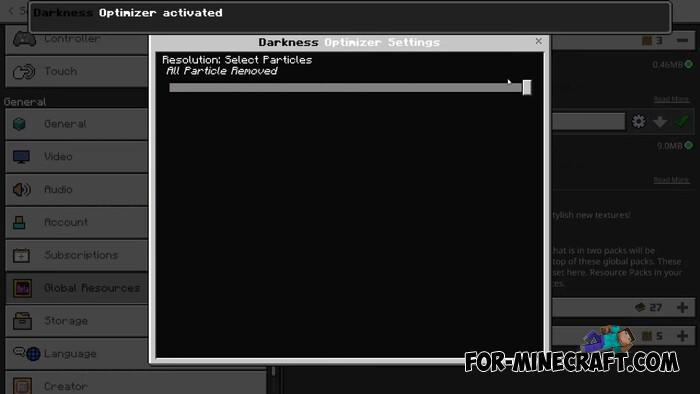
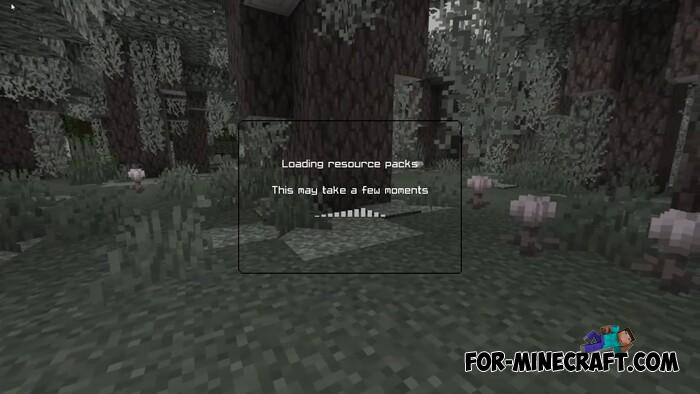
What is optimized?
For Minecraft Java, developers have a lot of ways and mods to increase FPS, but in Bedrock Edition there are not so many. At the same time, Darkness does not go into the internal code and is not a patch; it is just a 5MB client.
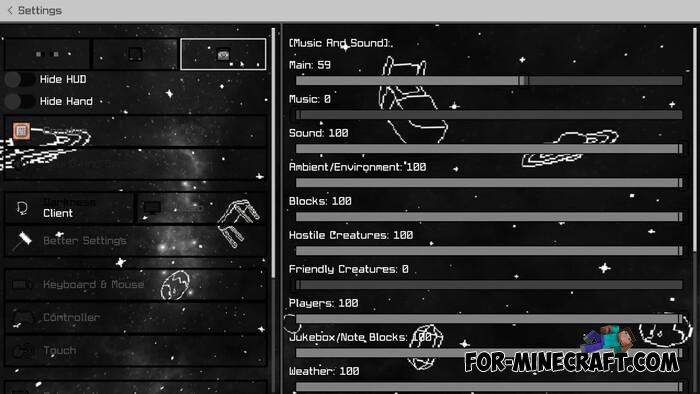
- Fog optimization
- Disabling particles (at your discretion in the client options)
- New fonts
- Minimalistic GUI
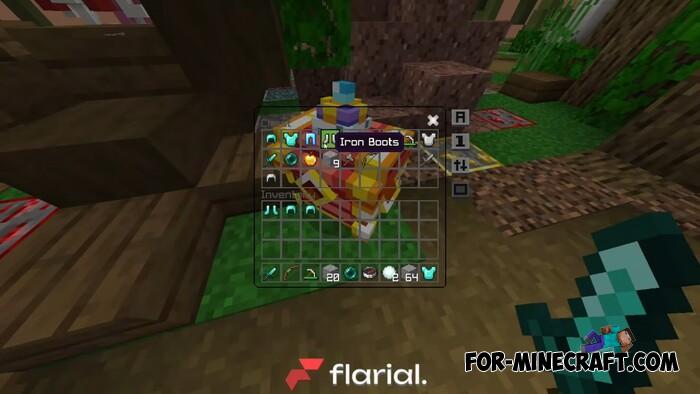
- Transparent inventory
- Simplified tooltips
- Updated world rendering options
- Added lightweight shader
- Advanced options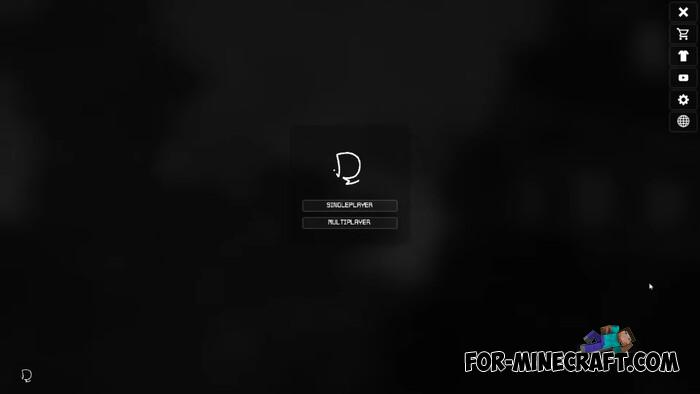
How to install the Darkness UI Pack?
1. Download the pack and open using MCPE
2. Go to the game settings and activate it
- Category: Texture Packs for Minecraft Bedrock
Recommend:
-
 IndustrialCraft PE mod v2.0 Pre-Release 7 for Minecraft PE
IndustrialCraft PE is a global mod for MCPE which is a very accurate IndustrialCraft copy for Minecraft PC. It
IndustrialCraft PE mod v2.0 Pre-Release 7 for Minecraft PE
IndustrialCraft PE is a global mod for MCPE which is a very accurate IndustrialCraft copy for Minecraft PC. It
-
 Pumpkin Patch Resource Pack for Minecraft 1.8.2
 With this resolution is very difficult and almost impossible to reveal
Pumpkin Patch Resource Pack for Minecraft 1.8.2
Pumpkin Patch Resource Pack for Minecraft 1.8.2 With this resolution is very difficult and almost impossible to reveal
-
 IndustrialCraft PE Mod 2.4.8 for Minecraft PE 1.16
The IndustrialCraft PE history continues and now it goes to a new level..
IndustrialCraft PE Mod 2.4.8 for Minecraft PE 1.16
The IndustrialCraft PE history continues and now it goes to a new level..
-
 Download Minecraft PE 1.16.230.56 (1.16.221) - Nether Update
The most massive Nether update with new mobs, plants and biomes!
Download Minecraft PE 1.16.230.56 (1.16.221) - Nether Update
The most massive Nether update with new mobs, plants and biomes!
-
 Inner Core for Minecraft PE 1.16 - 3.1.1b127-128 (ARM64 Update)
Inner Core was created on the basis of the original MCPE 1.0.3 and is a full complement for creating and playing with
Inner Core for Minecraft PE 1.16 - 3.1.1b127-128 (ARM64 Update)
Inner Core was created on the basis of the original MCPE 1.0.3 and is a full complement for creating and playing with
