-

Faithful Textures for MCPE 1.16/1.17/1.19/1.20/1.21/26.52 (32x/64x/128x) (RTX)
Now you can play with the most popular -

Minecraft PE 26.60.30 (1.21.132/26.52)
More epic battles in the new structure, wind -

Dynamic Lights PE Addon for MCPE 1.16/1.17/1.18/1.19/1.20/1.21/26.60+
Dynamic Lights has long been created for almost -

X-Ray for Minecraft Bedrock Edition 1.19/1.20/1.21.132/26.60+
X-Ray is a cult cheat in the past, available as -

TreeCapitator Addon for Minecraft PE 1.17/1.18/1.19/1.20/1.21.132 (26.60)+
No modifications, now the old TreeCapitator is -

Vein Miner & TreeCapitator Addon for Minecraft PE 1.17/1.20/1.21/26.60+
Start your first day working as a miner or -

Java Combat System Addon v8.0 for Bedrock 1.17/1.18/1.19/1.21/26.60+
Install this updated combat system in the form -

Apollon Client 6.53 for Minecraft PE 1.21.114/26.45
Apollon is a standalone client wrapped in -

Minecraft Bedrock 1.21.132/26.44/26.60.29 Patched (apk)
Do you prefer to play non render dragon shaders -

Body Actions Addon v3.4.12 for Minecraft PE 1.19/1.21.110/26.60+
Humanization of characters in Minecraft Bedrock
MaterialBinLoader 2 v0.1.17 for Minecraft Bedrock 1.21/26.50
- Author: Bernard
- Date:
MaterialBinLoader 2 is a tool that handles all the work involved in integrating custom texture and shader files into Bedrock Edition. Unlike similar tools, this one is only about 400 KB in size, doesnt slow down your system, and supports a wide range of shaders for Minecraft (download).
By: mcbegamerxx954
Changelog v0.1.17:
- Updated RPMC_PATTERNS
- Minecraft Bedrock 26.50 support
Changelog v0.1.16:
- Fixes
Changelog v0.1.15:
- Fixes
- Minecraft Bedrock 26.40 support
Changelog v0.1.14:
- Fixes
- Minecraft Bedrock 26.X support
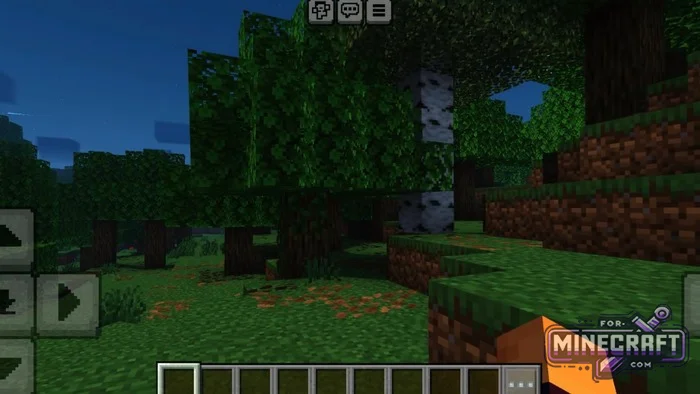
Full list of features:
- RenderDragon support
- Can load camera configuration files (camerafiles).
- Supports replacing existing OreUI files
- Optimized Rust code doesnt affect game load times or FPS.
- Smart auto-fix
- Works on Android (arm64, arm32) and ChromeOS (x86_64).
- The compiled file size is only 300-450 KB.
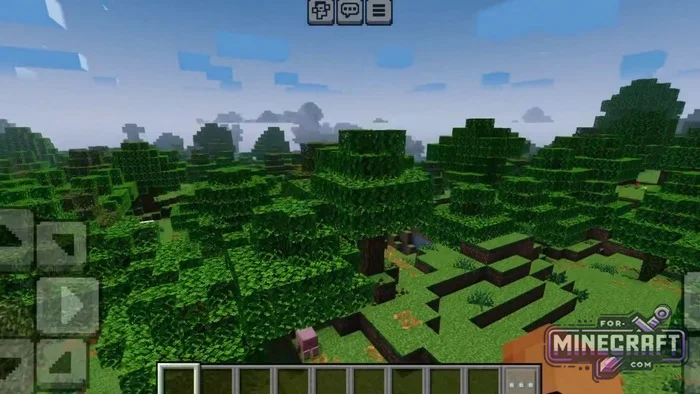
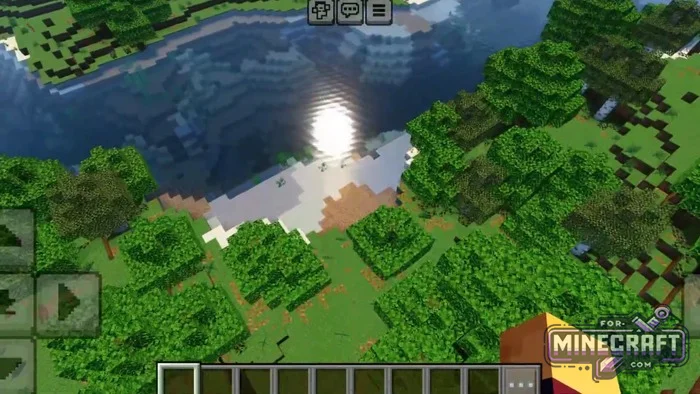
What can MaterialBinLoader 2 do?
The program's main task is to load materialbin and camerafiles. Additionally, it can replace UI elements to customize the interface. On top of that, there is an automatic shader correction system capable of adapting old code. Note that if the Minecraft engine changes a lot, auto-fix may not work or might produce artifacts.
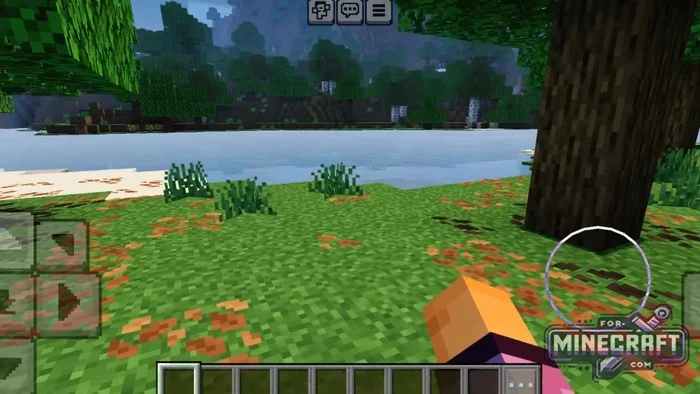
Installation:
MaterialBinLoader 2 offers complete freedom of action-the source code is open and easy to modify. Currently, stable operation is confirmed on the following architectures:
- Android arm32/arm64
- ChromeOS (theoretically supported via x86_64)
- The loader cant restore old shaders from the HAL folder if they are no longer supported! When new patches are released auto-fix may not work correctly.
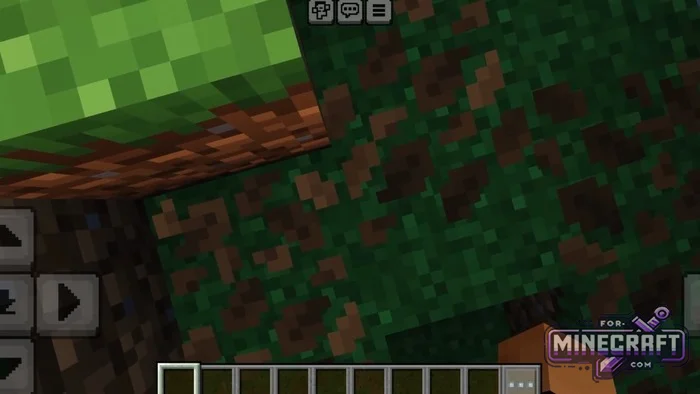
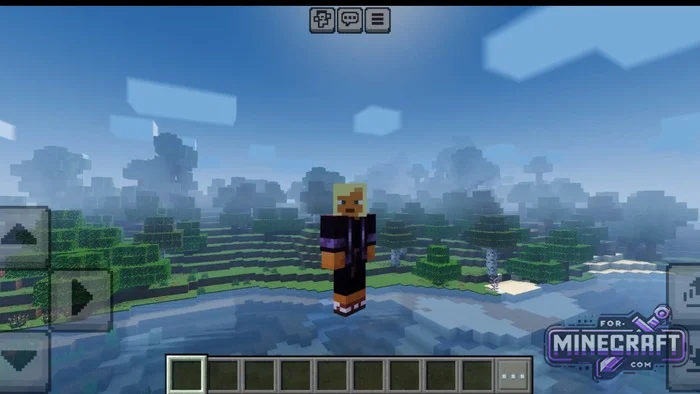
How to install shaders via MBL2?
- Open your resource pack folder.
- Create a path: renderer/materials/.
- Place all your files with the .material.bin extension there.
- Make sure the resource pack's manifest.json specifies the current version
- Activate the pack in Minecraft Bedrock settings.
Using the Autofix feature:
- Before installing an old shader, make sure you have the latest version of MBL2.
- If you see pink textures or a black screen after Autofix, try deleting the shaders folder in the game's system files (do not touch the original APK).
- Note that Autofix cannot restore files from the HAL folder (internal shader storage). If the shader is outdated check for an update if one is available.
Building the project yourself:
- Install Rust (via rustup) and the Android NDK (version r25 or higher).
- Run the following command in the console: rustup target add aarch64-linux-android (for 64-bit).
- Navigate to the project folder and run the build: cargo build --release --target aarch64-linux-android.
- The resulting file will appear in the target/ directory. You can now use it to inject into an APK or via special launchers like LeviLauncher.
Reason: Added v0.1.17 for 1.26.50
- Category: Bedrock Tools
Recommend:
-
 PlankzPlus (BlockzPlus) Addon for Minecraft PE 1.18/1.19
PlankzPlus is a variant of Chisel in a way, published as an addon for Minecraft Bedrock Edition 1.18 and 1.19..
PlankzPlus (BlockzPlus) Addon for Minecraft PE 1.18/1.19
PlankzPlus is a variant of Chisel in a way, published as an addon for Minecraft Bedrock Edition 1.18 and 1.19..
-
 Chisel Addon v2.0.0 for Minecraft PE 1.14/1.20
A couple of years ago, Chisel was in the top 10 most popular mods for Minecraft thanks to a huge number of new
Chisel Addon v2.0.0 for Minecraft PE 1.14/1.20
A couple of years ago, Chisel was in the top 10 most popular mods for Minecraft thanks to a huge number of new
-
Minecraft PE 26.60.30 (1.21.132/26.52)
More epic battles in the new structure, wind shooting mob, auto crafting and more..
-
 IndustrialCraft PE Mod 2.4.8 for Minecraft PE 1.16
The IndustrialCraft PE history continues and now it goes to a new level..
IndustrialCraft PE Mod 2.4.8 for Minecraft PE 1.16
The IndustrialCraft PE history continues and now it goes to a new level..
-
 IndustrialCraft PE mod v2.0 Pre-Release 7 for Minecraft PE
IndustrialCraft PE is a global mod for MCPE which is a very accurate IndustrialCraft copy for Minecraft PC. It
IndustrialCraft PE mod v2.0 Pre-Release 7 for Minecraft PE
IndustrialCraft PE is a global mod for MCPE which is a very accurate IndustrialCraft copy for Minecraft PC. It
