-

Faithful Textures for MCPE 1.16/1.17/1.19/1.20/1.21/26.52 (32x/64x/128x) (RTX)
Now you can play with the most popular -

Minecraft PE 26.60.30 (1.21.132/26.52)
More epic battles in the new structure, wind -

Dynamic Lights PE Addon for MCPE 1.16/1.17/1.18/1.19/1.20/1.21/26.60+
Dynamic Lights has long been created for almost -

X-Ray for Minecraft Bedrock Edition 1.19/1.20/1.21.132/26.60+
X-Ray is a cult cheat in the past, available as -

TreeCapitator Addon for Minecraft PE 1.17/1.18/1.19/1.20/1.21.132 (26.60)+
No modifications, now the old TreeCapitator is -

Vein Miner & TreeCapitator Addon for Minecraft PE 1.17/1.20/1.21/26.60+
Start your first day working as a miner or -

Java Combat System Addon v8.0 for Bedrock 1.17/1.18/1.19/1.21/26.60+
Install this updated combat system in the form -

Apollon Client 6.53 for Minecraft PE 1.21.114/26.45
Apollon is a standalone client wrapped in -

Minecraft Bedrock 1.21.132/26.44/26.60.29 Patched (apk)
Do you prefer to play non render dragon shaders -

Body Actions Addon v3.4.12 for Minecraft PE 1.19/1.21.110/26.60+
Humanization of characters in Minecraft Bedrock
WClient v37.0 for Minecraft Bedrock 1.26.51+ (26.45)
- Author: Bernard
- Date:
WClient uses packet-level proxying instead of interfering with RAM which is one of the ways it differs from other Minecraft Bedrock clients. Overall the list of features is fairly standard, but it supports version 1.26 as well as all game modes. Additionally WClient has updated its interface for mobile devices (originally designed for Windows 11).
By: RetrivedMods
Changelog:
v37.0:
- Bedrock 1.26.51 support
v36.0:
- Bedrock 1.26.45 support
- Added TPMine
- Added BlockESP
- Improved Server Manager
- Added Stash Finder
v35.0:
- Bedrock 1.26.40 support
- Improved Auto Totem
- Added Chest ESP (Beta)
- Fixes
v34.0:
- Bedrock 1.26.33 support (beta not tested)
- Added Fast Drop
- Added Sus Chunk Finder
v32.0:
- Bedrock 1.26.32 Support
- Added Shulker Preview
- Added Old Motion Fly Lifeboat Mode
- Added Lifeboat Disabler
v31.0:
- Minecraft 1.26.30 Support
- Fixed inventory item bugs
- Fixed some crashes
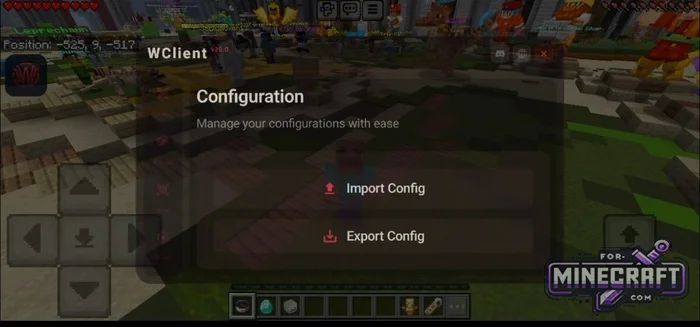
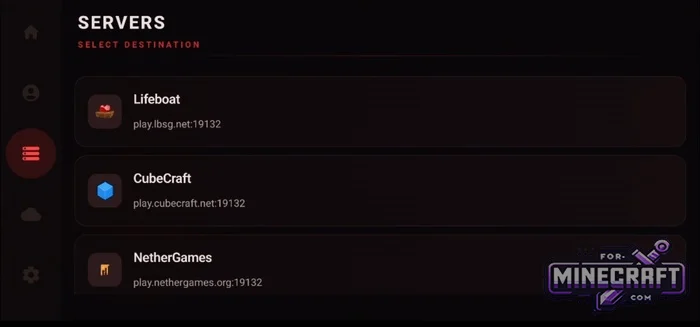
Profile Setup:
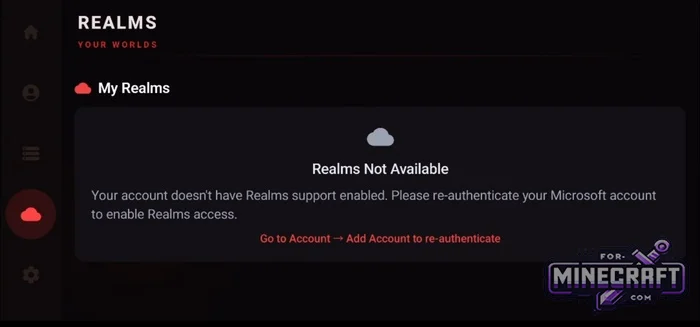
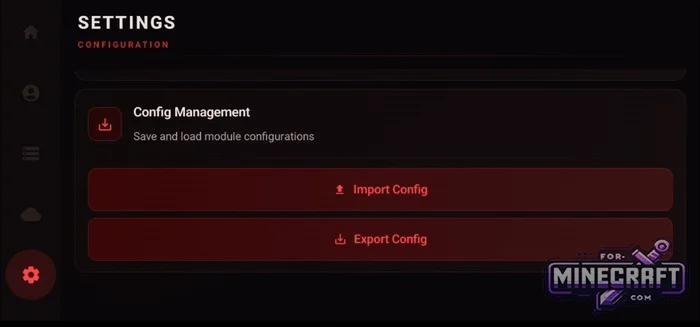
You need to log in with your Minecraft account. The main menu features a list of popular servers as well as support for Realms servers. In the WClient settings you can specify the game path customize the theme and menu transparency and import or export pre-made configurations.
Combat and Movement Features:
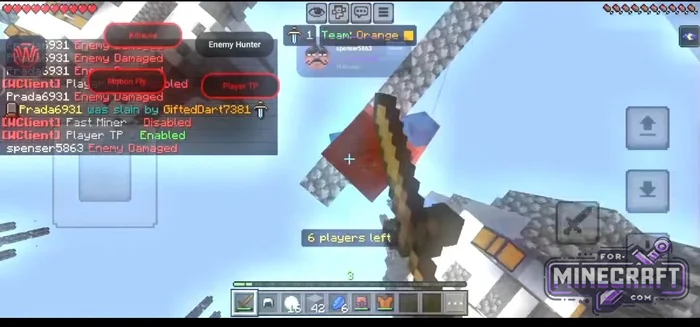
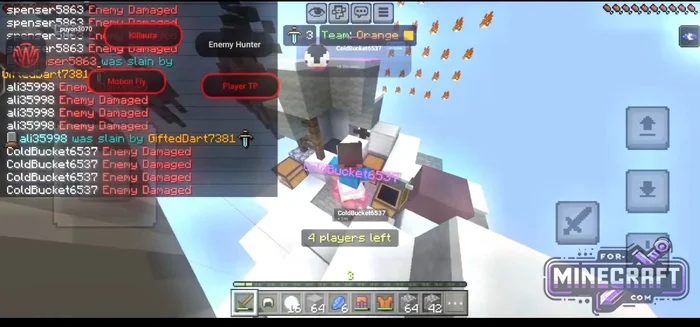
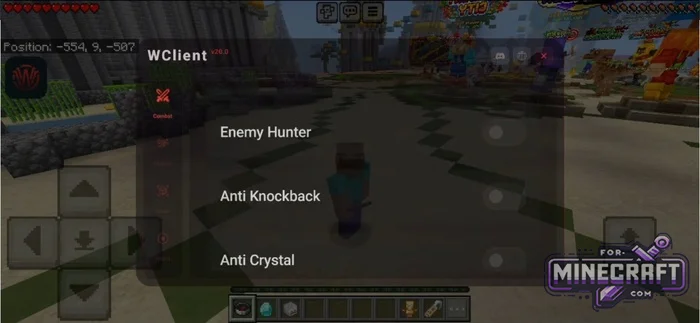
Flying on servers works by controlling vertical and horizontal speed while bypassing anti-glitch systems. The combat module includes auto-selection of the best weapon area attacks with CPS limits target tracking and tracking of invisible players. For emergency situations an auto-exit feature has been added when health reaches a critical level.
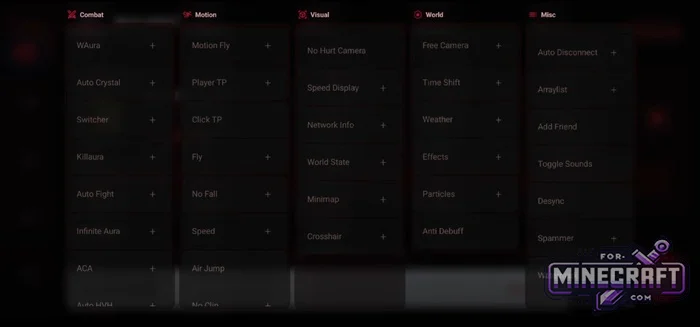
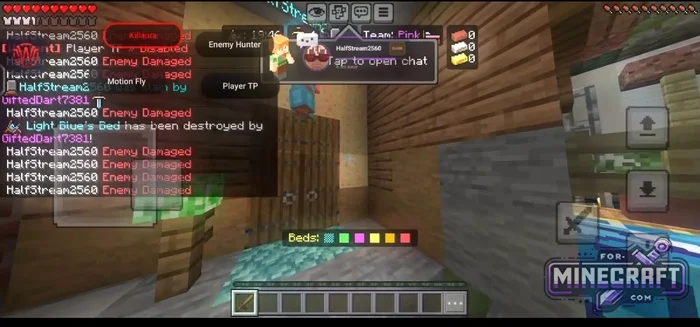
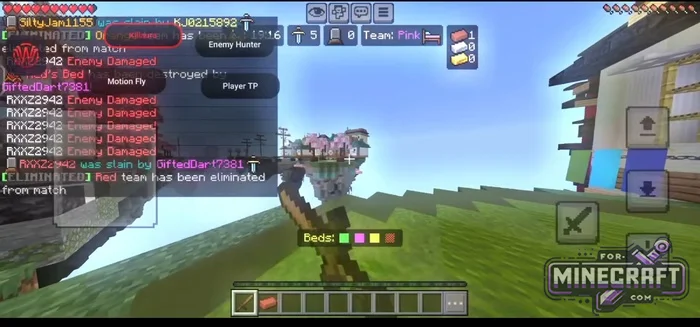
Combat:
- Killaura (automatic surrounding attacks)
- WAura (customizable attack aura)
- OPFightBot (smart combat bot)
- EnemyHunter (agressive target pursuit)
Movement - Motion:
- MotionFly (flight that bypasses defenses)
- Speed (stable fast running)
- PlayerTP (teleport to enemy)
Visual:
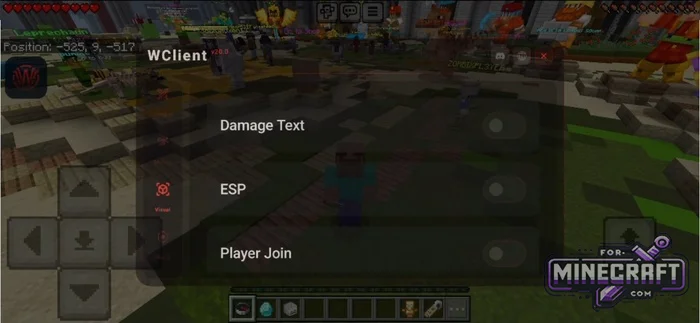
- ESP (highlighting of players and armor)
- DamageText (display of damage dealt)
- Smooth Zoom (smooth camera zoom)
Utility:
- Auto Armour (auto-equip best armor)
- Auto Disconnect (auto-disconnect on low HP)
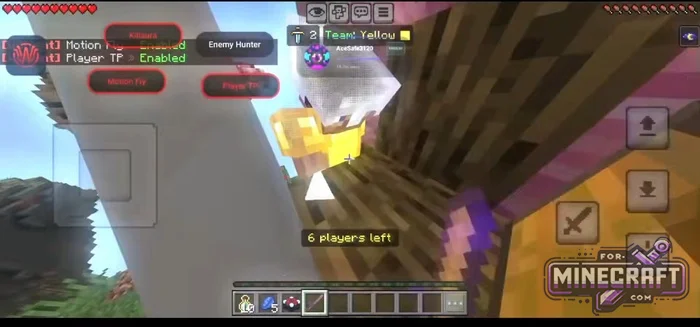
WClient FAQ:
Safe flight without kicks (MotionFly):
- Go to the MotionFly settings via the Motion menu.
- Set the horizontal speed (horizontalSpeed) between 1.4 and 1.6.
- Enable the anti-kick feature
- Activate the module and fly diagonally without sudden jerks
Silent farming in the arena (WAura + Auto Armour):
- Open Misc and enable Auto Armour
- Go to Combat -> WAura and open the drop-down menu.
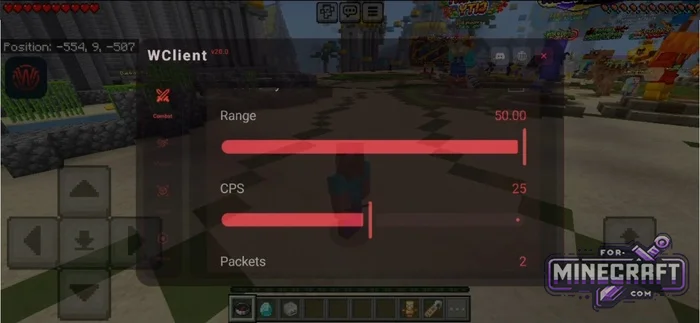
- Lower the CPS (clicks per second) to 12-15 and set the range to 3.8-4.2 blocks (the standard 25 CPS and 50-block range will get you banned instantly).
- Enable team detection so you dont attack your own teammates.
Legit Config:
- In the visual settings enable ESP and Smooth Zoom
- In the combat menu completely disable auto-attacks (Killaura). Instead use only DamageText to see the enemys exact HP.
- In the Misc menu enable Auto Disconnect and set the threshold to 2-3 hearts. If you start getting cornered W Client will automatically disconnect you from the Bedrock server before you lose your items.
Transferring settings to another device (JSON Config):
- Find the ideal settings for all mods
- Go to the WClient main menu (before launching Minecraft PE).
- Go to Settings and find the option to export the configuration.
- Save the generated json and transfer it to the second device.
- On the new device click Import and select this seperate file
Download WClient v30.0 for Minecraft Bedrock 1.26.20
Download WClient v31.0 for Minecraft Bedrock 1.26.30
Download WClient v32.0 for Minecraft Bedrock 1.26.32
Download WClient v34.0 for Minecraft Bedrock 1.26.33
Download WClient v35.0 for Minecraft Bedrock 1.26.40
Download WClient v36.0 for Minecraft Bedrock 1.26.45
Download WClient v37.0 for Minecraft Bedrock 1.26.51
Reason: Added v37.0 for MCPE 26.51
- Category: Clients for Minecraft Bedrock
Recommend:
-
 IndustrialCraft PE Mod 2.4.8 for Minecraft PE 1.16
The IndustrialCraft PE history continues and now it goes to a new level..
IndustrialCraft PE Mod 2.4.8 for Minecraft PE 1.16
The IndustrialCraft PE history continues and now it goes to a new level..
-
 IndustrialCraft PE mod v2.0 Pre-Release 7 for Minecraft PE
IndustrialCraft PE is a global mod for MCPE which is a very accurate IndustrialCraft copy for Minecraft PC. It
IndustrialCraft PE mod v2.0 Pre-Release 7 for Minecraft PE
IndustrialCraft PE is a global mod for MCPE which is a very accurate IndustrialCraft copy for Minecraft PC. It
-
 Plants vs Zombies 2 Addon (2.4) for Minecraft PE 1.19/1.21+
The main war between plants and zombies starts here..
Plants vs Zombies 2 Addon (2.4) for Minecraft PE 1.19/1.21+
The main war between plants and zombies starts here..
-
 Inner Core for Minecraft PE 1.16 - 3.1.1b127-128 (ARM64 Update)
Inner Core was created on the basis of the original MCPE 1.0.3 and is a full complement for creating and playing with
Inner Core for Minecraft PE 1.16 - 3.1.1b127-128 (ARM64 Update)
Inner Core was created on the basis of the original MCPE 1.0.3 and is a full complement for creating and playing with
-
 Chisel Addon v2.0.0 for Minecraft PE 1.14/1.20
A couple of years ago, Chisel was in the top 10 most popular mods for Minecraft thanks to a huge number of new
Chisel Addon v2.0.0 for Minecraft PE 1.14/1.20
A couple of years ago, Chisel was in the top 10 most popular mods for Minecraft thanks to a huge number of new
