-

Faithful Textures for MCPE 1.16/1.17/1.19/1.20/1.21/26.52 (32x/64x/128x) (RTX)
Now you can play with the most popular -

Minecraft PE 26.60.30 (1.21.132/26.52)
More epic battles in the new structure, wind -

Dynamic Lights PE Addon for MCPE 1.16/1.17/1.18/1.19/1.20/1.21/26.60+
Dynamic Lights has long been created for almost -

X-Ray for Minecraft Bedrock Edition 1.19/1.20/1.21.132/26.60+
X-Ray is a cult cheat in the past, available as -

TreeCapitator Addon for Minecraft PE 1.17/1.18/1.19/1.20/1.21.132 (26.60)+
No modifications, now the old TreeCapitator is -

Vein Miner & TreeCapitator Addon for Minecraft PE 1.17/1.20/1.21/26.60+
Start your first day working as a miner or -

Java Combat System Addon v8.0 for Bedrock 1.17/1.18/1.19/1.21/26.60+
Install this updated combat system in the form -

Apollon Client 6.53 for Minecraft PE 1.21.114/26.45
Apollon is a standalone client wrapped in -

Minecraft Bedrock 1.21.132/26.44/26.60.29 Patched (apk)
Do you prefer to play non render dragon shaders -

Body Actions Addon v3.4.12 for Minecraft PE 1.19/1.21.110/26.60+
Humanization of characters in Minecraft Bedrock
Azelux Client v1 for Minecraft Bedrock 1.21/26.13
- Author: Bernard
- Date:
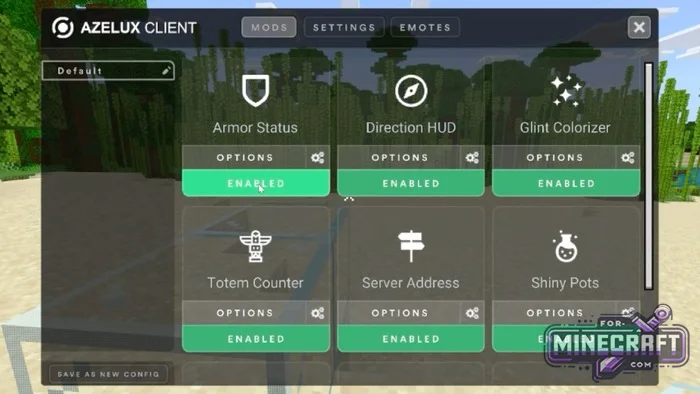
Azelux Client is a new take on what the interface in Minecraft Bedrock could look like. Essentially, it's an attempt to bring the Java version's GUI over to mobile devices and consoles, and yes, it's a client for all platforms, not just Windows. Among its highlights are various configurations and menus, along with character customization options (still being refined but already in beta).
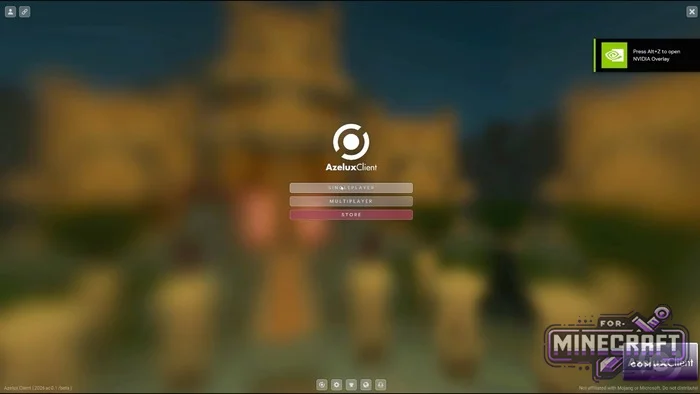
General Changes:
The main menu has a minimalist look thanks to a blurred background and centered buttons. Quick access icons for settings and skins have been added to the bottom of the screen.
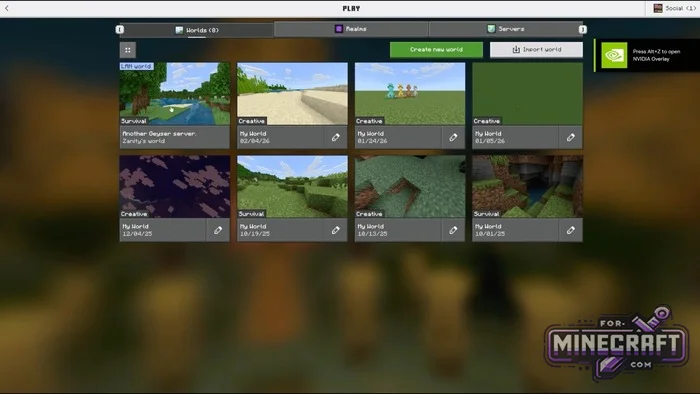
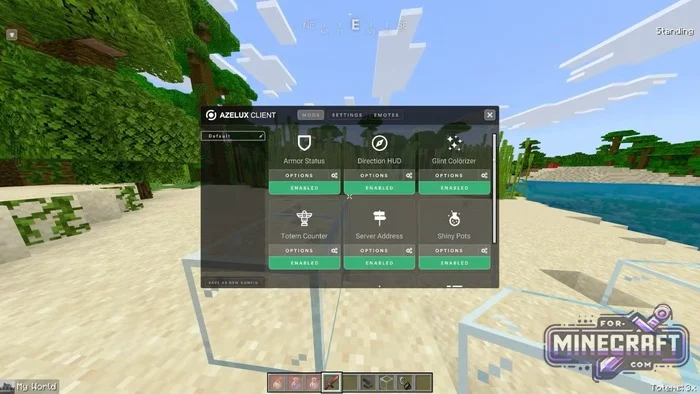
Customization:
Inside, there's a mods menu (double tap) where you can enable everything from armor and coordinate indicators to totem counters.
- The inventory interface is shifted to the right
- The chat has been redesigned in the Java Edition style and is located at the bottom
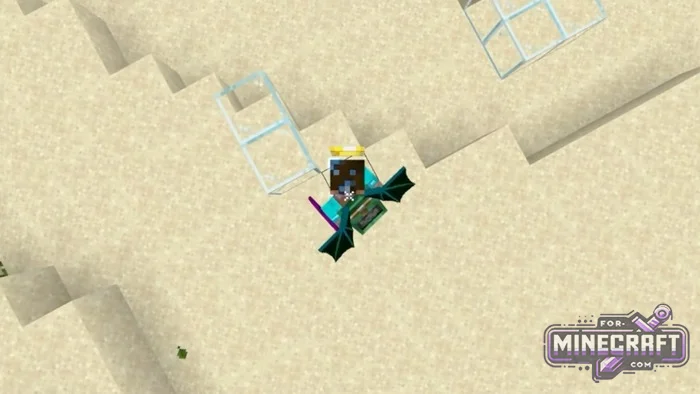
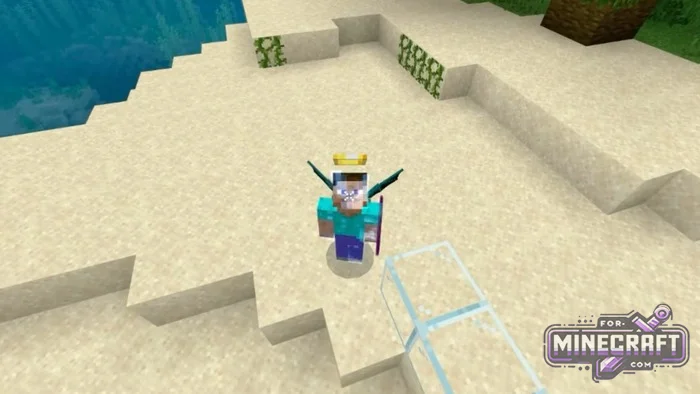
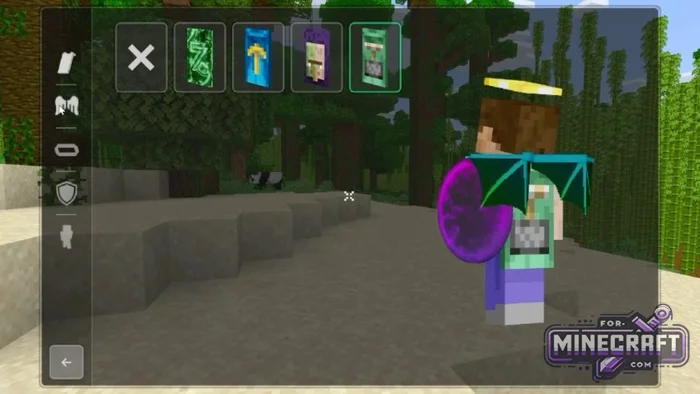
- Support for custom capes, wings, and halos has been implemented, these can be selected in the cosmetics menu.
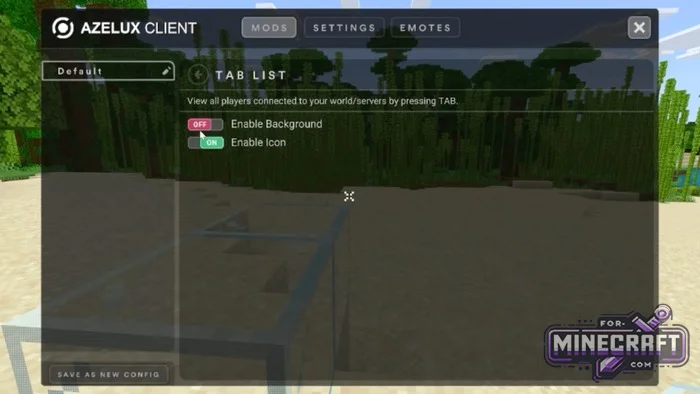
Emotes and Moves:
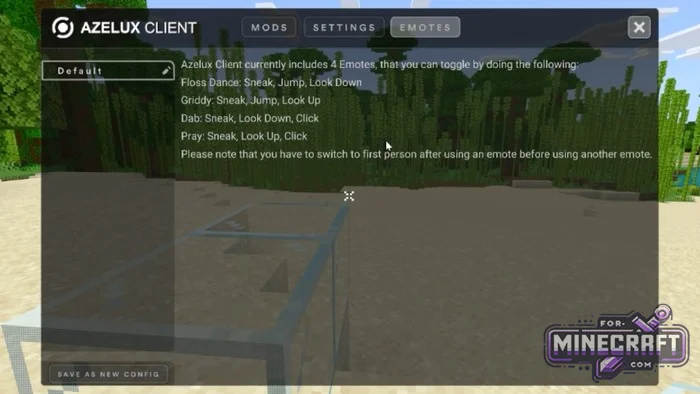
Azelux Client also has built in emotes. For example, to perform a dance or a greeting, you need to crouch, jump or look in the right direction in a specific order. A list of available moves, such as Griddy or Dab is displayed in a seperate settings window.
Still in beta:
The main issue at the moment is settings reset. If you dont save the configuration manually, the settings are reset every time you enter a new world or server. The amount of enabled modules and features can cause frame rate drops, even on powerfull devices!
Other features:
- Low Fire Mode
- Player list in the style of classic PC Minecraft.
- Configuration system, the ability to save your own presets.
- Glint Colorizer
- Extensive cosmetic options
- All features and menus work correctly on touchscreens.
How To Save Your CONFIG:
Credits:
©Azelux Productions.
- Made by VelanMC, lliT and Pepe.
- Restart your game after applying the pack.
- Disable Vibrant Visuals for the best experience!
Download Azelux Client v1 for Minecraft Bedrock 1.21/26.13+
- Category: Clients for Minecraft Bedrock
Recommend:
-
Minecraft PE 26.60.30 (1.21.132/26.52)
More epic battles in the new structure, wind shooting mob, auto crafting and more..
-
 Inner Core for Minecraft PE 1.16 - 3.1.1b127-128 (ARM64 Update)
Inner Core was created on the basis of the original MCPE 1.0.3 and is a full complement for creating and playing with
Inner Core for Minecraft PE 1.16 - 3.1.1b127-128 (ARM64 Update)
Inner Core was created on the basis of the original MCPE 1.0.3 and is a full complement for creating and playing with
-
 IndustrialCraft PE mod v2.0 Pre-Release 7 for Minecraft PE
IndustrialCraft PE is a global mod for MCPE which is a very accurate IndustrialCraft copy for Minecraft PC. It
IndustrialCraft PE mod v2.0 Pre-Release 7 for Minecraft PE
IndustrialCraft PE is a global mod for MCPE which is a very accurate IndustrialCraft copy for Minecraft PC. It
-
 Dragon Dance Resource Pack for Minecraft Bedrock 1.14+
Dragon Dance is a fairly old resource pack for Minecraft PE ported to the current version of Bedrock..
Dragon Dance Resource Pack for Minecraft Bedrock 1.14+
Dragon Dance is a fairly old resource pack for Minecraft PE ported to the current version of Bedrock..
-
 IndustrialCraft PE Mod 2.4.8 for Minecraft PE 1.16
The IndustrialCraft PE history continues and now it goes to a new level..
IndustrialCraft PE Mod 2.4.8 for Minecraft PE 1.16
The IndustrialCraft PE history continues and now it goes to a new level..
