-

Faithful Textures for MCPE 1.16/1.17/1.19/1.20/1.21/26.52 (32x/64x/128x) (RTX)
Now you can play with the most popular -

Minecraft PE 26.60.29 (1.21.132/26.52)
More epic battles in the new structure, wind -

Dynamic Lights PE Addon for MCPE 1.16/1.17/1.18/1.19/1.20/1.21/26.60+
Dynamic Lights has long been created for almost -

X-Ray for Minecraft Bedrock Edition 1.19/1.20/1.21.132/26.60+
X-Ray is a cult cheat in the past, available as -

TreeCapitator Addon for Minecraft PE 1.17/1.18/1.19/1.20/1.21.132 (26.60)+
No modifications, now the old TreeCapitator is -

Vein Miner & TreeCapitator Addon for Minecraft PE 1.17/1.20/1.21/26.60+
Start your first day working as a miner or -

Java Combat System Addon v8.0 for Bedrock 1.17/1.18/1.19/1.21/26.60+
Install this updated combat system in the form -

Apollon Client 6.53 for Minecraft PE 1.21.114/26.45
Apollon is a standalone client wrapped in -

Minecraft Bedrock 1.21.132/26.44/26.60.23 Patched (apk)
Do you prefer to play non render dragon shaders -

Body Actions Addon v3.4.12 for Minecraft PE 1.19/1.21.110/26.60+
Humanization of characters in Minecraft Bedrock
MCPELauncher v1.8.4 - Run Minecraft Bedrock on Linux & macOS
- Author: Bernard
- Date:
If you use Linux or macOS, you probably know that you can't officially play the Bedrock version of Minecraft on these systems because Microsoft only offers Java. The solution is MCPELauncher, which lets you run Bedrock Edition on your OS. However, this is an unofficial tool that takes files from the Android version and makes them work on your PC. Details below.
Changelog:
v1.8.4:
- Fixed Google Login Error
v1.8.3:
- fixed a bug in the UI for update detection
- Added MCBE 1.26.50
v1.7.6:
- This release updates some macOS and linux binaries to current libcurl 8.21.0
v1.7.4:
- Show if selected version is ChromeOS or Android in ChromeOS mode
- Fixed latest compatible version for ChromeOS mode
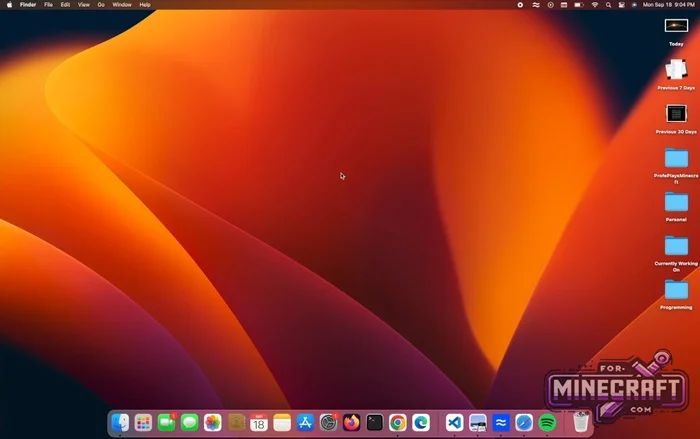
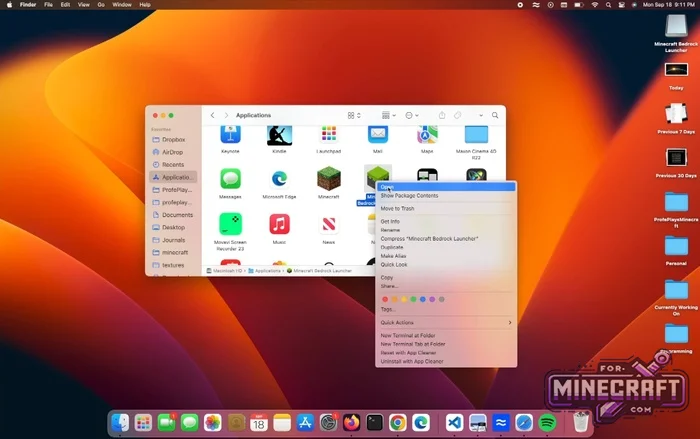
Important:
Essentially, it's a lightweight layer that translates Android system commands into instructions your PC can understand. This is much faster and more efficient than running a smartphone emulator. But keep in mind that MCPELauncher is still in development, and has bugs.
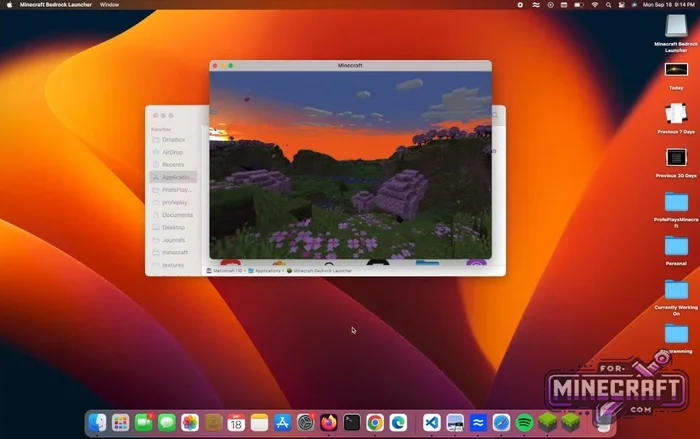
MCPELauncher Features:
- Launch the Android version directly through library compatibility (this is not emulation!!!)
- Support for Linux (x86_64, ARM) and macOS (Intel, Apple Silicon).
- Ability to select any installed version of the game through profiles
- Flexible configuration of enviroment variables to fix graphics bugs.
- Convenient manager for importing worlds and resource packs.
- Support for gamepads with the ability to manually configure dead zones.
- Separate data storage for different versions of the game.
- Built-in logging tool to find the causes of crashes.
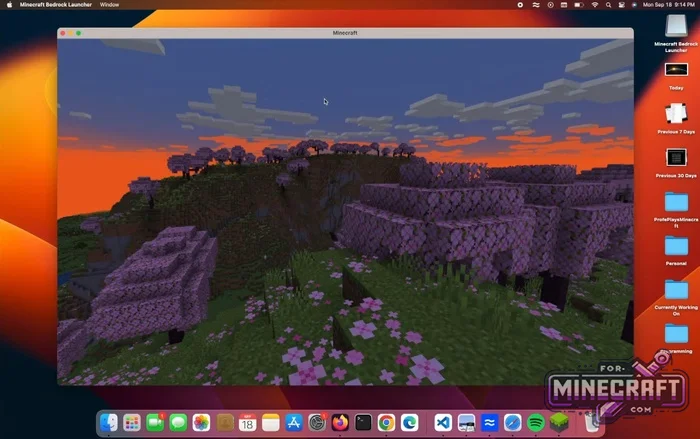
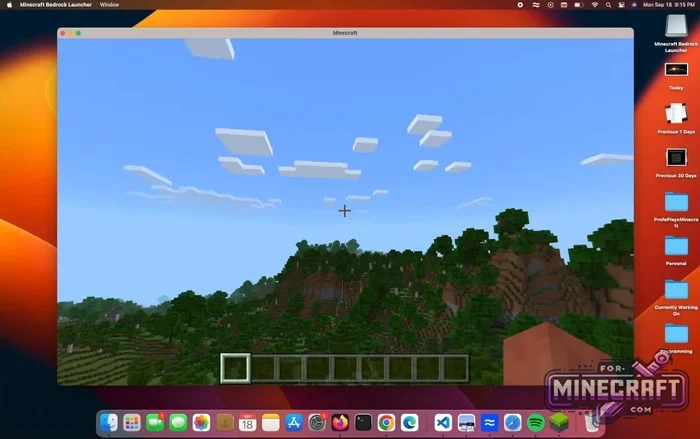
System requirements and graphics:
To run MCPELauncher, you need OpenGL ES support. For current versions of the game (1.21+), OpenGL ES 3.0 is required almost everywhere.
- Linux - Works on most distributions via Flatpak or AppImage.
- macOS: Both older Intel Macs and newer Apple M-series processors are supported.
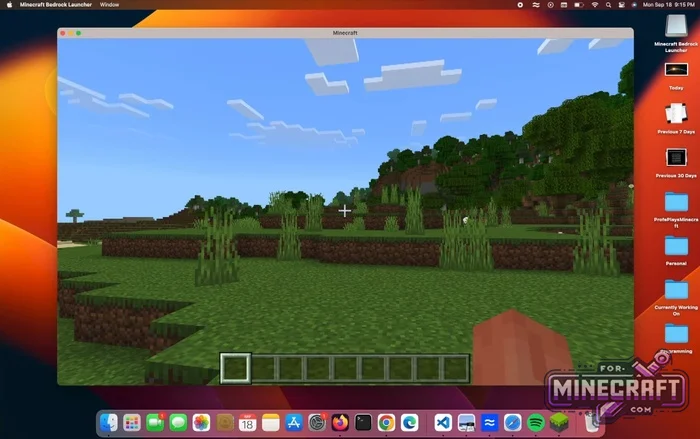
Fine tuning:
You can select a specific version of Minecraft Be through the profile editing menu (pencil icon at the bottom of the window). Clicking Expand advanced in the profile settings will reveal hidden options:
- Command line
- Environment variables. Here you can add a new variable, for example to force Wayland on Linux, or fix display issues on AMD/Intel cards.
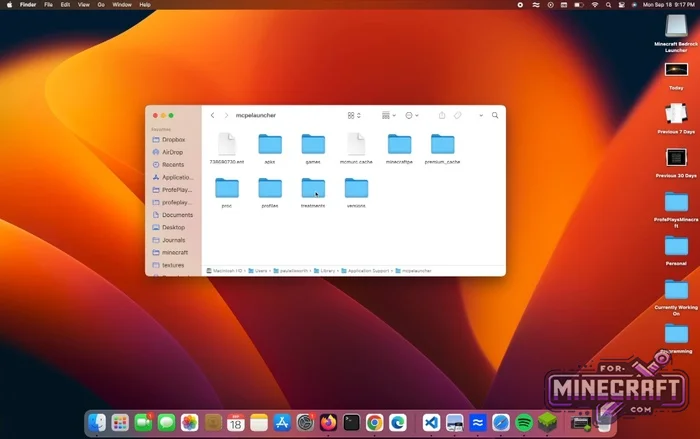
File management and MCPELauncher storage:
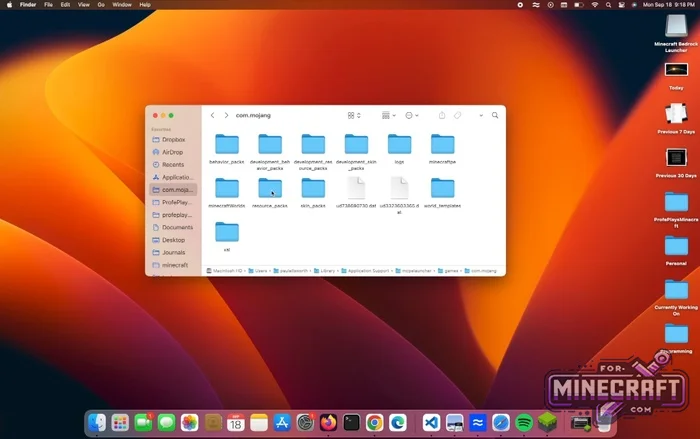
All your worlds, skins, and textures are located in the Data Root folder folder (in the launcher settings on the Storage tab). There are buttons for quick access to folders with worlds and resource packs. By the way shaders for Minecraft Bedrock (download) work here the same way as on mobile devices so just move them to the resource_packs folder. They must be compatible with your video drivers.
License and restrictions:
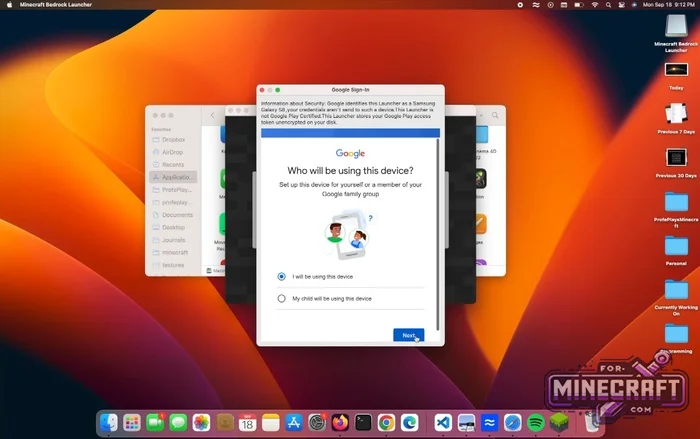
This is not a way to download MCPE for free. You must have Minecraft from the Googleplay Store. The launcher will ask you to log into your Google account to confirm your purchase and officially download the necessary files from the servers. The project doesnt support pirated APK files. You will be able to log into the servers and play with your friends!
MCPELauncher - Official GitHub Page
Reason: Added 1.8.4 hotfix
- Category: Clients for Minecraft Bedrock
Recommend:
-
 Inner Core for Minecraft PE 1.16 - 3.1.1b127-128 (ARM64 Update)
Inner Core was created on the basis of the original MCPE 1.0.3 and is a full complement for creating and playing with
Inner Core for Minecraft PE 1.16 - 3.1.1b127-128 (ARM64 Update)
Inner Core was created on the basis of the original MCPE 1.0.3 and is a full complement for creating and playing with
-
 IndustrialCraft PE Mod 2.4.8 for Minecraft PE 1.16
The IndustrialCraft PE history continues and now it goes to a new level..
IndustrialCraft PE Mod 2.4.8 for Minecraft PE 1.16
The IndustrialCraft PE history continues and now it goes to a new level..
-
 IndustrialCraft PE mod v2.0 Pre-Release 7 for Minecraft PE
IndustrialCraft PE is a global mod for MCPE which is a very accurate IndustrialCraft copy for Minecraft PC. It
IndustrialCraft PE mod v2.0 Pre-Release 7 for Minecraft PE
IndustrialCraft PE is a global mod for MCPE which is a very accurate IndustrialCraft copy for Minecraft PC. It
-
Minecraft PE 26.60.29 (1.21.132/26.52)
More epic battles in the new structure, wind shooting mob, auto crafting and more..
-
 Factorization Mod 5.2 for Minecraft PE 0.11/0.12/0.13/0.14
The basis of mod make blocks-mechanisms. With these systems of the mechanisms can be automated almost any process in
Factorization Mod 5.2 for Minecraft PE 0.11/0.12/0.13/0.14
The basis of mod make blocks-mechanisms. With these systems of the mechanisms can be automated almost any process in
