Popular
-

Faithful Textures for MCPE 1.16/1.17/1.19/1.20/1.21/26.52 (32x/64x/128x) (RTX)
Now you can play with the most popular -

Minecraft PE 26.60.30 (1.21.132/26.52)
More epic battles in the new structure, wind -

Dynamic Lights PE Addon for MCPE 1.16/1.17/1.18/1.19/1.20/1.21/26.60+
Dynamic Lights has long been created for almost -

X-Ray for Minecraft Bedrock Edition 1.19/1.20/1.21.132/26.60+
X-Ray is a cult cheat in the past, available as -

TreeCapitator Addon for Minecraft PE 1.17/1.18/1.19/1.20/1.21.132 (26.60)+
No modifications, now the old TreeCapitator is -

Vein Miner & TreeCapitator Addon for Minecraft PE 1.17/1.20/1.21/26.60+
Start your first day working as a miner or -

Java Combat System Addon v8.0 for Bedrock 1.17/1.18/1.19/1.21/26.60+
Install this updated combat system in the form -

Apollon Client 6.53 for Minecraft PE 1.21.114/26.45
Apollon is a standalone client wrapped in -

Minecraft Bedrock 1.21.132/26.44/26.60.29 Patched (apk)
Do you prefer to play non render dragon shaders -

Body Actions Addon v3.4.12 for Minecraft PE 1.19/1.21.110/26.60+
Humanization of characters in Minecraft Bedrock
0
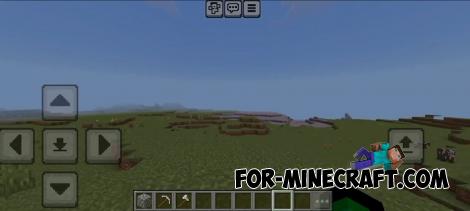
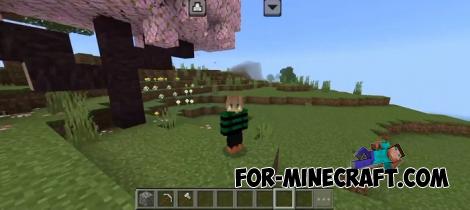
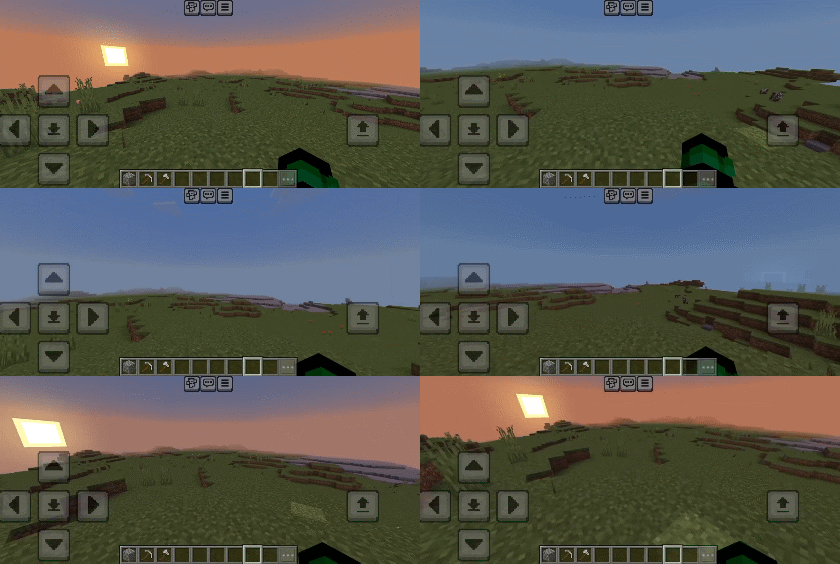
No Touch Circle for Minecraft PE/BE 1.20/1.21
- Author: Bernard
- Date:
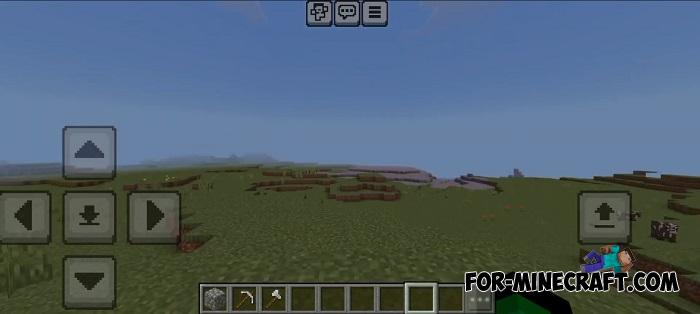
This isn't really a pack, but a small interface tweak for Minecraft Bedrock, specifically designed to remove that annoying touch circle from the screen. By default, you can choose between a crosshair or the touch circle, but now you can remove the touch circle without switching to crosshair mode, thereby clearing the screen of visual clutter.
Creator: Akazq
Features:
• Cleaner interface
• Less distraction
• Better visibility
• Perfect with transparent GUIs (like NeBux GUI Resource Pack)
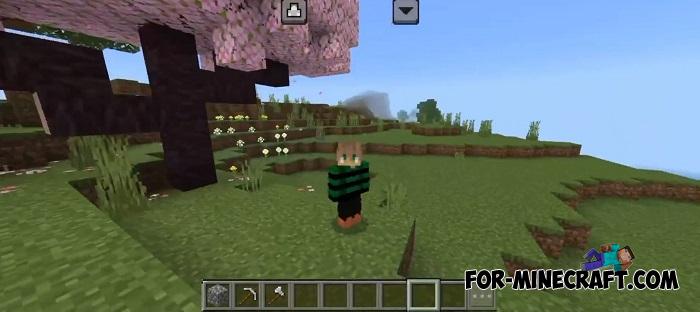
How do I disable the touch circle in Bedrock?
Install the pack and select the display type in the settings. The default option completely removes the touch circle, leaving only the control buttons. Here's a GIF showing how it works in MCPE 1.21.
- Category: Texture Packs for Minecraft Bedrock
Recommend:
-
 Less Annoying Texture pack for Minecraft PE 0.17
Here you will not see any cosmic or modern texture packs. It's not even a medieval textures that will completely
Less Annoying Texture pack for Minecraft PE 0.17
Here you will not see any cosmic or modern texture packs. It's not even a medieval textures that will completely
-
 HD Crosshair Pack for Minecraft PE 1.17/1.18
Changing the crosshair in Minecraft Bedrock Edition 1.18 became possible..
HD Crosshair Pack for Minecraft PE 1.17/1.18
Changing the crosshair in Minecraft Bedrock Edition 1.18 became possible..
-
Minecraft PE 26.60.30 (1.21.132/26.52)
More epic battles in the new structure, wind shooting mob, auto crafting and more..
-
 IndustrialCraft PE mod v2.0 Pre-Release 7 for Minecraft PE
IndustrialCraft PE is a global mod for MCPE which is a very accurate IndustrialCraft copy for Minecraft PC. It
IndustrialCraft PE mod v2.0 Pre-Release 7 for Minecraft PE
IndustrialCraft PE is a global mod for MCPE which is a very accurate IndustrialCraft copy for Minecraft PC. It
-
 Minecraft PE 1.19.80.24 Beta (1.19.81 Release)
Meet the officially announced Minecraft PE 1.19 update with frogs, warden, fireflies and swamps!
Minecraft PE 1.19.80.24 Beta (1.19.81 Release)
Meet the officially announced Minecraft PE 1.19 update with frogs, warden, fireflies and swamps!
