Popular
-
Faithful Textures for MCPE 1.16/1.17/1.19/1.20/1.21/26.52 (32x/64x/128x) (RTX)
Now you can play with the most popular -

Minecraft PE 26.60.30 (1.21.132/26.52)
More epic battles in the new structure, wind -

Dynamic Lights PE Addon for MCPE 1.16/1.17/1.18/1.19/1.20/1.21/26.60+
Dynamic Lights has long been created for almost -

X-Ray for Minecraft Bedrock Edition 1.19/1.20/1.21.132/26.60+
X-Ray is a cult cheat in the past, available as -

TreeCapitator Addon for Minecraft PE 1.17/1.18/1.19/1.20/1.21.132 (26.60)+
No modifications, now the old TreeCapitator is -

Vein Miner & TreeCapitator Addon for Minecraft PE 1.17/1.20/1.21/26.60+
Start your first day working as a miner or -

Java Combat System Addon v8.0 for Bedrock 1.17/1.18/1.19/1.21/26.60+
Install this updated combat system in the form -

Minecraft Bedrock 1.21.132/26.44/26.60.29 Patched (apk)
Do you prefer to play non render dragon shaders -

Body Actions Addon v3.4.12 for Minecraft PE 1.19/1.21.110/26.60+
Humanization of characters in Minecraft Bedrock -

LeviLauncher v0.3.11 (LeviLaunchroid v1.5.25) for Minecraft Bedrock 1.21.132/26.60
LeviLauncher is the tool you've been
1
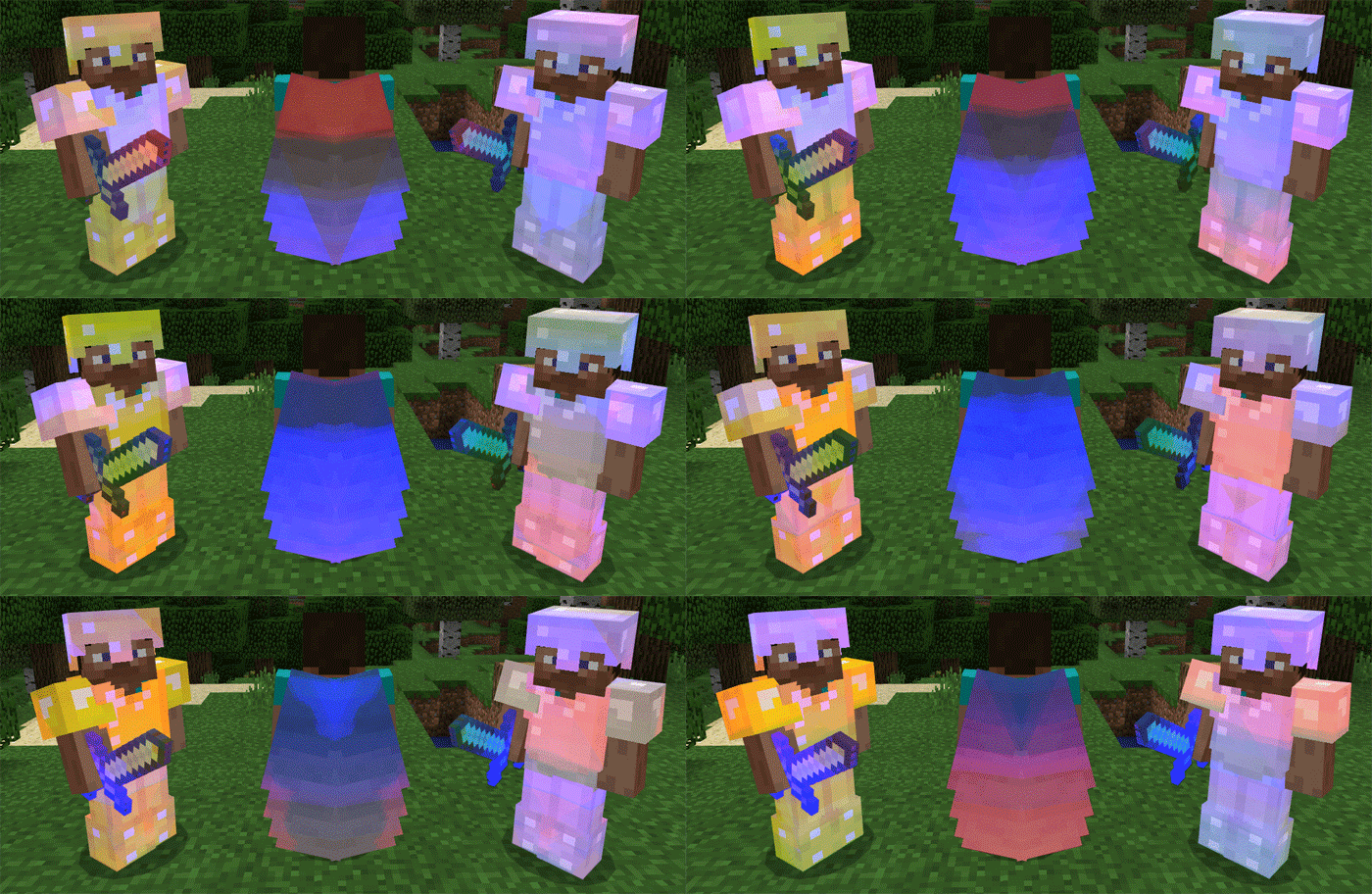

Do everything as before. Just use an anvil to enchant the necessary thing. Then take a ready item and switch to a third person view. You will enjoy it!
Download the file and activate it in the world settings.
Rainbow Enchants Textures for Minecraft PE 1.0.4/0.17.0
- Author: Bernard
- Date:
If you think that enchanted items do not look quite nicely then install Rainbow Enchants Textures for MCPE 1.0 (0.17.0). After you enchant an armor or weapon, it will shine with all colors of the rainbow. It's really impressive, if you play with friends. Characteristics remain the same but the appearance will be quite different.
Rainbow Enchants v2:
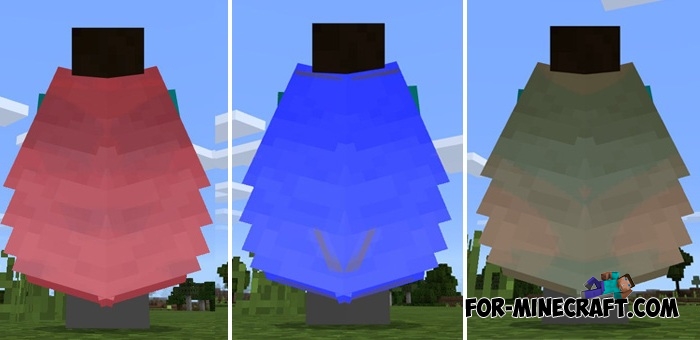
New colors are in the archive. Remember that you can install only one color of your choice. That is, you can not use all the colors at once.
New colors are shown in the screenshot not animated.
How to enchant an item?
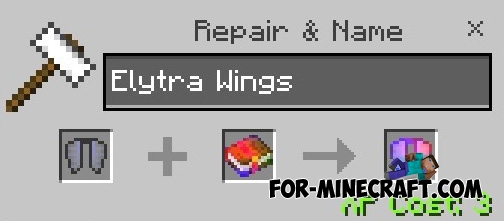
Do everything as before. Just use an anvil to enchant the necessary thing. Then take a ready item and switch to a third person view. You will enjoy it!
How to install the Rainbow Enchants?
Download the file and activate it in the world settings.
- Category: Texture Packs for Minecraft Bedrock
Recommend:
-
 Crazy Weapon mod for MCPE 0.14.0
Crazy Weapon Mod adds a few new "crazy" guns and swords in Minecraft Pocket Edition 0.14, that has unique
Crazy Weapon mod for MCPE 0.14.0
Crazy Weapon Mod adds a few new "crazy" guns and swords in Minecraft Pocket Edition 0.14, that has unique
-
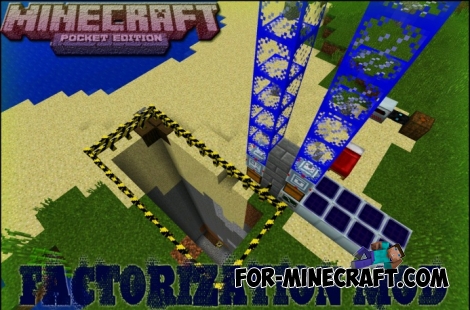 Factorization Mod 5.2 for Minecraft PE 0.11/0.12/0.13/0.14
The basis of mod make blocks-mechanisms. With these systems of the mechanisms can be automated almost any process in
Factorization Mod 5.2 for Minecraft PE 0.11/0.12/0.13/0.14
The basis of mod make blocks-mechanisms. With these systems of the mechanisms can be automated almost any process in
-
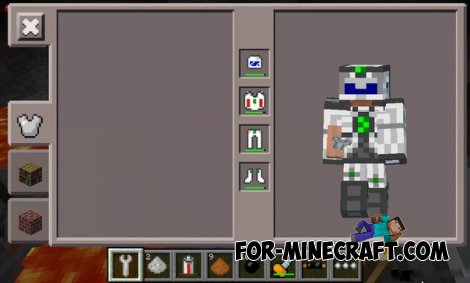 Factorization mod 3.3 for Minecraft PE 0.9.5
 Script adds many different variety of mechanisms that may produce,
Factorization mod 3.3 for Minecraft PE 0.9.5
Factorization mod 3.3 for Minecraft PE 0.9.5 Script adds many different variety of mechanisms that may produce,
-
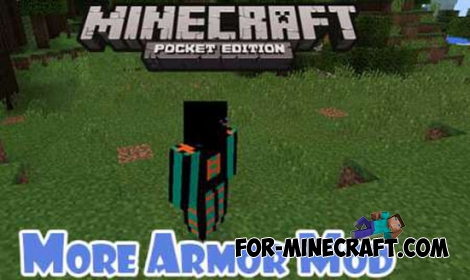 More Armor v5.0 mod for Minecraft PE 0.11.X
You lack the your armor, which is in pocket edition?! Then we offer you right now to solve this problem by downloading
More Armor v5.0 mod for Minecraft PE 0.11.X
You lack the your armor, which is in pocket edition?! Then we offer you right now to solve this problem by downloading
-
 Weapon mod v1.6 for Minecraft PE 0.12.1/0.13.0/0.13.1/0.14.0
Cool mod which adds new weapons to the game!
Weapon mod v1.6 for Minecraft PE 0.12.1/0.13.0/0.13.1/0.14.0
Cool mod which adds new weapons to the game!
