Popular
-
Faithful Textures for MCPE 1.16/1.17/1.19/1.20/1.21/26.52 (32x/64x/128x) (RTX)
Now you can play with the most popular -

Minecraft PE 26.60.30 (1.21.132/26.52)
More epic battles in the new structure, wind -

Dynamic Lights PE Addon for MCPE 1.16/1.17/1.18/1.19/1.20/1.21/26.60+
Dynamic Lights has long been created for almost -

X-Ray for Minecraft Bedrock Edition 1.19/1.20/1.21.132/26.60+
X-Ray is a cult cheat in the past, available as -

TreeCapitator Addon for Minecraft PE 1.17/1.18/1.19/1.20/1.21.132 (26.60)+
No modifications, now the old TreeCapitator is -

Vein Miner & TreeCapitator Addon for Minecraft PE 1.17/1.20/1.21/26.60+
Start your first day working as a miner or -

Java Combat System Addon v8.0 for Bedrock 1.17/1.18/1.19/1.21/26.60+
Install this updated combat system in the form -

Apollon Client 6.53 for Minecraft PE 1.21.114/26.45
Apollon is a standalone client wrapped in -

Minecraft Bedrock 1.21.132/26.44/26.60.29 Patched (apk)
Do you prefer to play non render dragon shaders -

Body Actions Addon v3.4.12 for Minecraft PE 1.19/1.21.110/26.60+
Humanization of characters in Minecraft Bedrock
14
It's strange how RWSPE got not so much attention because this shader deserves a place to be among the best. The fact is that this shader has almost everything that today is an example of good shaders for Minecraft Bedrock 1.12. But its main difference is optimization, it is great for low-end devices and, according to the creator, the shader can even work on 1GB RAM devices with ~50 FPS.
By: C-G GamerPlay
Of course, a lot depends on your video chip and other specs, but the average Android smartphone will work fine with these shaders, even if you look at a fairly large list of graphical improvements that reduce FPS.
Cloud 60 FPS, no lags
New Sun
New rain update
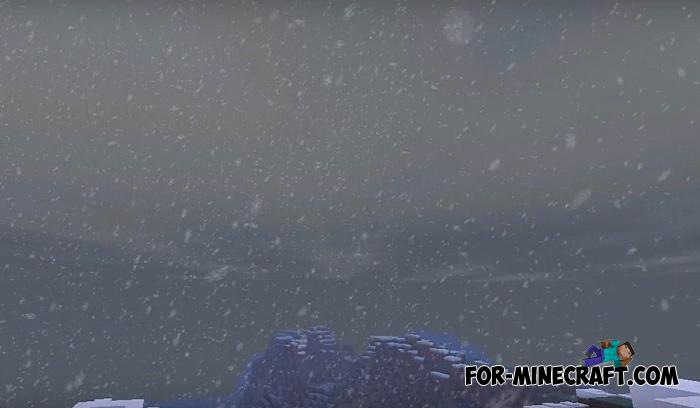
New snow update
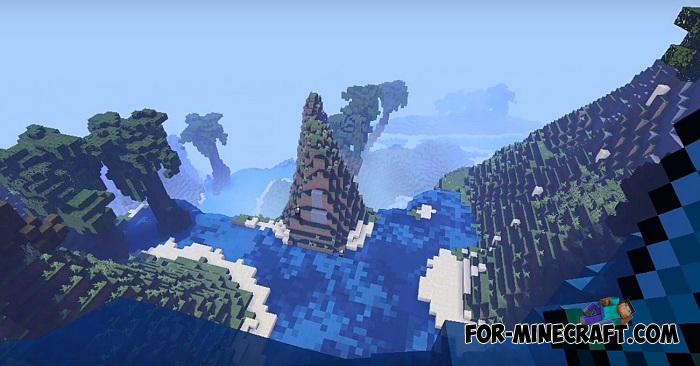
Quality water
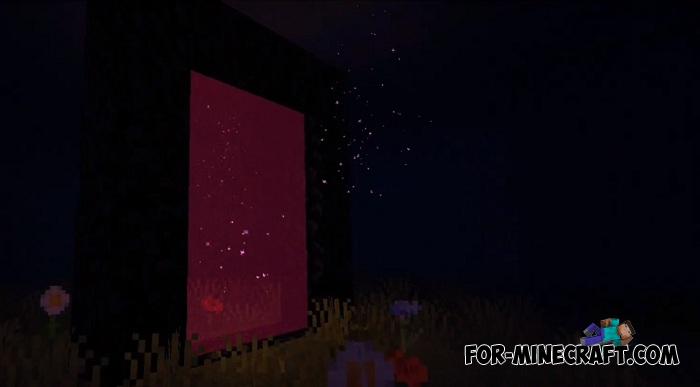
New portal
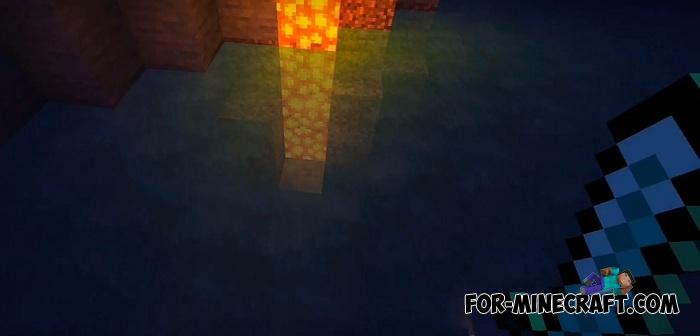
Glowstone and redstone lamp flashing
Pumpkin face on real light
Beacon powering light


OS: Android / iOS / Win10 (?)
Processor: ARMv7+
Storage: 4.78 Mb
1. Download the shader and open it using the game.
2. Go to the game setting and activate it.
RWSPE Shader for Minecraft PE 1.12
- Author: Bernard
- Date:
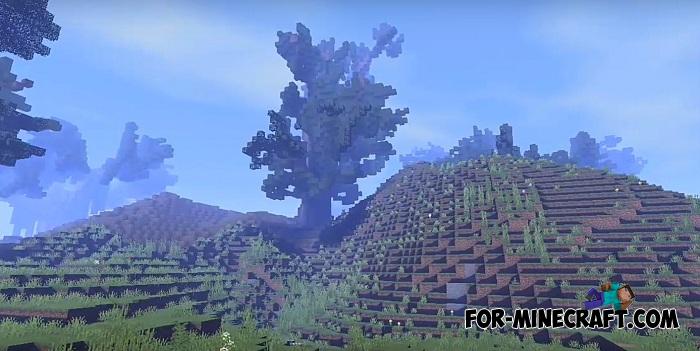
It's strange how RWSPE got not so much attention because this shader deserves a place to be among the best. The fact is that this shader has almost everything that today is an example of good shaders for Minecraft Bedrock 1.12. But its main difference is optimization, it is great for low-end devices and, according to the creator, the shader can even work on 1GB RAM devices with ~50 FPS.
By: C-G GamerPlay
Of course, a lot depends on your video chip and other specs, but the average Android smartphone will work fine with these shaders, even if you look at a fairly large list of graphical improvements that reduce FPS.
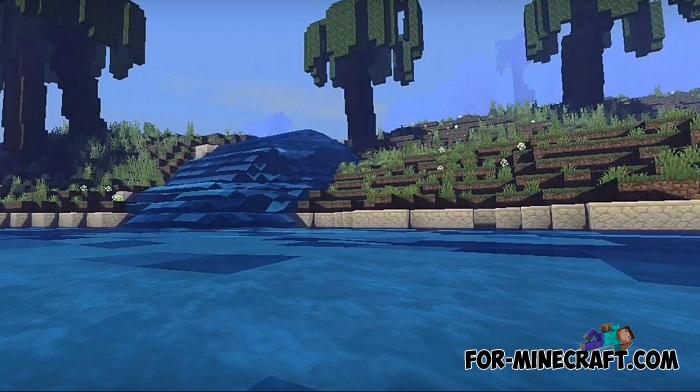
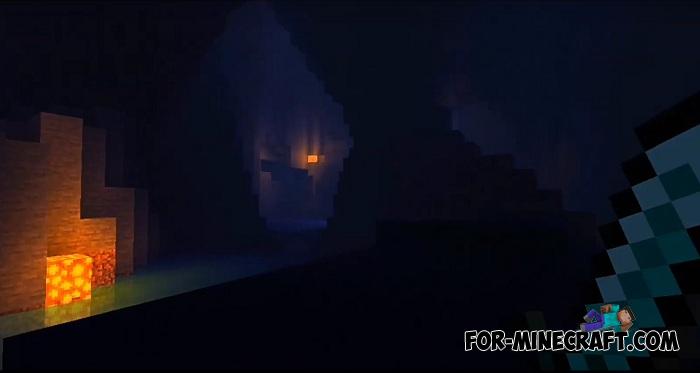
Shader features:
Cloud 60 FPS, no lags
New Sun
New rain update
New snow update
Quality water
New portal
Glowstone and redstone lamp flashing
Pumpkin face on real light
Beacon powering light
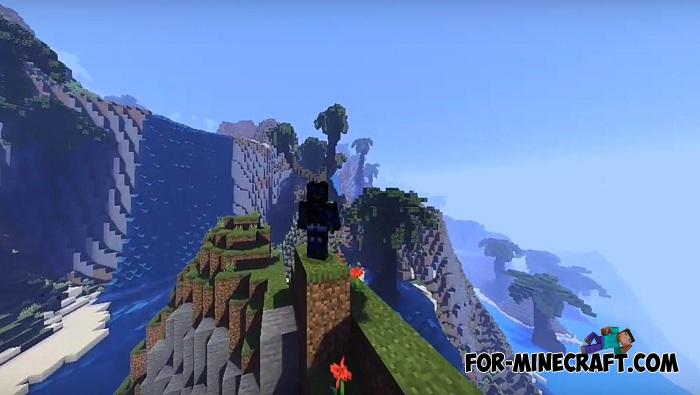
Screenshots:
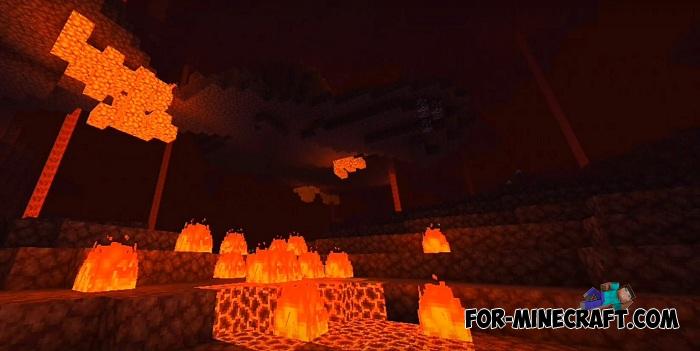
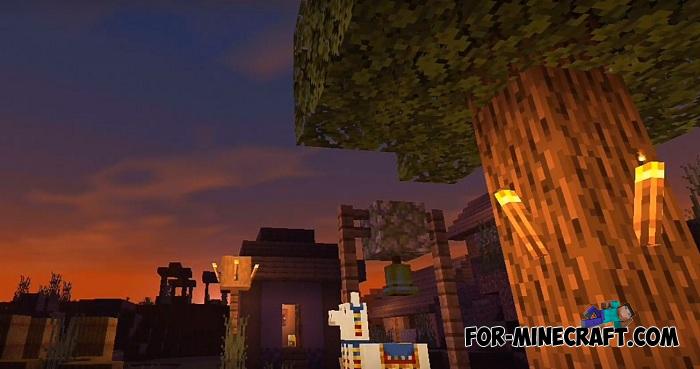
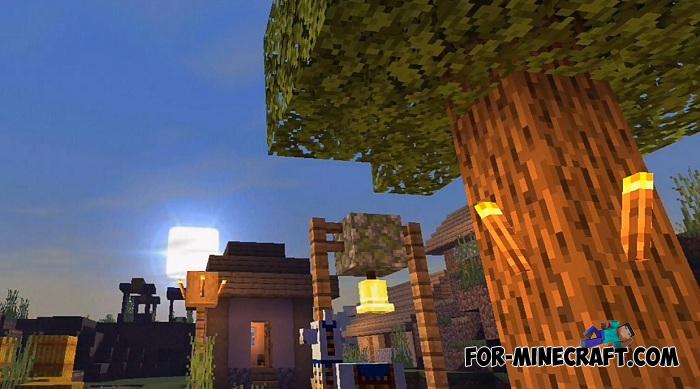
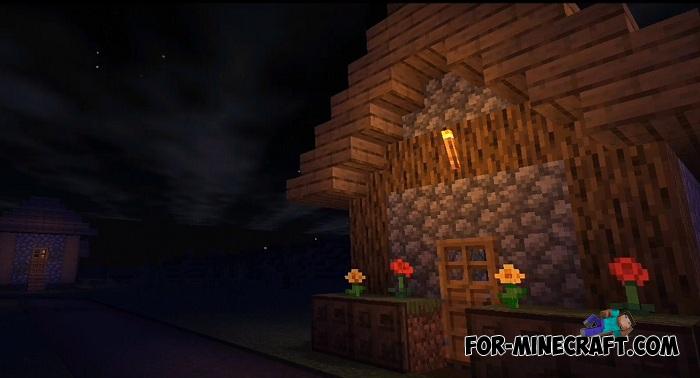
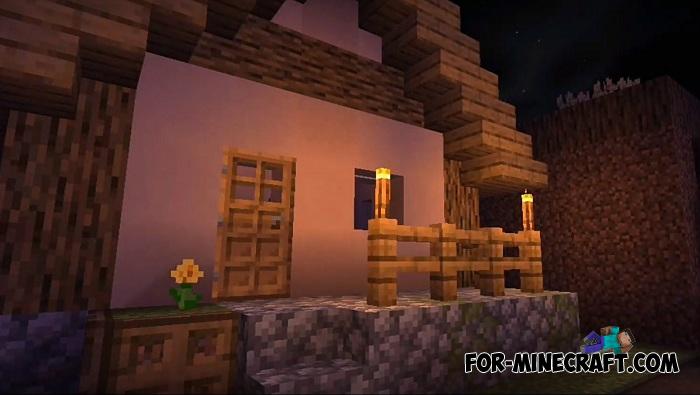


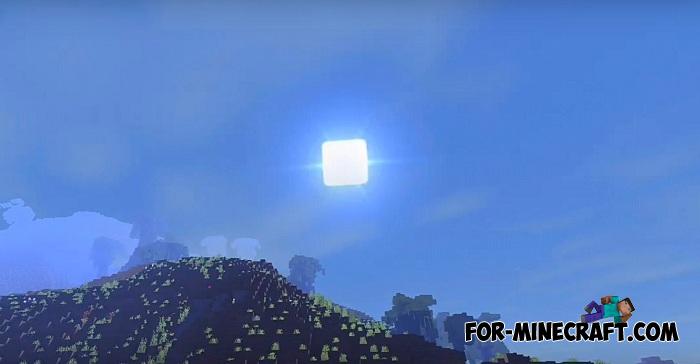

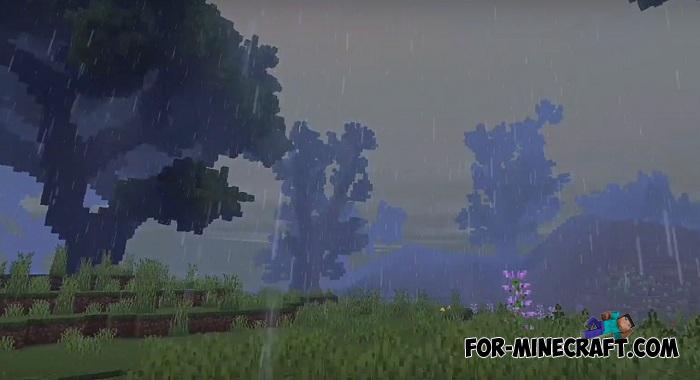





RWSPE System Specs:
OS: Android / iOS / Win10 (?)
Processor: ARMv7+
Storage: 4.78 Mb
How to install the RWSPE Shader?
1. Download the shader and open it using the game.
2. Go to the game setting and activate it.
- Category: Shaders for Minecraft Bedrock (PE)
Recommend:
-
 IndustrialCraft PE mod v2.0 Pre-Release 7 for Minecraft PE
IndustrialCraft PE is a global mod for MCPE which is a very accurate IndustrialCraft copy for Minecraft PC. It
IndustrialCraft PE mod v2.0 Pre-Release 7 for Minecraft PE
IndustrialCraft PE is a global mod for MCPE which is a very accurate IndustrialCraft copy for Minecraft PC. It
-
 Factorization Mod 5.2 for Minecraft PE 0.11/0.12/0.13/0.14
The basis of mod make blocks-mechanisms. With these systems of the mechanisms can be automated almost any process in
Factorization Mod 5.2 for Minecraft PE 0.11/0.12/0.13/0.14
The basis of mod make blocks-mechanisms. With these systems of the mechanisms can be automated almost any process in
-
 Powerful Rain mod for MCPE 0.10.5
 This is no ordinary rain mod, and the rain of fire arrows or exploding blocks of
Powerful Rain mod for MCPE 0.10.5
Powerful Rain mod for MCPE 0.10.5 This is no ordinary rain mod, and the rain of fire arrows or exploding blocks of
-
 Blue City Map n2.2 for Minecraft PE 1.15/1.16
Blue City is one of the oldest cities for Minecraft Pocket Edition..
Blue City Map n2.2 for Minecraft PE 1.15/1.16
Blue City is one of the oldest cities for Minecraft Pocket Edition..
-
 Inner Core for Minecraft PE 1.16 - 3.1.1b127-128 (ARM64 Update)
Inner Core was created on the basis of the original MCPE 1.0.3 and is a full complement for creating and playing with
Inner Core for Minecraft PE 1.16 - 3.1.1b127-128 (ARM64 Update)
Inner Core was created on the basis of the original MCPE 1.0.3 and is a full complement for creating and playing with
