Popular
-

Minecraft PE / Bedrock 26.70.22 (1.21.132/26.60)
More epic battles in the new structure, wind -

TreeCapitator Addon for Minecraft PE 1.17/1.18/1.19/1.20/1.21.132 (26.60)+
No modifications, now the old TreeCapitator is -

Vein Miner & TreeCapitator Addon for Minecraft PE 1.17/1.20/1.21/26.70+
Start your first day working as a miner or -

Apollon Client 6.70 for Minecraft PE 1.21.114/26.52
Apollon is a standalone client wrapped in -

Minecraft Bedrock 1.21.132/26.60/26.70.21 Patched (apk)
Do you prefer to play non render dragon shaders -

Body Actions Addon v3.4.13 for Minecraft PE 1.19/1.21.110/26.60+
Humanization of characters in Minecraft Bedrock -

LeviLauncher v1.0.6 (LeviLaunchroid v1.6.0) for Minecraft Bedrock 1.21.132/26.60
LeviLauncher is the tool you've been -

Shadow Company Addon for Minecraft PE 1.21/26
A killer weapon addon for Minecraft Bedrock, -

Newb (Legacy/ Dragon/ Trailer/ Glow/ Firelight/ Gold/ Dynamite/ Memories/ Stellar/ AI/ Plus)
Uniting under a single name, all presented Newb -

Mini Structures Addon v2.0 for Minecraft PE 1.18/1.19/1.20/1.21/26.70+
There are 30 structures at the moment, and all
6
Why doesn't Mojang add these shaders to Minecraft PE by default? First of all, Vanilla Environment is the shader that doesn’t spoil the graphics and you will always be satisfied with what this or that biome looks like. It has a very small range of influence on the basics of the game. First of all, this is a new improved lighting that globally changes the graphics in MCPE.


Comparing before and after installation, the lighting will be much more spectacular and more realistic. Yes, many previous shaders do the same, but Vanilla Environment has one advantage: it does not affect the performance of the game in any way that can be seen when moving from one biome to another by opening new chunks.


1. Download the shader and open it using the game.
2. Go to the world or game settings and activate the pack.
Vanilla Environment Shader v2.0 for MCPE 1.8.1/1.9.0.5/1.10.0.4
- Author: Bernard
- Date:
Why doesn't Mojang add these shaders to Minecraft PE by default? First of all, Vanilla Environment is the shader that doesn’t spoil the graphics and you will always be satisfied with what this or that biome looks like. It has a very small range of influence on the basics of the game. First of all, this is a new improved lighting that globally changes the graphics in MCPE.
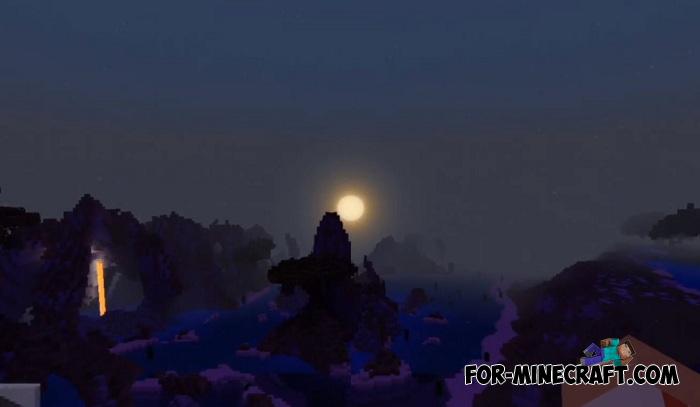
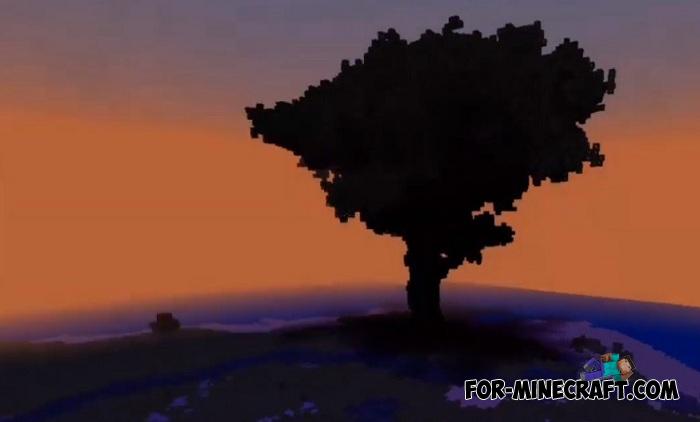
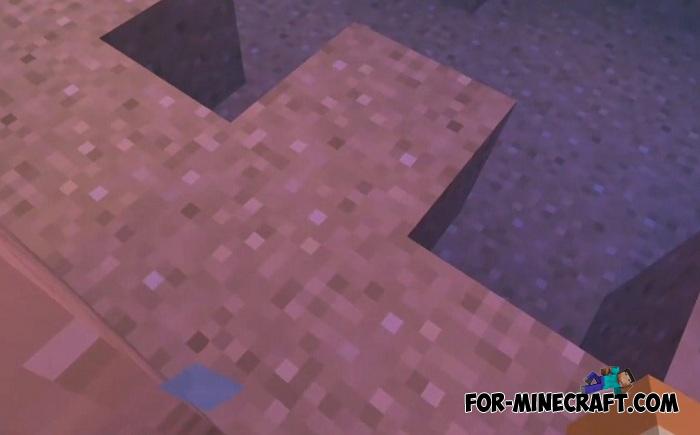
Comparing before and after installation, the lighting will be much more spectacular and more realistic. Yes, many previous shaders do the same, but Vanilla Environment has one advantage: it does not affect the performance of the game in any way that can be seen when moving from one biome to another by opening new chunks.
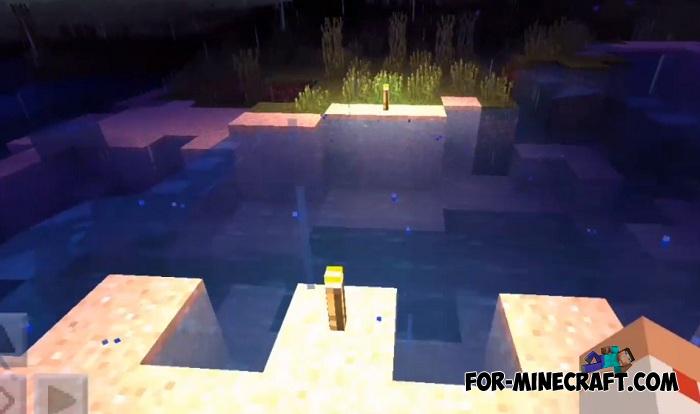
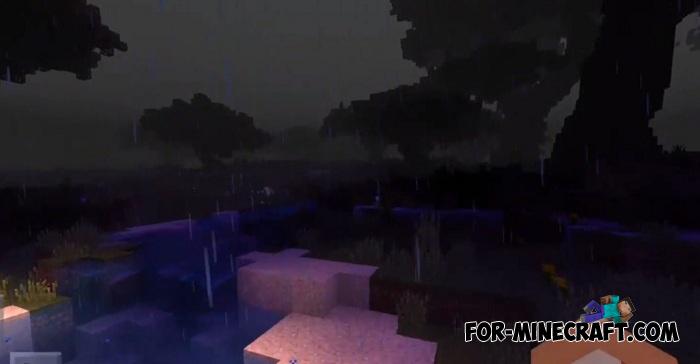

Features:
Shader set necessary for the qualitative improvement of graphics
New lighting system
Cubic Clouds and Realistic Moon / Sun
Moving plants (+ foliage)
Shader size is 500 KB
Compatible with iOS and Android

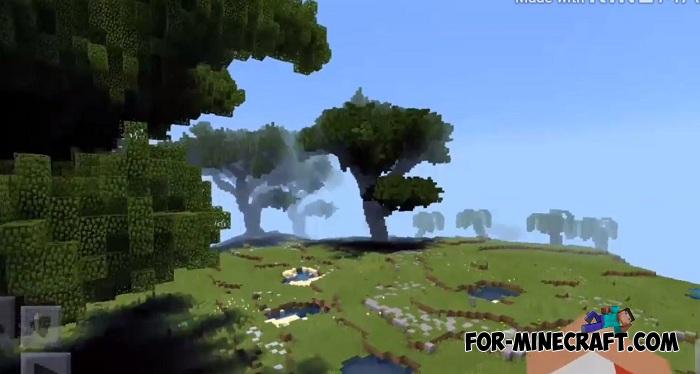

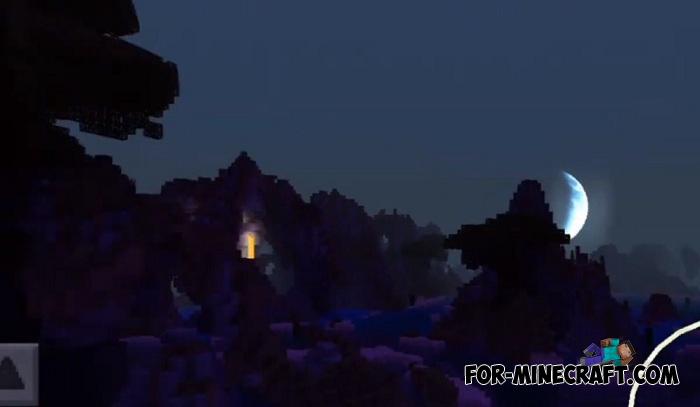
Showcase:
How to install the Vanilla Environment Shader?
1. Download the shader and open it using the game.
2. Go to the world or game settings and activate the pack.
- Category: Shaders for Minecraft Bedrock (PE)
Recommend:
-
 IndustrialCraft PE mod v2.0 Pre-Release 7 for Minecraft PE
IndustrialCraft PE is a global mod for MCPE which is a very accurate IndustrialCraft copy for Minecraft PC. It
IndustrialCraft PE mod v2.0 Pre-Release 7 for Minecraft PE
IndustrialCraft PE is a global mod for MCPE which is a very accurate IndustrialCraft copy for Minecraft PC. It
-
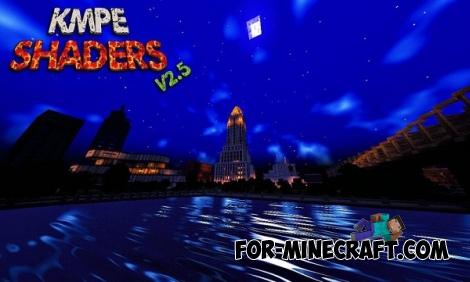 KMPE Shaders v2.5 MCPE 0.11.X/0.12.X/0.13.X/0.14.0
Incredibly cool shaders for Minecraft Pocket Edition 0.12.1/0.12.2/0.12.3/0.13.0 from the creator of the popular
KMPE Shaders v2.5 MCPE 0.11.X/0.12.X/0.13.X/0.14.0
Incredibly cool shaders for Minecraft Pocket Edition 0.12.1/0.12.2/0.12.3/0.13.0 from the creator of the popular
-
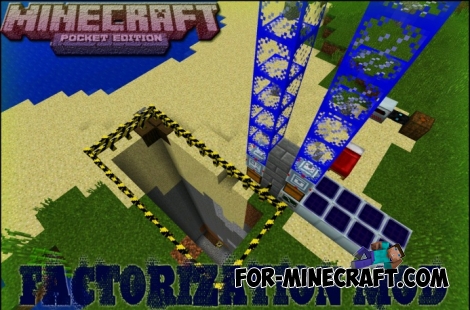 Factorization Mod 5.2 for Minecraft PE 0.11/0.12/0.13/0.14
The basis of mod make blocks-mechanisms. With these systems of the mechanisms can be automated almost any process in
Factorization Mod 5.2 for Minecraft PE 0.11/0.12/0.13/0.14
The basis of mod make blocks-mechanisms. With these systems of the mechanisms can be automated almost any process in
-
 Inner Core for Minecraft PE 1.16 - 3.1.1b127-128 (ARM64 Update)
Inner Core was created on the basis of the original MCPE 1.0.3 and is a full complement for creating and playing with
Inner Core for Minecraft PE 1.16 - 3.1.1b127-128 (ARM64 Update)
Inner Core was created on the basis of the original MCPE 1.0.3 and is a full complement for creating and playing with
-
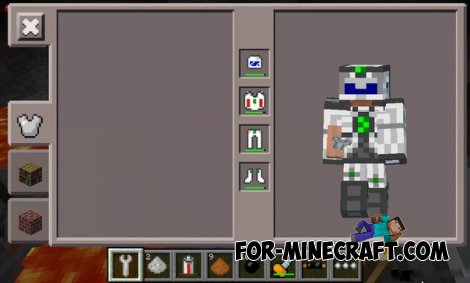 Factorization mod 3.3 for Minecraft PE 0.9.5
 Script adds many different variety of mechanisms that may produce,
Factorization mod 3.3 for Minecraft PE 0.9.5
Factorization mod 3.3 for Minecraft PE 0.9.5 Script adds many different variety of mechanisms that may produce,
