Popular
-

Minecraft PE / Bedrock 26.70.22 (1.21.132/26.60)
More epic battles in the new structure, wind -

Dynamic Lights PE Addon for MCPE 1.16/1.17/1.18/1.19/1.20/1.21/26.60+
Dynamic Lights has long been created for almost -

TreeCapitator Addon for Minecraft PE 1.17/1.18/1.19/1.20/1.21.132 (26.60)+
No modifications, now the old TreeCapitator is -

Vein Miner & TreeCapitator Addon for Minecraft PE 1.17/1.20/1.21/26.70+
Start your first day working as a miner or -

Apollon Client 6.70 for Minecraft PE 1.21.114/26.52
Apollon is a standalone client wrapped in -

Minecraft Bedrock 1.21.132/26.60/26.70.21 Patched (apk)
Do you prefer to play non render dragon shaders -

Body Actions Addon v3.4.13 for Minecraft PE 1.19/1.21.110/26.60+
Humanization of characters in Minecraft Bedrock -

LeviLauncher v0.3.11 (LeviLaunchroid v1.6.0) for Minecraft Bedrock 1.21.132/26.60
LeviLauncher is the tool you've been -

Shadow Company Addon for Minecraft PE 1.21/26
A killer weapon addon for Minecraft Bedrock, -

Newb (Legacy/ Dragon/ Trailer/ Glow/ Firelight/ Gold/ Dynamite/ Memories/ Stellar/ AI/ Plus)
Uniting under a single name, all presented Newb
0
How to Create a Minecraft Bedrock Server (Guide) (26.X)
- Author: Bernard
- Date:
You can set up your own server in Bedrock Edition on PC in just a few steps. In this mini-guide, you'll learn how to do this, assuming you don't need complex server cores, plugins, or other features typical of large Minecraft BE servers.
Key points:
- The server only runs when your PC is turned on and bedrock_server.exe is running.
- For Bedrock Edition, the ports are 19132 (IPv4) and 19133 (IPv6).
- A connection error to localhost on Windows 10/11 can be resolved using the CheckNetIsolation.exe utility
- It's best to grant op privileges via the console after your first login to the server.
- Your IP address reveals your network information, so you should only share it with friends.
1 Downloading the server files
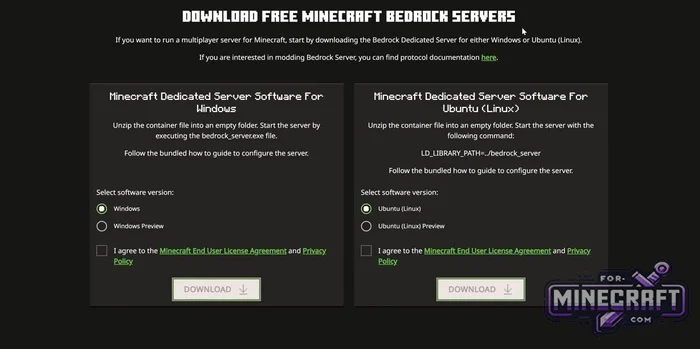
- Go to the official Minecraft website and navigate to the Dedicated Server (Bedrock) section.
- Select the Windows version (or Linux if you're playing Minecraft on Linux), and download the ZIP file containing the server files.
2 Extracting and Running
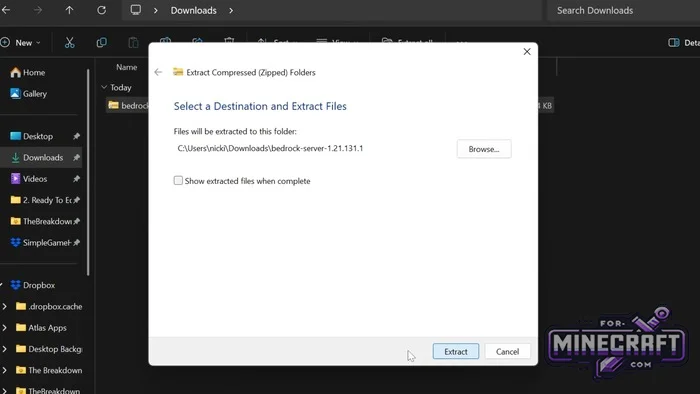
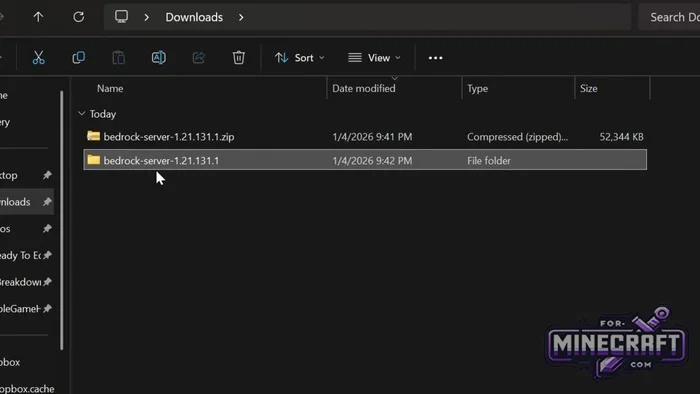
- Extract all files from the archive into a seperate folder.
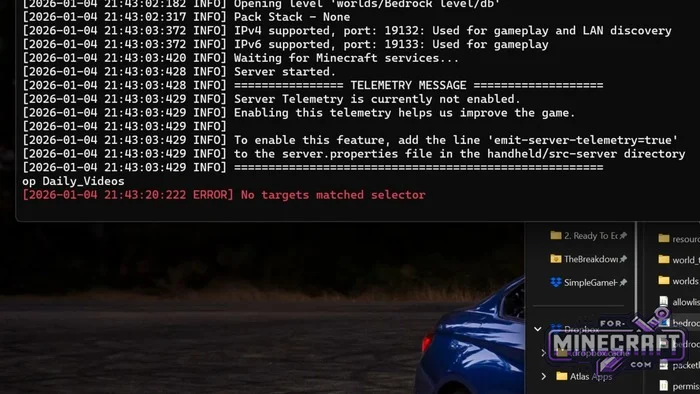
- Run bedrock_server.exe.
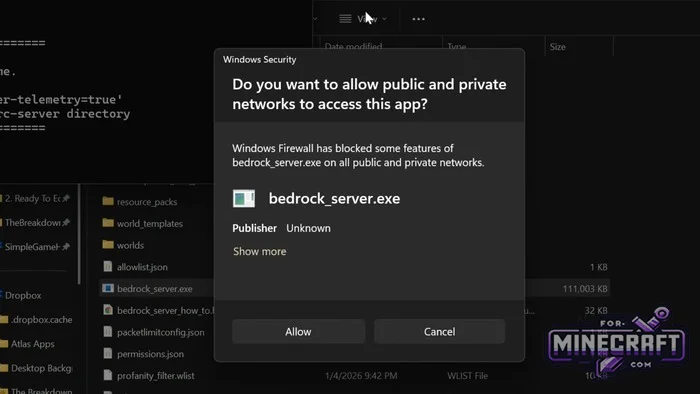
- In the Windows Firewall, click the "Allow" button to grant the server network access.
- Wait until the message "Server started" appears in the console window. That's it-the server is ready.
3 Loopback Fix
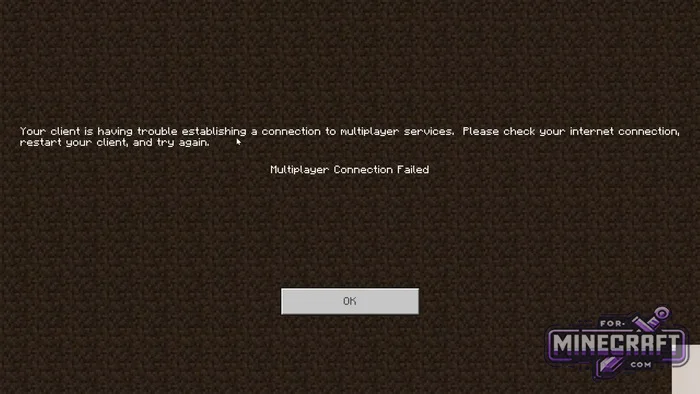
- If you receive a multiplayer connection error when trying to connect to your own server
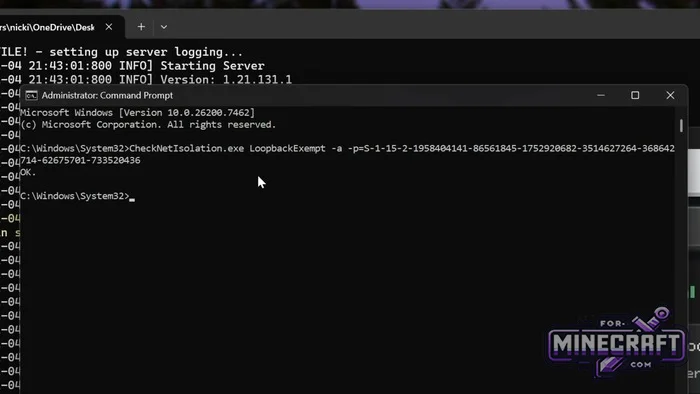
- run Command Prompt as an administrator.
- Paste this command and press Enter: CheckNetIsolation.exe LoopbackExempt -a -p=S-1-15-2-1958404141-86561845-1752920682-3514627264-36864204714-62675701-733520436
- When the response is "OK," close the window.
4 Connecting as the Server Creator
- Launch Minecraft Bedrock.
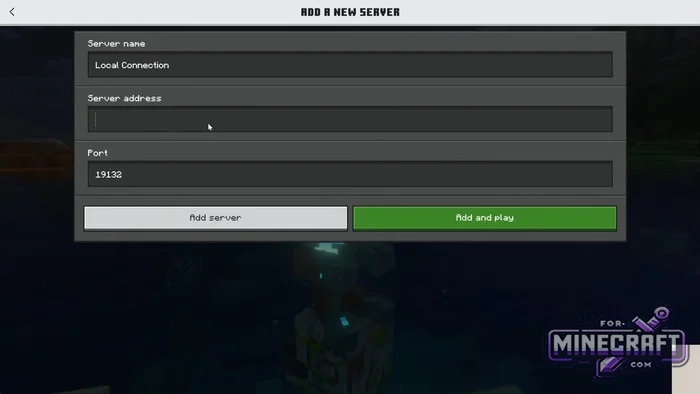
- Go to the "Servers" tab -> "Add Server."
- Enter any server name.
- In the "Server Address" field, enter localhost (or your local IPv4 address).
- Leave the port set to 19132.
- Click "Save" or "Play" and connect to the world.
5 Granting Operator Permissions
- Once you've joined the world, open the server console.
- Enter the command: op <your_username> (for example: op Steve).
6: Setting Up Access for Friends (Port Forwarding)
- Open the command prompt on your PC, type
ipconfig, and write down your local IPv4 address and the address of your default gateway. - Enter the gateway address into the address bar of any browser and log in to your router's control panel (the login and password are usually listed on the router's label).
- Go to the port forwarding section (Port Forwarding, Virtual Servers, NAT Forwarding).
Create a rule:
- Rule Name: Minecraft Bedrock
- Protocol: TCP/UDP (or Both)
- Ports (internal and external): 19132
- Destination IP address: your computer's local IPv4 address.
- Create a second rule with the same settings for port 19133 (IPv6).
- Save the changes on your router.
7: Connecting Friends from the Internet
- Find out your external IP address using an IP lookup service.
- Share this IP address with your friends.
- Your friends should open Minecraft Bedrock, click "Add Server," enter your IP address and port 19132, and then connect to your session.
- Category: Servers for Minecraft Bedrock
Recommend:
-
Minecraft PE / Bedrock 26.70.22 (1.21.132/26.60)
More epic battles in the new structure, wind shooting mob, auto crafting and more..
-
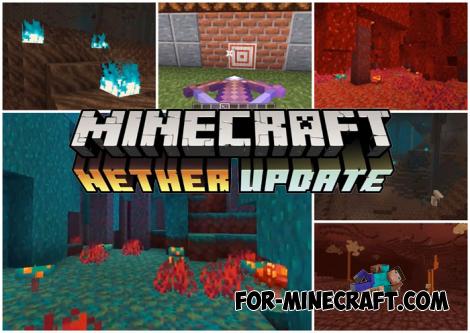 Download Minecraft PE 1.16.230.56 (1.16.221) - Nether Update
The most massive Nether update with new mobs, plants and biomes!
Download Minecraft PE 1.16.230.56 (1.16.221) - Nether Update
The most massive Nether update with new mobs, plants and biomes!
-
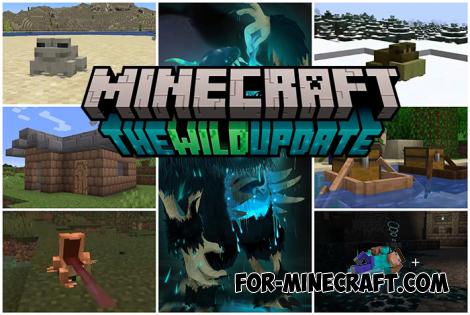 Minecraft PE 1.19.80.24 Beta (1.19.81 Release)
Meet the officially announced Minecraft PE 1.19 update with frogs, warden, fireflies and swamps!
Minecraft PE 1.19.80.24 Beta (1.19.81 Release)
Meet the officially announced Minecraft PE 1.19 update with frogs, warden, fireflies and swamps!
-
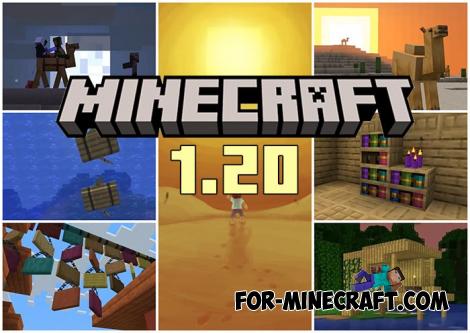 Minecraft PE 1.20.80.24 (1.20.80 Release)
Camels, hanging signs, sniffers and rafts and much more..
Minecraft PE 1.20.80.24 (1.20.80 Release)
Camels, hanging signs, sniffers and rafts and much more..
-
 How to Install Minecraft Bedrock Dedicated server
This is an early alpha release which developers still do not fully support..
How to Install Minecraft Bedrock Dedicated server
This is an early alpha release which developers still do not fully support..
