-

Minecraft PE / Bedrock 26.70.22 (1.21.132/26.60)
More epic battles in the new structure, wind -

Dynamic Lights PE Addon for MCPE 1.16/1.17/1.18/1.19/1.20/1.21/26.60+
Dynamic Lights has long been created for almost -

TreeCapitator Addon for Minecraft PE 1.17/1.18/1.19/1.20/1.21.132 (26.60)+
No modifications, now the old TreeCapitator is -

Vein Miner & TreeCapitator Addon for Minecraft PE 1.17/1.20/1.21/26.70+
Start your first day working as a miner or -

Apollon Client 6.70 for Minecraft PE 1.21.114/26.52
Apollon is a standalone client wrapped in -

Minecraft Bedrock 1.21.132/26.60/26.70.21 Patched (apk)
Do you prefer to play non render dragon shaders -

Body Actions Addon v3.4.13 for Minecraft PE 1.19/1.21.110/26.60+
Humanization of characters in Minecraft Bedrock -

LeviLauncher v0.3.11 (LeviLaunchroid v1.6.0) for Minecraft Bedrock 1.21.132/26.60
LeviLauncher is the tool you've been -

Shadow Company Addon for Minecraft PE 1.21/26
A killer weapon addon for Minecraft Bedrock, -

Newb (Legacy/ Dragon/ Trailer/ Glow/ Firelight/ Gold/ Dynamite/ Memories/ Stellar/ AI/ Plus)
Uniting under a single name, all presented Newb
Connected Glass Addon v1.3 for Minecraft PE 1.16/1.17/1.18/1.19/1.21/26
- Author: Bernard
- Date:
Connected Glass is included as an extra customization option in many visual addons for Minecraft PE and is highly sought after by Minecraft players. This is not surprising, because many are unhappy with how glass panes look when placed next to each other. Window frames spoil the overall look and reduce visibility, but this handy addon offers a solution.
By: Habib Anwash / Gáo / AetherGenshin
Added Connected Glass Addon for Bedrock 26.X
Changelog v1.3.0:
- Minecraft Bedrock 1.21 support
- Fixes
Connected blocks in this version:
• andesite
• black
• blackstone
• blue
• bookshelf
• brown
• cyan
• deepslate
• diamond
• diorite
• glass
• gold
• granite
• gray
• green
• iron
• lapis
• light blue
• light gray
• lime
• magenta
• netherite
• orange
• pink
• purple
• quartz
• red
• redstone
• sea lantern
• smooth_stone
• tinted
• tuff
• white
• yellow
Changelog v1.1.0:
- Minecraft Bedrock Edition 1.19 support
- Fixes
Changelog v1.0.8:
- Minecraft Bedrock Edition 1.18.0 and 1.18.1 support
- Added tinted glass
- Fixes
Changelog v1.0.4:
- Minecraft Bedrock Edition 1.17 support
- Third party texture pack support
Glass Design:
There are several variations of glass for your choice. There is glass from the pre texture redesigned versions of Minecraft, as well as custom ones that best meet all the requirements.
• Old Glass
Instead of lots of pixels on glass panes, there is a clear version of glass devoid of this. It is a clear glass without pixels and frames that combine to form a solid glass.


How to customize the glass?
Since Connected Glass works without replacing vanilla glass, you can use both if you like. In order to select the type of glass, go to the add-on settings and move the slider to the sides, stopping on the glass you need. 

How do I get the connected glass:
The last thing you need to know is getting the glass blocks and panes. To do this, place the glass or pane in the crafting grid and take the connected glass. This simple recipe works for both clear and dyed glass. 

How to install the Connected Glass Addon?
1. Open the file (.mcpack) using Minecraft PE.
2. Activate the addon (world or game settings).
Reason: Added 26.X version
- Category: Mods & Addons for Minecraft Bedrock (PE)
Recommend:
-
 IndustrialCraft PE mod v2.0 Pre-Release 7 for Minecraft PE
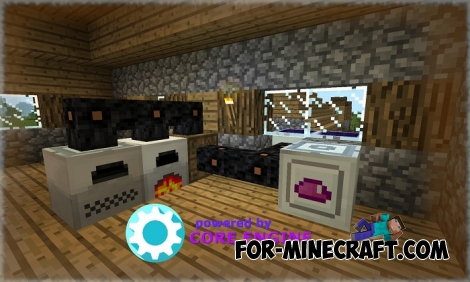
IndustrialCraft PE is a global mod for MCPE which is a very accurate IndustrialCraft copy for Minecraft PC. It
-
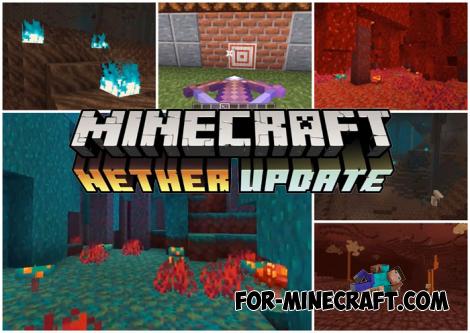 Download Minecraft PE 1.16.230.56 (1.16.221) - Nether Update
The most massive Nether update with new mobs, plants and biomes!
-
 Advanced (Super) Solar Panels Addon v2.3 for Minecraft PE
Advanced Solar Panels adds 8 cool solar panels and molecular converter! Is it impressive?
-
 Brave Miners mod (Minecraft PE) (IC2)
Brave Miners is a new mod for MCPE based on the Core Engine. This mod adds new ores, swords, mobs and much more! The
-
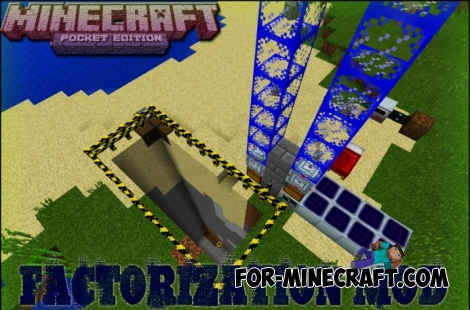 Factorization Mod 5.2 for Minecraft PE 0.11/0.12/0.13/0.14
The basis of mod make blocks-mechanisms. With these systems of the mechanisms can be automated almost any process in
