-

Faithful Textures for MCPE 1.16/1.17/1.19/1.20/1.21/26.52 (32x/64x/128x) (RTX)
Now you can play with the most popular -

Minecraft PE 26.70.21 (1.21.132/26.52)
More epic battles in the new structure, wind -

Dynamic Lights PE Addon for MCPE 1.16/1.17/1.18/1.19/1.20/1.21/26.60+
Dynamic Lights has long been created for almost -

X-Ray for Minecraft Bedrock Edition 1.19/1.20/1.21.132/26.60+
X-Ray is a cult cheat in the past, available as -

Vein Miner & TreeCapitator Addon for Minecraft PE 1.17/1.20/1.21/26.70+
Start your first day working as a miner or -

Apollon Client 6.70 for Minecraft PE 1.21.114/26.52
Apollon is a standalone client wrapped in -

Minecraft Bedrock 1.21.132/26.44/26.70.21 Patched (apk)
Do you prefer to play non render dragon shaders -

LeviLauncher v0.3.11 (LeviLaunchroid v1.5.27) for Minecraft Bedrock 1.21.132/26.70
LeviLauncher is the tool you've been -

Shadow Company Addon for Minecraft PE 1.21/26
A killer weapon addon for Minecraft Bedrock, -

Newb (Legacy/ Dragon/ Trailer/ Glow/ Firelight/ Gold/ Dynamite/ Memories/ Stellar/ AI/ Plus)
Uniting under a single name, all presented Newb
Freelook Mod v1.5.3 for Minecraft Bedrock 1.21/26.X
- Author: Bernard
- Date:
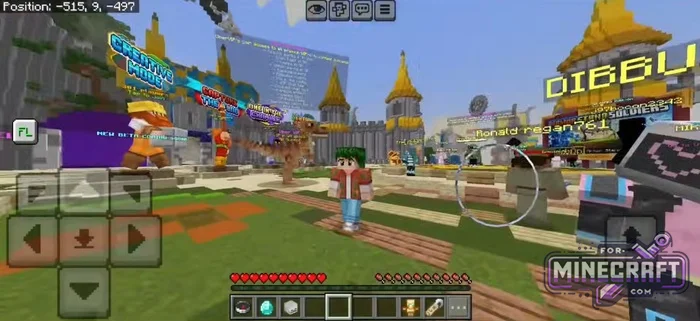
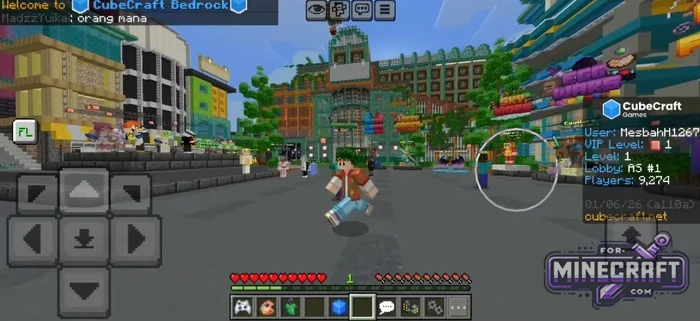
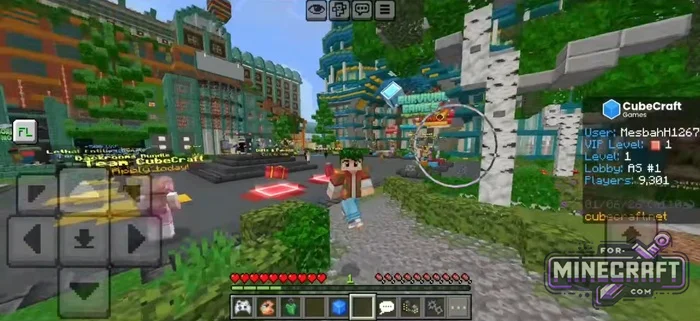
In Minecraft PE, there's often no way to look around without changing your running direction. Various camera mods for Java offer this feature but a similar tool is now available for Bedrock as well. The Freelook Mod lets you rotate the camera 360 degrees while moving forward. Important: This mod was created on LeviLauncher so you'll need to use it to launch the mod.
By: MrPokeG
Changelog:
v1.5.3:
- Support for MCPE 26.32
- Added GamePad Support
- Customisable overlay
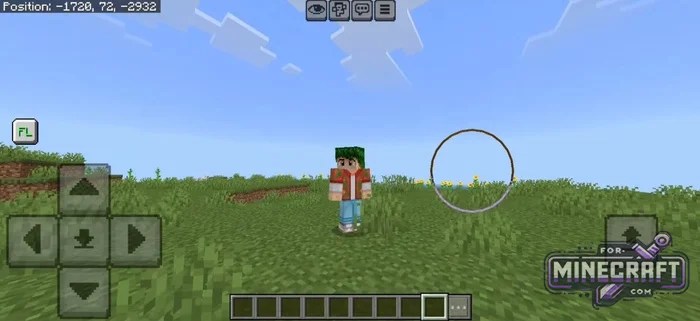
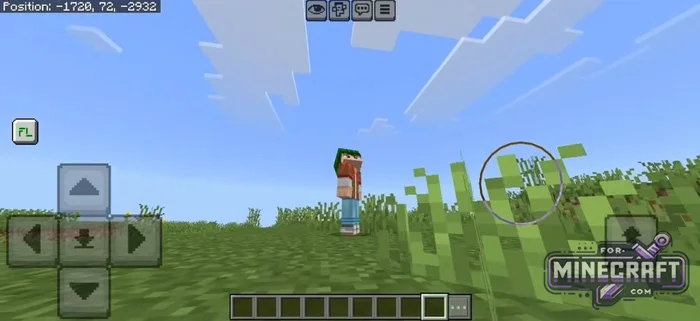
Features:
- 360-degree panoramic view without changing your direction of movement.
- Support for physical keyboards and OTG devices.
- Quick hotkey switching in-game.
- Choice of activation mode between holding the button and a standard toggle.
- On-screen FL button available
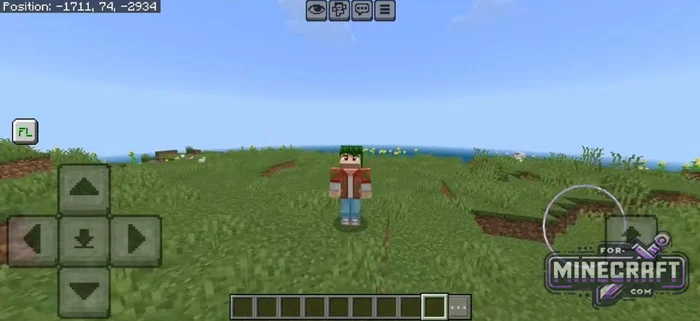
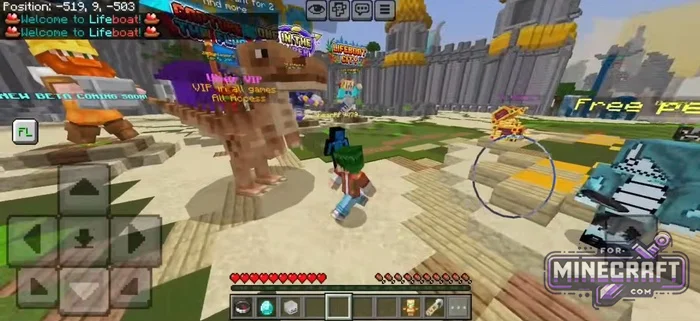
Control settings:
Touch buttons are the default option activated by a standard tap on the FL button. Support for keyboards and OTG connections is described below.
- The default key for the view is F.
- You can change the button using CTRL + SHIFT + R then press the desired key.
- Switch between hold and click-to-lock modes using CTRL + SHIFT + T.
Multiplayer and bugs:
The project is in beta so there are bugs. The most noticeable one is that the FL button is clickable which sometimes fails to block other on-screen actions. Also on some smartphones touch controls simply refuse to work (let us know if this happens to you).

Admins of large servers may consider this mod to be cheating so join servers with this mod at your own risk. Its worth keeping that in mind becuase some communities may not allow it.
Reason: Added v1.5.3 with GamePad Support
- Category: Mods & Addons for Minecraft Bedrock (PE)
Recommend:
-
Minecraft PE 26.70.21 (1.21.132/26.52)
More epic battles in the new structure, wind shooting mob, auto crafting and more..
-
LeviLauncher v0.3.11 (LeviLaunchroid v1.5.27) for Minecraft Bedrock 1.21.132/26.70
LeviLauncher is the tool you've been looking for if you want to install mods and plugins..
-
 Minecraft PE 1.20.80.24 (1.20.80 Release)
Camels, hanging signs, sniffers and rafts and much more..
Minecraft PE 1.20.80.24 (1.20.80 Release)
Camels, hanging signs, sniffers and rafts and much more..
-
 Minecraft PE 1.19.80.24 Beta (1.19.81 Release)
Meet the officially announced Minecraft PE 1.19 update with frogs, warden, fireflies and swamps!
Minecraft PE 1.19.80.24 Beta (1.19.81 Release)
Meet the officially announced Minecraft PE 1.19 update with frogs, warden, fireflies and swamps!
-
 IndustrialCraft PE Mod 2.4.8 for Minecraft PE 1.16
The IndustrialCraft PE history continues and now it goes to a new level..
IndustrialCraft PE Mod 2.4.8 for Minecraft PE 1.16
The IndustrialCraft PE history continues and now it goes to a new level..
