Popular
-

Minecraft PE / Bedrock 26.70.22 (1.21.132/26.60)
More epic battles in the new structure, wind -

TreeCapitator Addon for Minecraft PE 1.17/1.18/1.19/1.20/1.21.132 (26.60)+
No modifications, now the old TreeCapitator is -

Vein Miner & TreeCapitator Addon for Minecraft PE 1.17/1.20/1.21/26.70+
Start your first day working as a miner or -

Apollon Client 6.70 for Minecraft PE 1.21.114/26.52
Apollon is a standalone client wrapped in -

Minecraft Bedrock 1.21.132/26.60/26.70.21 Patched (apk)
Do you prefer to play non render dragon shaders -

Body Actions Addon v3.4.13 for Minecraft PE 1.19/1.21.110/26.60+
Humanization of characters in Minecraft Bedrock -

LeviLauncher v0.3.11 (LeviLaunchroid v1.6.0) for Minecraft Bedrock 1.21.132/26.60
LeviLauncher is the tool you've been -

Shadow Company Addon for Minecraft PE 1.21/26
A killer weapon addon for Minecraft Bedrock, -

Newb (Legacy/ Dragon/ Trailer/ Glow/ Firelight/ Gold/ Dynamite/ Memories/ Stellar/ AI/ Plus)
Uniting under a single name, all presented Newb -

Mini Structures Addon v2.0 for Minecraft PE 1.18/1.19/1.20/1.21/26.70+
There are 30 structures at the moment, and all
0
Make vanilla animations in Minecraft PE 1.21 more aesthetically pleasing with the Smooth Animations Pack. Instead of adding new ones to the game like the Body Actions Addon does, this pack improves existing animations by making them smoother. The list of updated ones includes almost all movements performed by the player, as well as movements from interfaces.
By: HyperF3GamerINDO
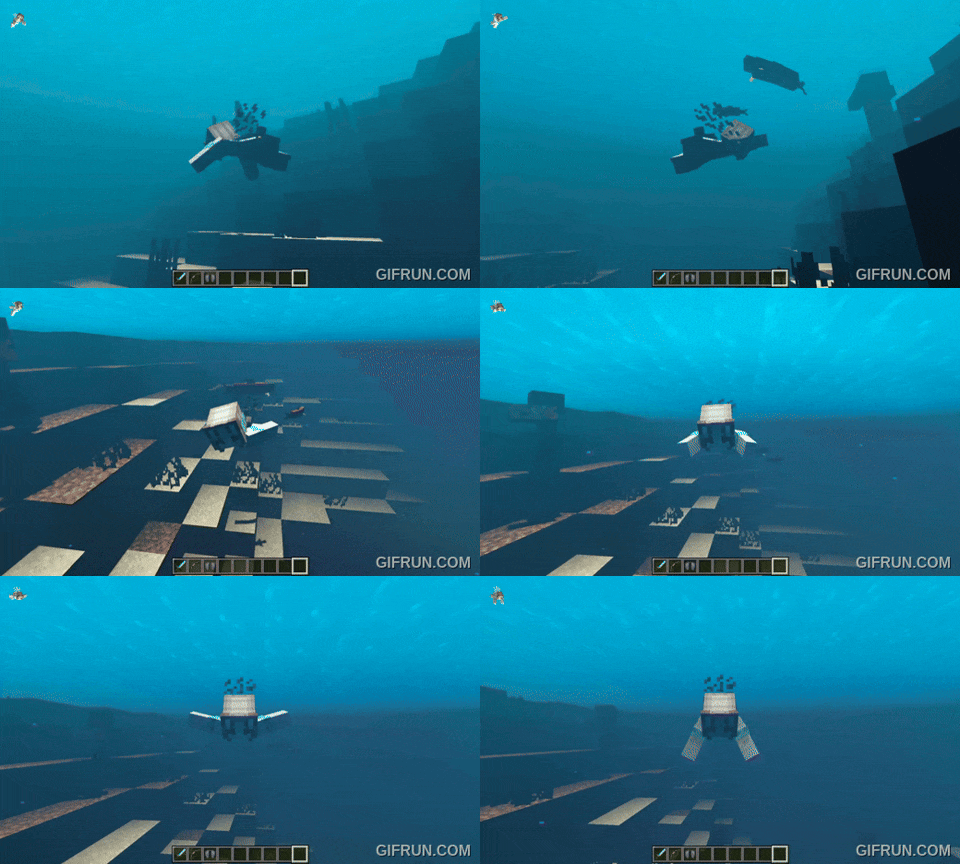
Don't expect new movements and actions, Smooth Animations does what it is supposed to do, which is make animations in MCPE a little prettier. It may seem pointless, but adding smoothness to movements makes every action you take look better.
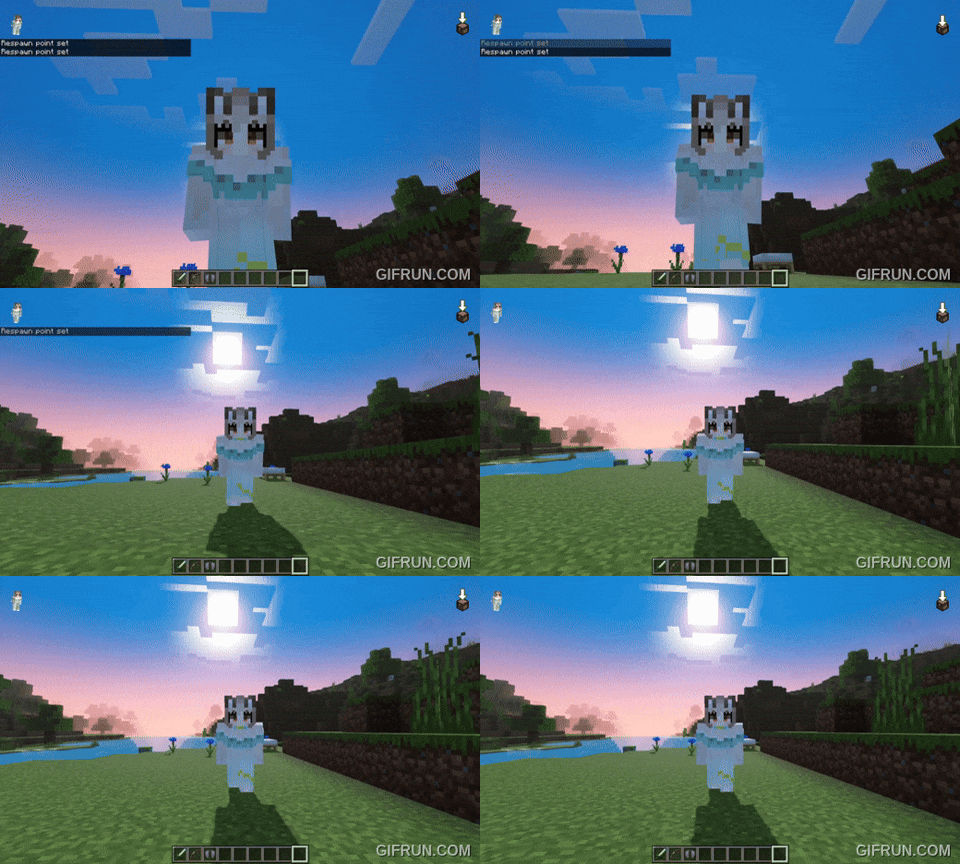
Each action like sprinting or jumping got more frames, to put it simply. Compared to vanilla animations in Minecraft Bedrock, these have more elaborate movements.
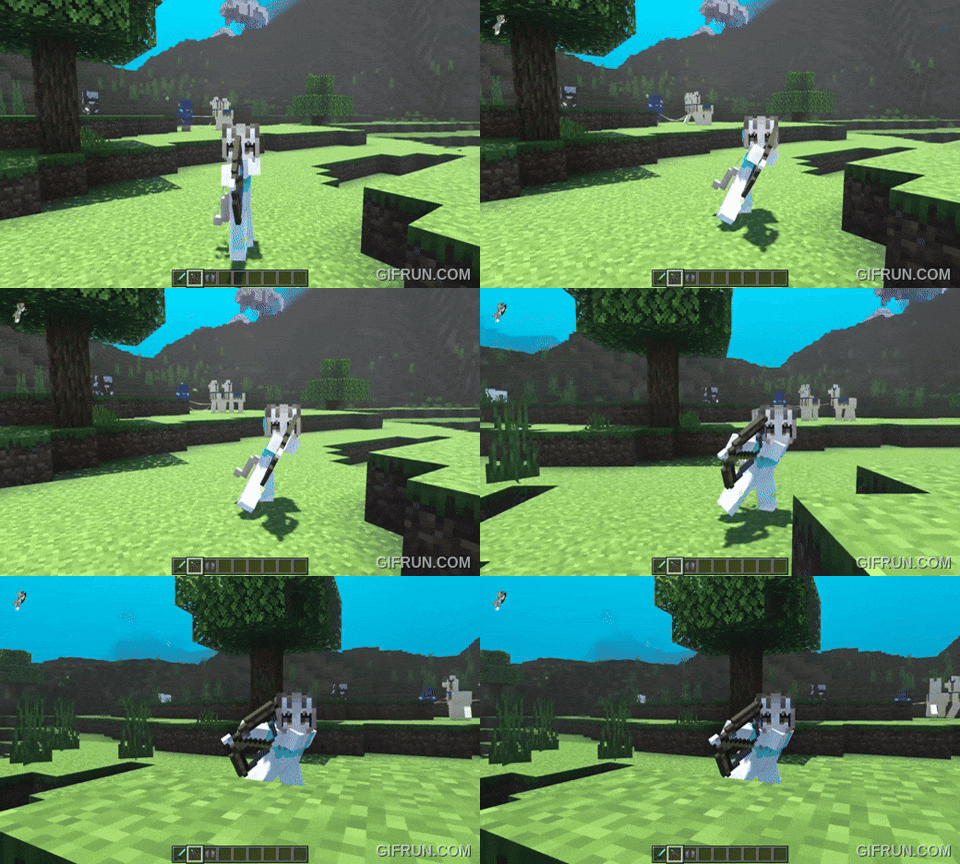
In version 1.0.4 new animations of falling, shooting from a bow, etc. were added.
1. Open the file (.mcpack) using Minecraft PE
2. Activate the addon (world or game settings)
Smooth Animations Pack for Minecraft PE 1.21
- Author: Bernard
- Date:
Make vanilla animations in Minecraft PE 1.21 more aesthetically pleasing with the Smooth Animations Pack. Instead of adding new ones to the game like the Body Actions Addon does, this pack improves existing animations by making them smoother. The list of updated ones includes almost all movements performed by the player, as well as movements from interfaces.
By: HyperF3GamerINDO
Smoother animations and that's it:
Don't expect new movements and actions, Smooth Animations does what it is supposed to do, which is make animations in MCPE a little prettier. It may seem pointless, but adding smoothness to movements makes every action you take look better.
How was this achieved?
Each action like sprinting or jumping got more frames, to put it simply. Compared to vanilla animations in Minecraft Bedrock, these have more elaborate movements.
In version 1.0.4 new animations of falling, shooting from a bow, etc. were added.
How to install the Smooth Animations Pack?
1. Open the file (.mcpack) using Minecraft PE
2. Activate the addon (world or game settings)
- Category: Mods & Addons for Minecraft Bedrock (PE)
Recommend:
-
 Minecraft PE 1.19.80.24 Beta (1.19.81 Release)
Meet the officially announced Minecraft PE 1.19 update with frogs, warden, fireflies and swamps!
Minecraft PE 1.19.80.24 Beta (1.19.81 Release)
Meet the officially announced Minecraft PE 1.19 update with frogs, warden, fireflies and swamps!
-
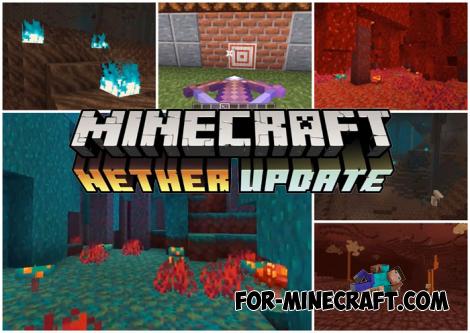 Download Minecraft PE 1.16.230.56 (1.16.221) - Nether Update
The most massive Nether update with new mobs, plants and biomes!
Download Minecraft PE 1.16.230.56 (1.16.221) - Nether Update
The most massive Nether update with new mobs, plants and biomes!
-
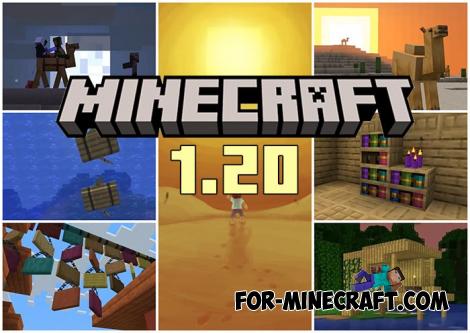 Minecraft PE 1.20.80.24 (1.20.80 Release)
Camels, hanging signs, sniffers and rafts and much more..
Minecraft PE 1.20.80.24 (1.20.80 Release)
Camels, hanging signs, sniffers and rafts and much more..
-
Minecraft PE / Bedrock 26.70.22 (1.21.132/26.60)
More epic battles in the new structure, wind shooting mob, auto crafting and more..
-
 IndustrialCraft PE mod v2.0 Pre-Release 7 for Minecraft PE
IndustrialCraft PE is a global mod for MCPE which is a very accurate IndustrialCraft copy for Minecraft PC. It
IndustrialCraft PE mod v2.0 Pre-Release 7 for Minecraft PE
IndustrialCraft PE is a global mod for MCPE which is a very accurate IndustrialCraft copy for Minecraft PC. It
