Popular
-

Faithful Textures for MCPE 1.16/1.17/1.19/1.20/1.21/26.52 (32x/64x/128x) (RTX)
Now you can play with the most popular -

Minecraft PE 26.60.30 (1.21.132/26.52)
More epic battles in the new structure, wind -

Dynamic Lights PE Addon for MCPE 1.16/1.17/1.18/1.19/1.20/1.21/26.60+
Dynamic Lights has long been created for almost -

X-Ray for Minecraft Bedrock Edition 1.19/1.20/1.21.132/26.60+
X-Ray is a cult cheat in the past, available as -

TreeCapitator Addon for Minecraft PE 1.17/1.18/1.19/1.20/1.21.132 (26.60)+
No modifications, now the old TreeCapitator is -

Vein Miner & TreeCapitator Addon for Minecraft PE 1.17/1.20/1.21/26.60+
Start your first day working as a miner or -

Java Combat System Addon v8.0 for Bedrock 1.17/1.18/1.19/1.21/26.60+
Install this updated combat system in the form -

Apollon Client 6.53 for Minecraft PE 1.21.114/26.45
Apollon is a standalone client wrapped in -

Minecraft Bedrock 1.21.132/26.44/26.60.29 Patched (apk)
Do you prefer to play non render dragon shaders -

Body Actions Addon v3.4.12 for Minecraft PE 1.19/1.21.110/26.60+
Humanization of characters in Minecraft Bedrock
0
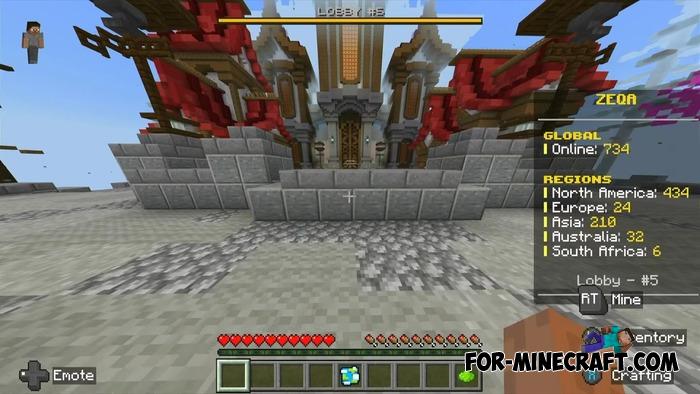
If you play Minecraft Bedrock on consoles or mobile devices and want to connect to a server, BedrockTogether is designed for just that. It displays external servers as local (LAN) on platforms such as Xbox and PlayStation when those same systems are connected to the same network, eliminating platform differences.
By: Extollite / konradgab
• Converts an external server into a LAN server (makes the server visible in the Friends tab)
• Works without changing DNS or firmware
• Automatically creates a local proxy connection
• Supports Xbox Series / Xbox One
• Supports PlayStation 4 /PlayStation 5
• Compatible with Android devices (works on phones and tablets)
• Compatible with the latest versions of Minecraft Bedrock (including 1.21+)
• The only available way to connect consoles to external servers for free
• Fully compatible with private servers of friends or communities
• Allows you to play on servers that are not officially available on consoles
• Does not affect FPS and Minecraft BE performance
• Suitable for LAN parties or family gaming
• Does not violate Xbox/PlayStation rules, as it works through a regular network
• Suitable for testing your servers before public launch
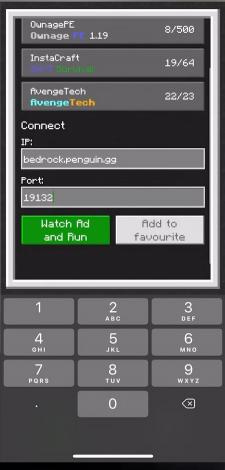
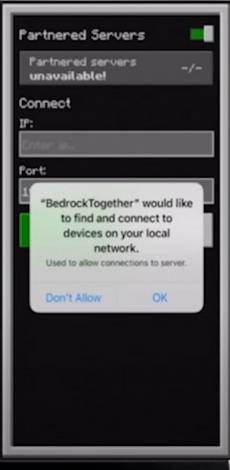
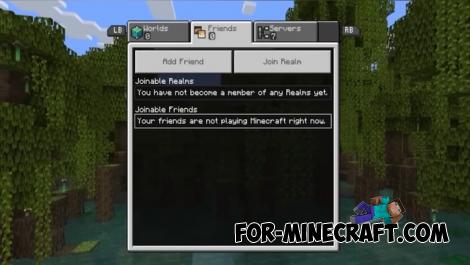
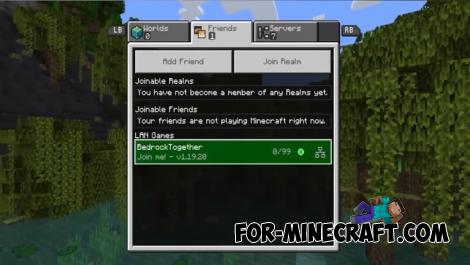
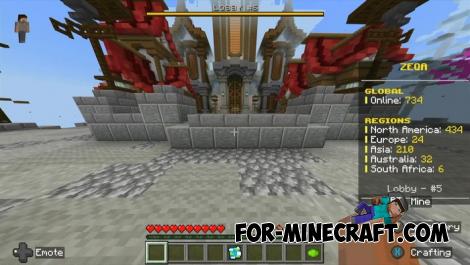
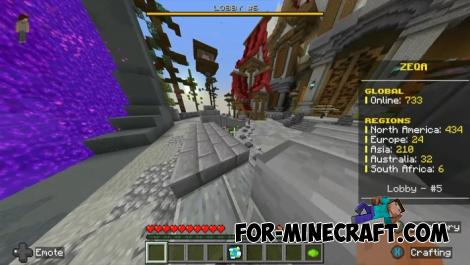
The connection is made via IP and port in the application, then launch Minecraft and go to the "Friends" tab, where the desired server appears. For it to work correctly, it is important that both devices, mobile and console/PC, are on the same local network! This is the only way you can play on the same server.
BedrockTogether is a third-party application, unofficially associated with the developers of Minecraft or Xbox, so there may be bugs.
BedrockTogether v1.21.100 (APK/IPA)
- Author: Bernard
- Date:
If you play Minecraft Bedrock on consoles or mobile devices and want to connect to a server, BedrockTogether is designed for just that. It displays external servers as local (LAN) on platforms such as Xbox and PlayStation when those same systems are connected to the same network, eliminating platform differences.
By: Extollite / konradgab
Pros and features of BedrockTogether (read before installing):
• Converts an external server into a LAN server (makes the server visible in the Friends tab)
• Works without changing DNS or firmware
• Automatically creates a local proxy connection
• Supports Xbox Series / Xbox One
• Supports PlayStation 4 /PlayStation 5
• Compatible with Android devices (works on phones and tablets)
• Compatible with the latest versions of Minecraft Bedrock (including 1.21+)
• The only available way to connect consoles to external servers for free
• Fully compatible with private servers of friends or communities
• Allows you to play on servers that are not officially available on consoles
• Does not affect FPS and Minecraft BE performance
• Suitable for LAN parties or family gaming
• Does not violate Xbox/PlayStation rules, as it works through a regular network
• Suitable for testing your servers before public launch
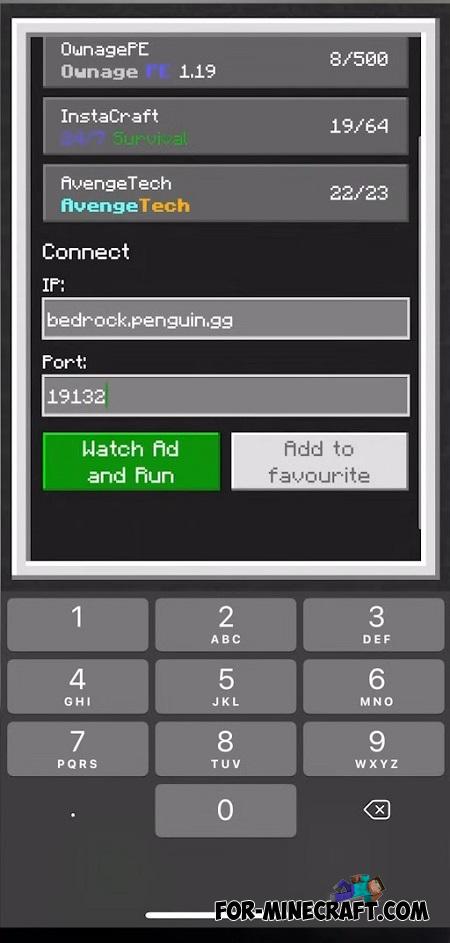
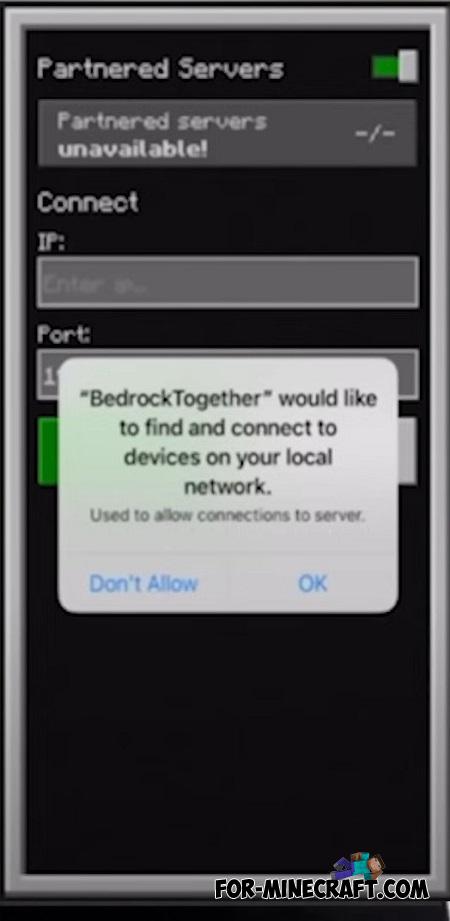
How to connect in BedrockTogether?
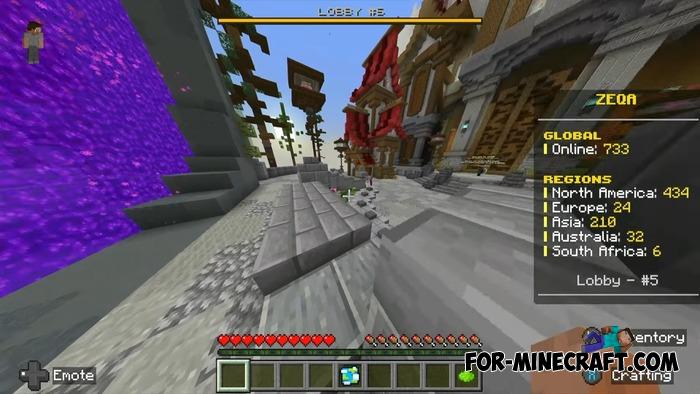
The connection is made via IP and port in the application, then launch Minecraft and go to the "Friends" tab, where the desired server appears. For it to work correctly, it is important that both devices, mobile and console/PC, are on the same local network! This is the only way you can play on the same server.
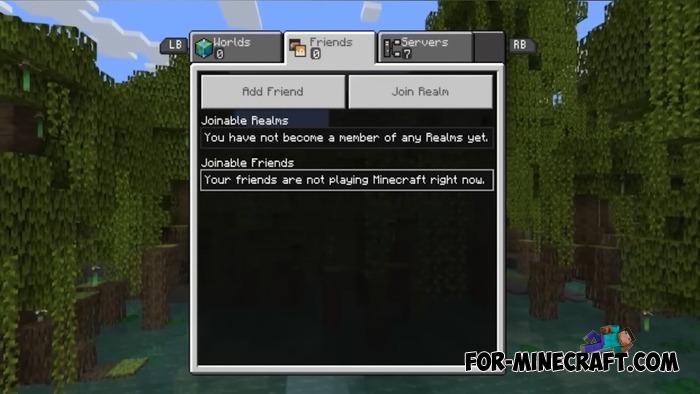
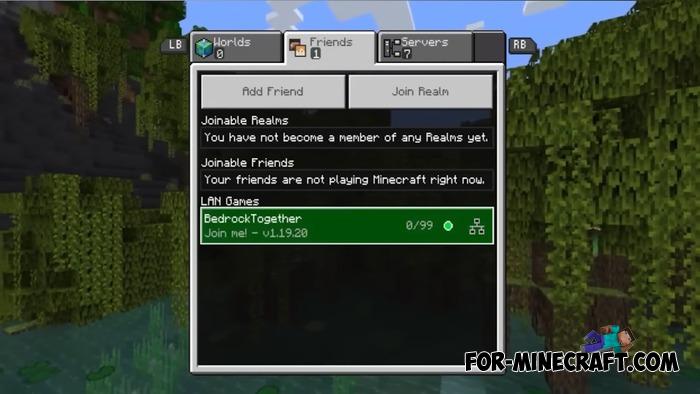
Important to note:
BedrockTogether is a third-party application, unofficially associated with the developers of Minecraft or Xbox, so there may be bugs.
BedrockTogether v1.21.100 (Android)
Download BedrockTogether v1.21.100 (iOS/IPA)
BedrockTogether on GitHub
- Category: Clients for Minecraft Bedrock
Recommend:
-
Minecraft PE 26.60.30 (1.21.132/26.52)
More epic battles in the new structure, wind shooting mob, auto crafting and more..
-
 Patar Private Resource Pack for Minecraft PE 1.15/1.16
Patar Private Pack are resources that have been under development for several years..
Patar Private Resource Pack for Minecraft PE 1.15/1.16
Patar Private Pack are resources that have been under development for several years..
-
 Download Minecraft PE 1.16.230.56 (1.16.221) - Nether Update
The most massive Nether update with new mobs, plants and biomes!
Download Minecraft PE 1.16.230.56 (1.16.221) - Nether Update
The most massive Nether update with new mobs, plants and biomes!
-
 Inner Core for Minecraft PE 1.16 - 3.1.1b127-128 (ARM64 Update)
Inner Core was created on the basis of the original MCPE 1.0.3 and is a full complement for creating and playing with
Inner Core for Minecraft PE 1.16 - 3.1.1b127-128 (ARM64 Update)
Inner Core was created on the basis of the original MCPE 1.0.3 and is a full complement for creating and playing with
-
 IndustrialCraft PE mod v2.0 Pre-Release 7 for Minecraft PE
IndustrialCraft PE is a global mod for MCPE which is a very accurate IndustrialCraft copy for Minecraft PC. It
IndustrialCraft PE mod v2.0 Pre-Release 7 for Minecraft PE
IndustrialCraft PE is a global mod for MCPE which is a very accurate IndustrialCraft copy for Minecraft PC. It
