-

Minecraft PE / Bedrock 26.70.22 (1.21.132/26.60)
More epic battles in the new structure, wind -

Dynamic Lights PE Addon for MCPE 1.16/1.17/1.18/1.19/1.20/1.21/26.60+
Dynamic Lights has long been created for almost -

TreeCapitator Addon for Minecraft PE 1.17/1.18/1.19/1.20/1.21.132 (26.60)+
No modifications, now the old TreeCapitator is -

Vein Miner & TreeCapitator Addon for Minecraft PE 1.17/1.20/1.21/26.70+
Start your first day working as a miner or -

Apollon Client 6.70 for Minecraft PE 1.21.114/26.52
Apollon is a standalone client wrapped in -

Minecraft Bedrock 1.21.132/26.60/26.70.21 Patched (apk)
Do you prefer to play non render dragon shaders -

Body Actions Addon v3.4.13 for Minecraft PE 1.19/1.21.110/26.60+
Humanization of characters in Minecraft Bedrock -

LeviLauncher v0.3.11 (LeviLaunchroid v1.6.0) for Minecraft Bedrock 1.21.132/26.60
LeviLauncher is the tool you've been -

Shadow Company Addon for Minecraft PE 1.21/26
A killer weapon addon for Minecraft Bedrock, -

Newb (Legacy/ Dragon/ Trailer/ Glow/ Firelight/ Gold/ Dynamite/ Memories/ Stellar/ AI/ Plus)
Uniting under a single name, all presented Newb
DroidBridge Launcher v0.10.25 (Minecraft Java on Mobile)
- Author: Bernard
- Date:
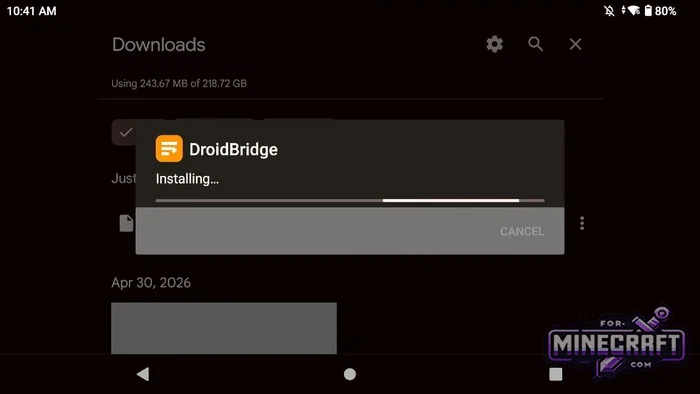
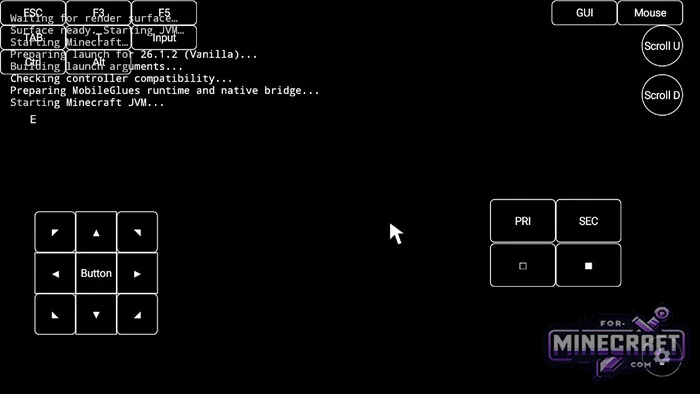
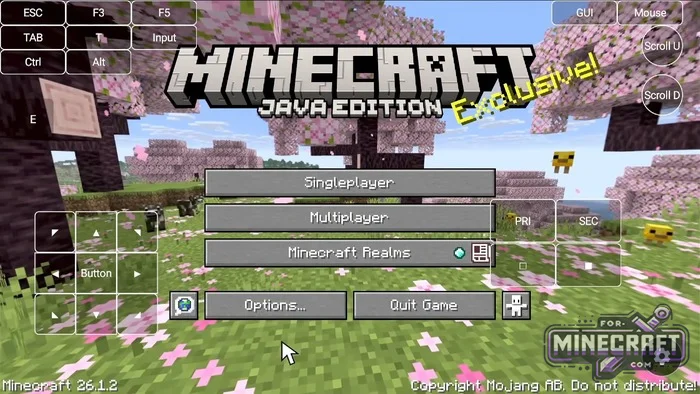
Of course DroidBridge isn't the only launcher that lets you run Java Edition on smartphones and tablets, but it's probably one of the few that offers so many Java-specific features. So, the DroidBridge Launcher was built with the goal of running the PC version of Minecraft on mobile devices while staying legit (youll need an official Minecraft Java Edition license to play - keep that in mind).
By: DNAMobileApplications
Changelog:
v0.10.25:
- Fixed input bugs and improved Zink support.
- Added custom Turnip/PanVK drivers.
- Overhauled the UI.
- Added Minecraft 26.4
v0.9.23:
- Fixed e4mc crashes and improved mod compatibility.
- Fixed touch controls disappearing during recording
- Improved support for dual screen HUD mods.
- Restored the virtual mouse option.
- Added a keyboard shortcut for opening the launcher menu.
- Fixed installations stopping after phone rotation.
Login and profiles:
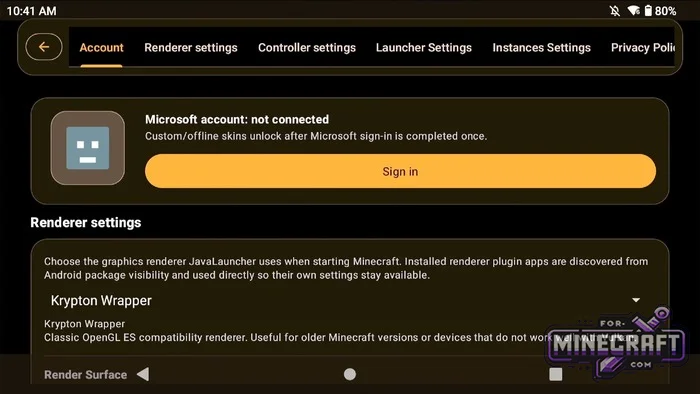
You need your own Microsoft account with a paid copy of Minecraft to log in. Inside DroidBridge, you can preview your skin, and change your cape. You can also switch between multiple accounts there.
Builds in just a couple of taps:
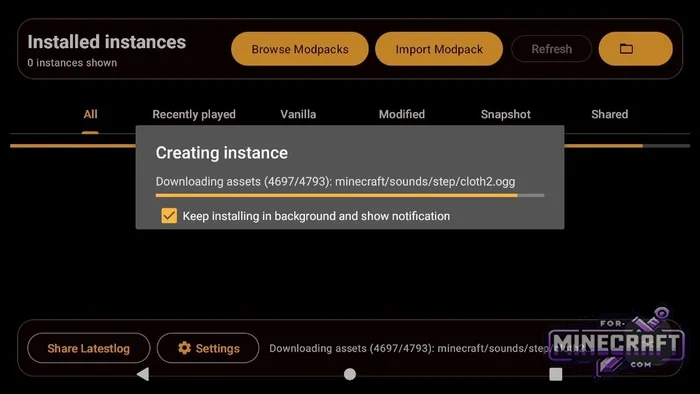
DroidBridge uses an instance system. When creating an instance, you choose a name, select an icon pick the Minecraft version, and choose a mod loader.
-
Vanilla
-
Fabric
-
Forge and NeoForge
-
Cleanroom
Downloading mods without a browser:
The interface includes a built-in browser that lets you switch between Modrinth and CurseForge. With a single click you can download and update popular mods like Sodium and Fabric API, install resource packs or shaders, and check their install status, and descriptions. If you're looking for the mobile version, mods and add-ons for Minecraft Bedrock are available at the link on our website.
Controls and graphics customization:
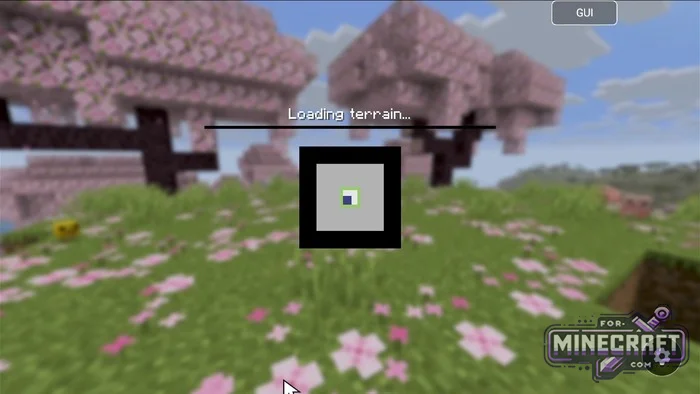
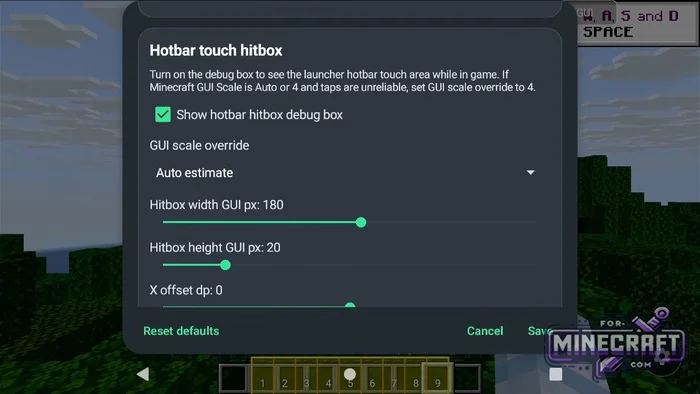
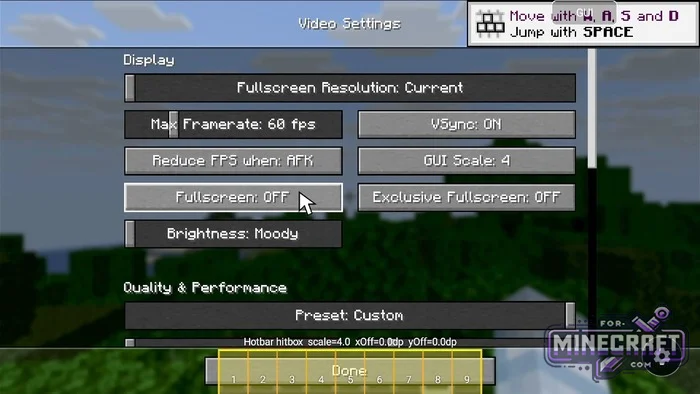
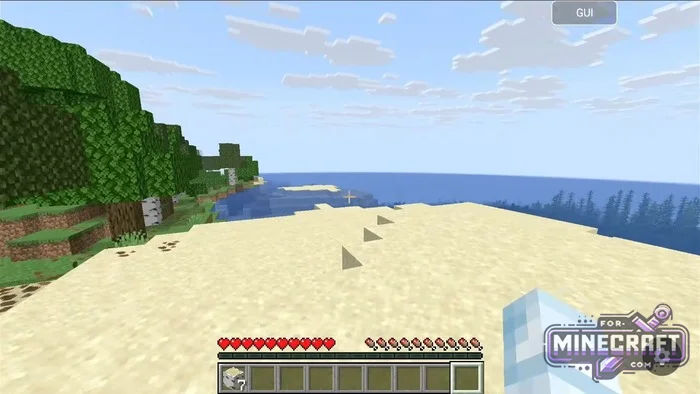
On-screen buttons can be hidden or moved around to fit your fingers, and you can adjust the button size to match your screen. Theres also the traditional setup-you can hook up a gamepad over Bluetooth, or use a mouse and keyboard combo. To keep a stable framerate across different processors, the Mobile Glue renderer has been added featuring a flexible cache and shader buffer bypass.
Top Guides (Version 0.9+):
1. Configuring the Mobile Glue Renderer:
-
In the root directory of your phones storage, create an empty folder named "mg."
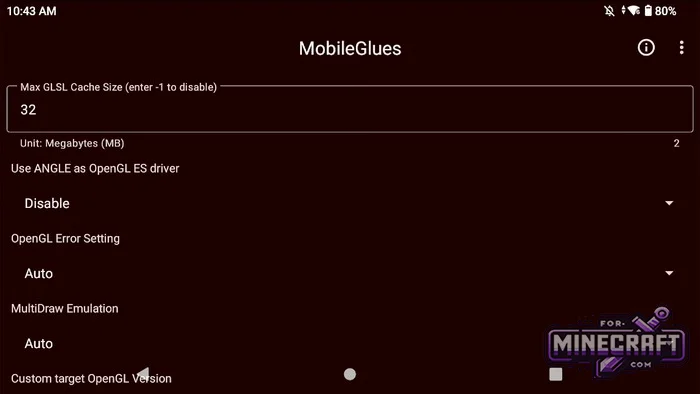
- Open the Mobile Glue app, tap "Modify render settings," and grant access to the "mg" folder you created.
-
Set "ANGLE" to "Disabled."
-
Set Max GLS cache size to 128.
-
Under Open GL error settings check the box for Ignore shader buffer (this prevents crashes caused by graphics buffers).
-
-
Connect to DroidBridge
-
Open launcher settings by tapping the gear icon at the top.
-
Go to Renderer settings - Mobile Glue.
-
Tap "Choose Mobile Glue folder," select the "mg" folder and confirm access.
-
2. Optimizing FPS for low-end devices:
-
Choose Fabric. When creating a new instance always use Fabric-its lighter and faster than other loaders.
-
Install the essential mods. Use the built-in search in the instance to find and download:
-
Fabric API-the dependency for most mods.
-
Sodium-replaces the rendering engine and gives the biggest boost to framerates.
-
Lithium and FerriteCore-reduce CPU overhead and drop RAM usage.
-
-
Limit resources:
-
Don't allocate more then 2-2.5 GB of RAM to Java.
-
Lower the render resolution in the graphics settings to 70-80%.
-
3. Mods, shaders, and world transfers:
-
Installing mods and shaders in DroidBridge Launcher-open an instance go to the Mods or Shaders tab, and switch between Modrinth and CurseForge in the top-right corner.
-
Picking shaders-stick to lightweight OpenGL ES shaders (MakeUp - Ultra Fast, Solas) otherwise Minecraft will just show a black screen.
-
Transferring worlds to DroidBridge
-
Copy the world folder from .minecraft/saves on your PC.
-
In the launcher, tap the folder icon in the instance.
-
Paste the world folder into the saves directory. It will appear in the singleplayer list.
-
Download DroidBridge Launcher v0.9.23 (Mediafire)
Download DroidBridge Launcher v0.10.25 (GooglePlay)
Download Vulkan Checker v1.6 (Check device compatibility)
Reason: Added v0.10.25 with tweaks and fixes
- Category: Minecraft Bedrock Launchers
Recommend:
-
Minecraft PE / Bedrock 26.70.22 (1.21.132/26.60)
More epic battles in the new structure, wind shooting mob, auto crafting and more..
-
 IndustrialCraft PE Mod 2.4.8 for Minecraft PE 1.16
The IndustrialCraft PE history continues and now it goes to a new level..
IndustrialCraft PE Mod 2.4.8 for Minecraft PE 1.16
The IndustrialCraft PE history continues and now it goes to a new level..
-
 Download Minecraft PE 1.16.230.56 (1.16.221) - Nether Update
The most massive Nether update with new mobs, plants and biomes!
Download Minecraft PE 1.16.230.56 (1.16.221) - Nether Update
The most massive Nether update with new mobs, plants and biomes!
-
 Inner Core for Minecraft PE 1.16 - 3.1.1b127-128 (ARM64 Update)
Inner Core was created on the basis of the original MCPE 1.0.3 and is a full complement for creating and playing with
Inner Core for Minecraft PE 1.16 - 3.1.1b127-128 (ARM64 Update)
Inner Core was created on the basis of the original MCPE 1.0.3 and is a full complement for creating and playing with
-
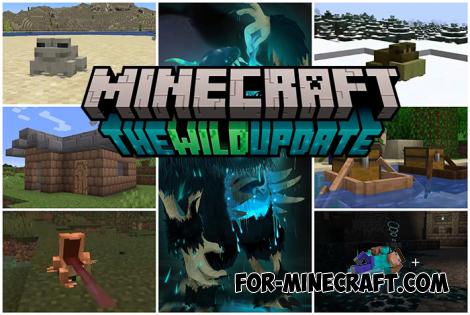 Minecraft PE 1.19.80.24 Beta (1.19.81 Release)
Meet the officially announced Minecraft PE 1.19 update with frogs, warden, fireflies and swamps!
Minecraft PE 1.19.80.24 Beta (1.19.81 Release)
Meet the officially announced Minecraft PE 1.19 update with frogs, warden, fireflies and swamps!
