-

Minecraft PE / Bedrock 26.70.23 (1.21.132/26.62)
More epic battles in the new structure, wind -

X-Ray for Minecraft Bedrock Edition 1.19/1.20/1.21.132/26.60+
X-Ray is a cult cheat in the past, available as -

TreeCapitator Addon for Minecraft PE 1.17/1.18/1.19/1.20/1.21.132 (26.60)+
No modifications, now the old TreeCapitator is -

Vein Miner & TreeCapitator Addon for Minecraft PE 1.17/1.20/1.21/26.70+
Start your first day working as a miner or -

Apollon Client 6.70 for Minecraft PE 1.21.114/26.52
Apollon is a standalone client wrapped in -

Minecraft Bedrock 1.21.132/26.60/26.70.21 Patched (apk)
Do you prefer to play non render dragon shaders -

Body Actions Addon v3.4.13 for Minecraft PE 1.19/1.21.110/26.60+
Humanization of characters in Minecraft Bedrock -

RealSource Resource Pack v1.9.3 for Minecraft PE 1.19/1.20/1.21.111/26.62
Prefer the vanilla look over all other Minecraft -

LeviLauncher v1.0.7 (LeviLaunchroid v1.6.0) for Minecraft Bedrock 1.21.132/26.60
LeviLauncher is the tool you've been -

Newb (Legacy/ Dragon/ Trailer/ Glow/ Firelight/ Gold/ Dynamite/ Memories/ Stellar/ AI/ Plus)
Uniting under a single name, all presented Newb
Minecraft Bedrock 26.70.24 - Invisible Armor & Off-hand Swap
- Author: Bernard
- Date:
Here's Minecraft Bedrock 26.70.24 bringing several long-awaited changes to the game. This update introduces improvements to equipment mechanics, controls, and graphics. Here's a look at the main additions, with the full changelog linked at the bottom of the post.
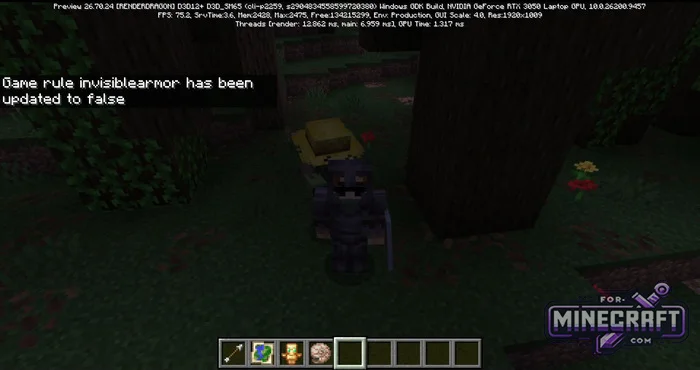
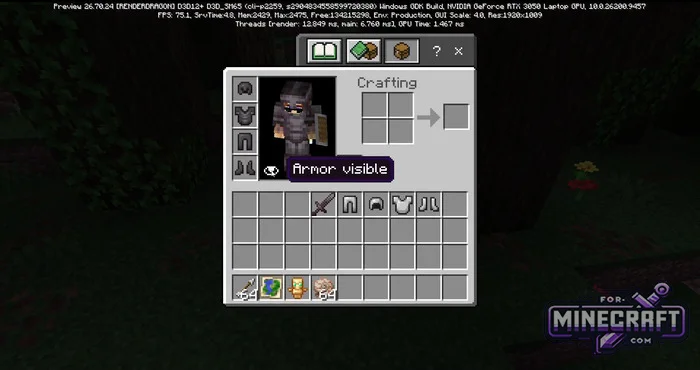
How to hide armor in your inventory:
One of the biggest additions in MCPE 26.70.24 is the ability to hide equipped armor without using third-party mods or resource packs. A new armor visibility toggle is available in the world creation menu under Advanced Settings, as well as in the settings of existing worlds. You can also control it using the /gamerule invisibleArmor command.
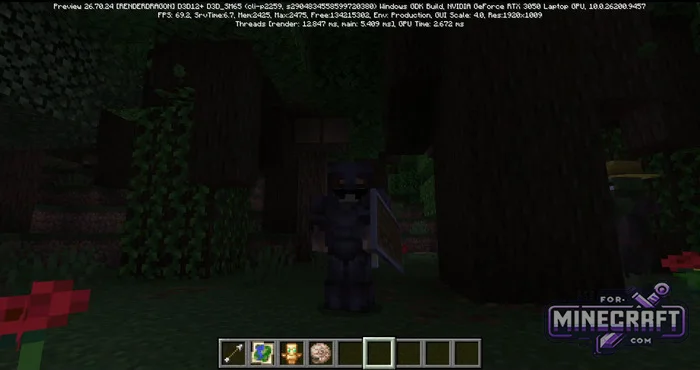
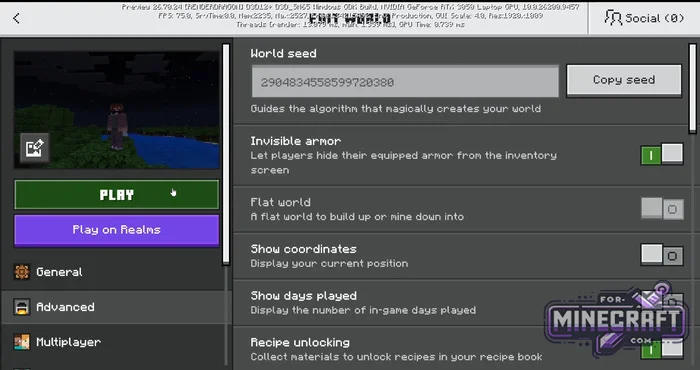
Once enabled, an eye icon appears next to your armor slots in the inventory. Click it to hide your armor and show only your character's skin. Carved pumpkins, mob heads, and elytra remain visible. Your armor will also become visible again for 5 seconds whenever you take damage.
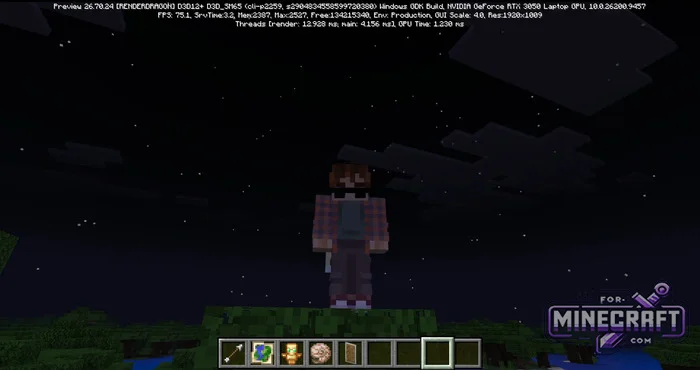
Off-hand in Minecraft 26.70.24:
Bedrock players can finally use the off-hand swap keybind properly. You can now quickly switch shields, arrows, fireworks, and maps between your hands using the keyboard. Swords, blocks, and food still can't be placed directly in the off-hand, but Bedrock is slowly getting closer to Java Edition in this area.
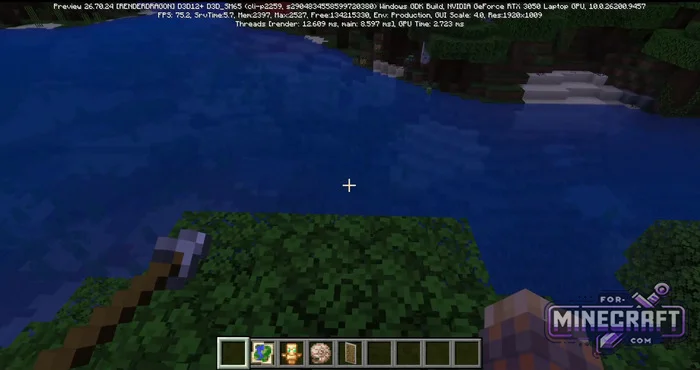
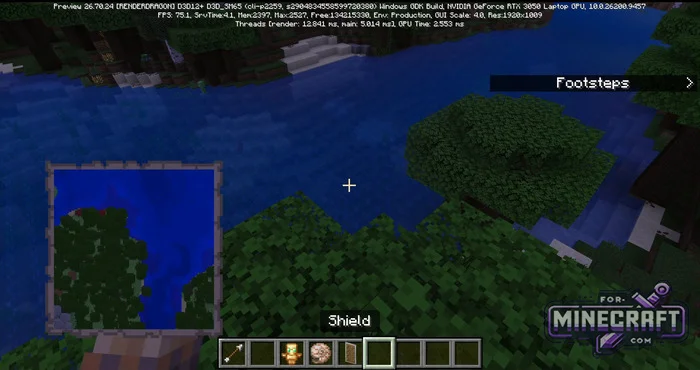
There's another small change worth mentioning. When you hold a map in your main hand while carrying something in your off-hand, your character now holds the map with one hand, so it doesn't block as much of your screen.
Hardware, Consoles and Graphics:
-
Improved Vibrant Visuals mode is now supported on phones with Mali Ultra GPUs.
-
Added mouse mode support for Nintendo Switch 2 Joy-Cons, along with a dedicated settings menu.
-
Fixed an issue that caused the game to get stuck at 73% during startup on PC
-
Fixed transparent textures on redstone torches that weren't rendering correctly in dark caves with ray tracing enabled.
- Category: Minecraft Bedrock 26
Recommend:
-
Minecraft PE / Bedrock 26.70.24 (1.21.132/26.62)
More epic battles in the new structure, wind shooting mob, auto crafting and more..
-
X-Ray for Minecraft Bedrock Edition 1.19/1.20/1.21.132/26.60+
X-Ray is a cult cheat in the past, available as texture pack now. From a technical point of view..
-
 IndustrialCraft PE Mod 2.4.8 for Minecraft PE 1.16
The IndustrialCraft PE history continues and now it goes to a new level..
-
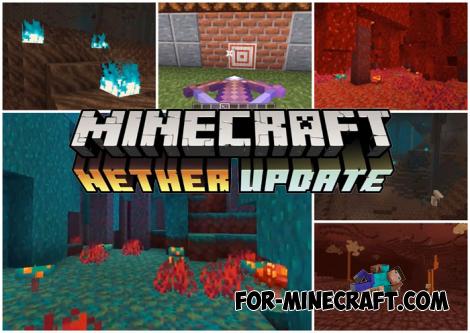 Download Minecraft PE 1.16.230.56 (1.16.221) - Nether Update
The most massive Nether update with new mobs, plants and biomes!
-
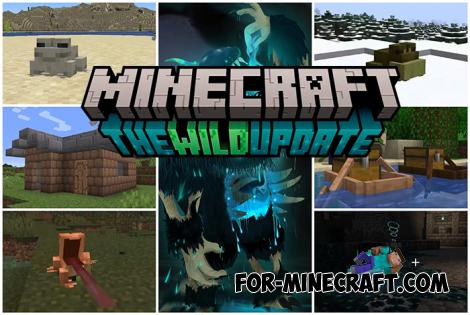 Minecraft PE 1.19.80.24 Beta (1.19.81 Release)
Meet the officially announced Minecraft PE 1.19 update with frogs, warden, fireflies and swamps!
