Popular
-

Faithful Textures for MCPE 1.16/1.17/1.19/1.20/1.21/26.52 (32x/64x/128x) (RTX)
Now you can play with the most popular -

Minecraft PE 26.60.30 (1.21.132/26.52)
More epic battles in the new structure, wind -

Dynamic Lights PE Addon for MCPE 1.16/1.17/1.18/1.19/1.20/1.21/26.60+
Dynamic Lights has long been created for almost -

X-Ray for Minecraft Bedrock Edition 1.19/1.20/1.21.132/26.60+
X-Ray is a cult cheat in the past, available as -

TreeCapitator Addon for Minecraft PE 1.17/1.18/1.19/1.20/1.21.132 (26.60)+
No modifications, now the old TreeCapitator is -

Vein Miner & TreeCapitator Addon for Minecraft PE 1.17/1.20/1.21/26.60+
Start your first day working as a miner or -

Java Combat System Addon v8.0 for Bedrock 1.17/1.18/1.19/1.21/26.60+
Install this updated combat system in the form -

Apollon Client 6.53 for Minecraft PE 1.21.114/26.45
Apollon is a standalone client wrapped in -

Minecraft Bedrock 1.21.132/26.44/26.60.29 Patched (apk)
Do you prefer to play non render dragon shaders -

Body Actions Addon v3.4.12 for Minecraft PE 1.19/1.21.110/26.60+
Humanization of characters in Minecraft Bedrock
0
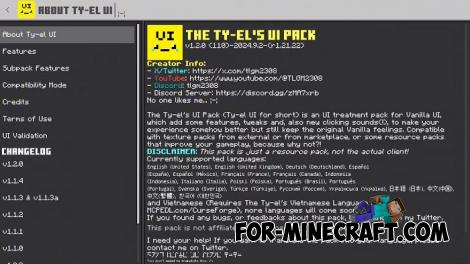
This is probably the most useful and naturally designed UI Pack for Bedrock Edition to date. It includes absolutely everything you might need during gameplay, and best of all – it’s completely free. You get a huge number of both major and minor tweaks to the interface, windows, dialogs, and all types of interactions.
By: tlgm2308
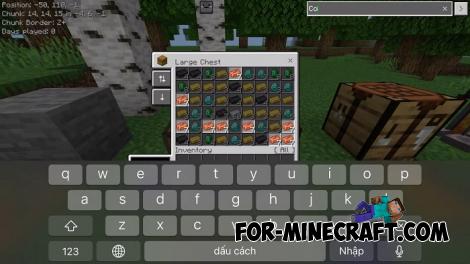
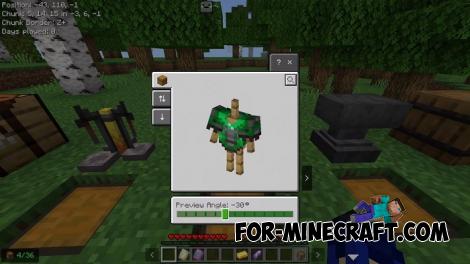
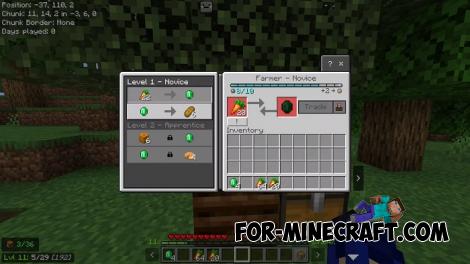
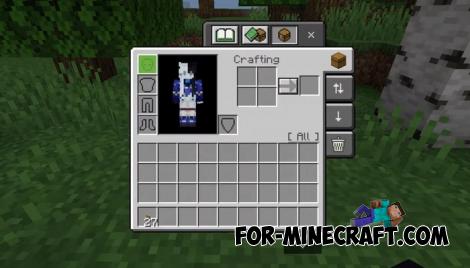
- A sidebar-styled main menu, and redesigned settings screen. Many dropdowns are now button-style, and there's a quick settings panel for adjusting FOV, camera, and brightness instantly.
- Full-screen play screen with recently played worlds, world folder names, and a world search feature (case sensitive).
- View chunk coordinates, XP to next level, item durability inventory free slots, and item counts. Utility items like clocks and compasses now display directly on the HUD.
- Quickly toggle HUD features or check the player list using a tab menu (keyboard) or on-screen button (touch).
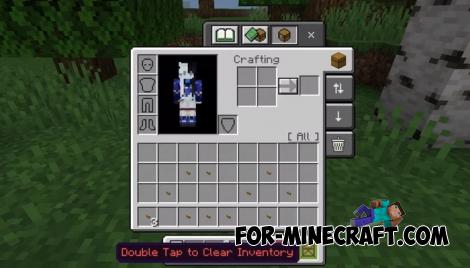
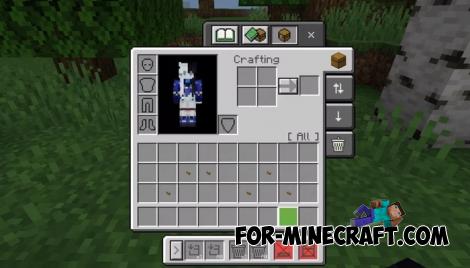
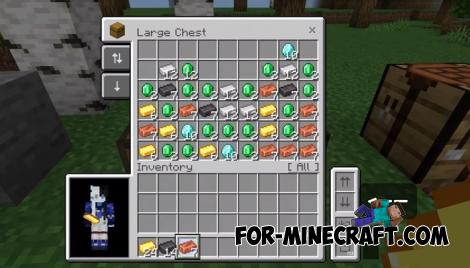
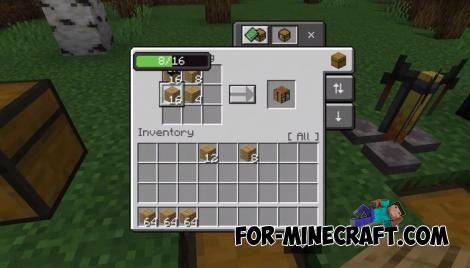
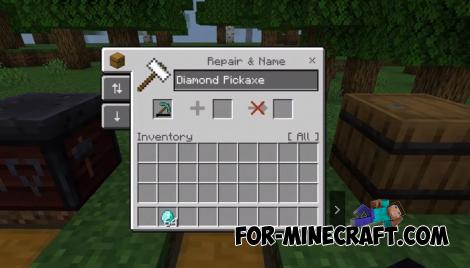
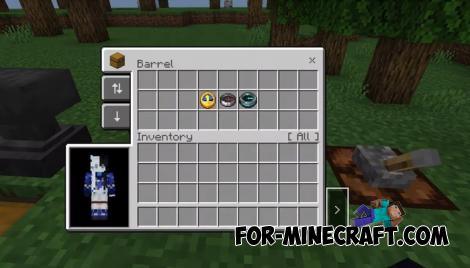
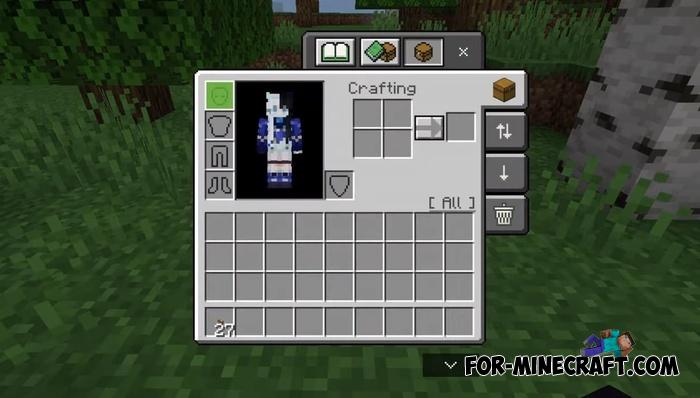
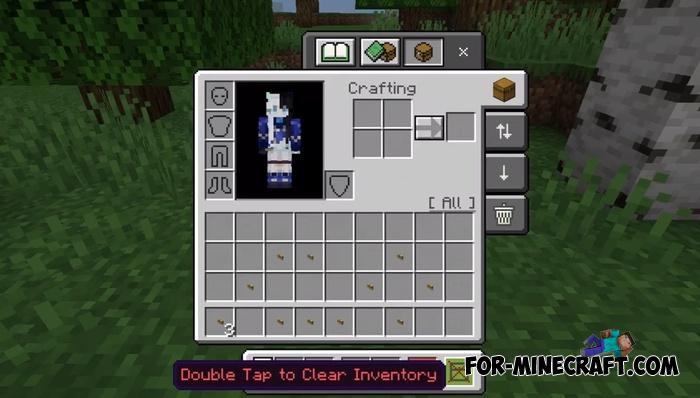
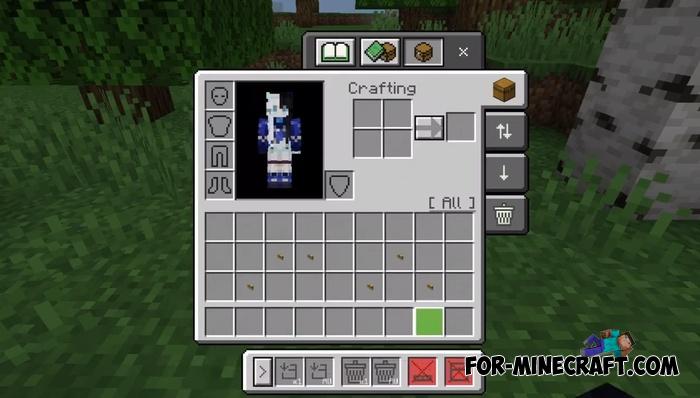
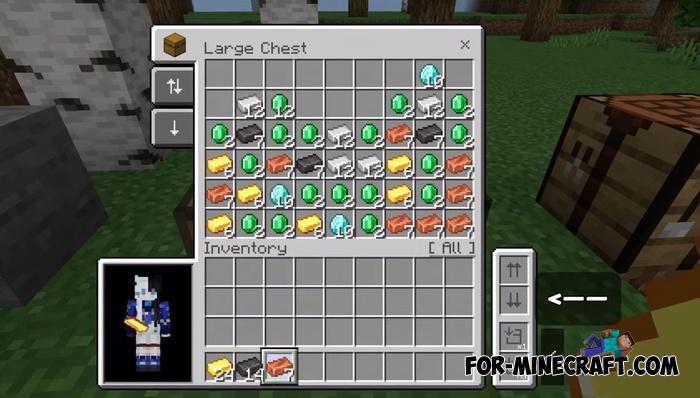
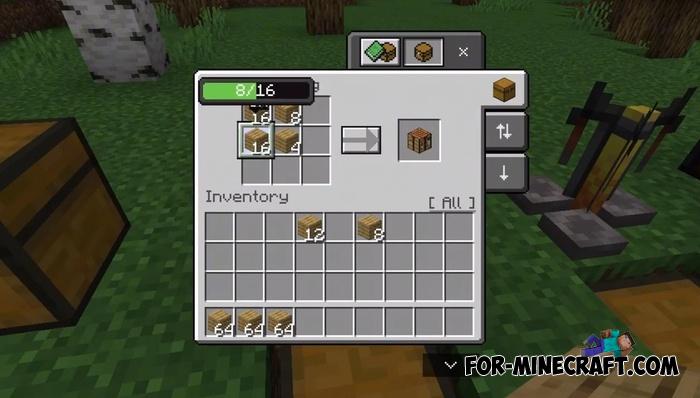
- New quick move, drop, and destroy modes, plus smart bulk actions. There's also a highlight search, quick craft button, and creative improvements.
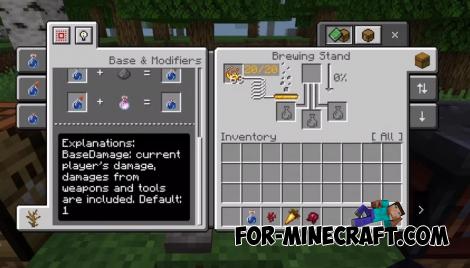
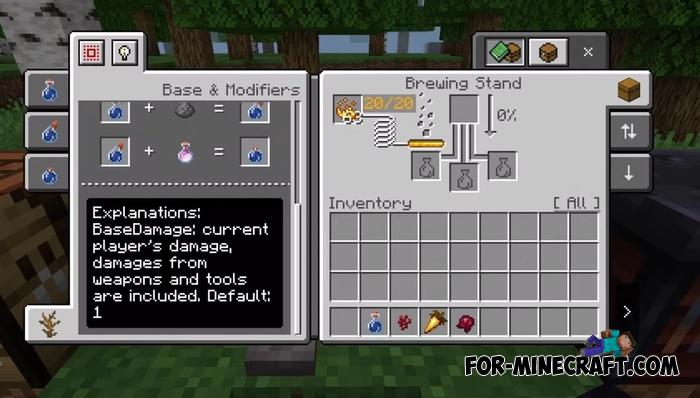
- Built-in brewing recipe guide, advanced chat controls with message history, copy features, and mute toggles.
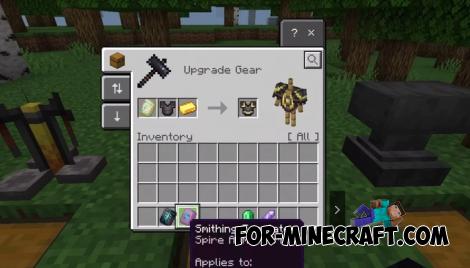
- Updated pause screen, trading improvements, marketplace purchase confirmations, Java edition UI parity, server-specific XP tools, and more.
1. Open the file (.mcpack) using Minecraft PE
2. Activate the addon (world or game settings)
Tyel User Interface v1.2.4 for Minecraft Bedrock 1.21
- Author: Bernard
- Date:
This is probably the most useful and naturally designed UI Pack for Bedrock Edition to date. It includes absolutely everything you might need during gameplay, and best of all – it’s completely free. You get a huge number of both major and minor tweaks to the interface, windows, dialogs, and all types of interactions.
By: tlgm2308
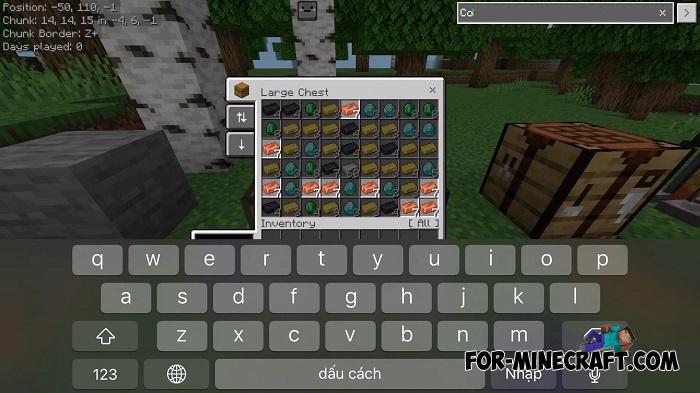
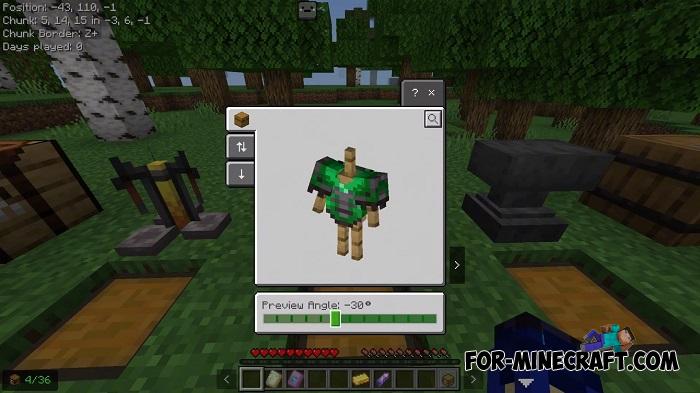
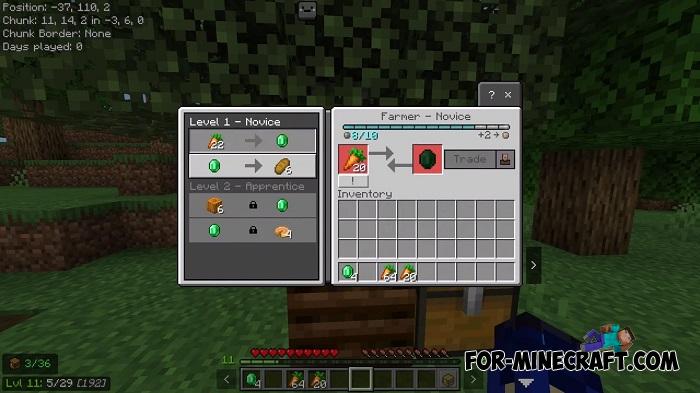
Some of key features (among many more):
- A sidebar-styled main menu, and redesigned settings screen. Many dropdowns are now button-style, and there's a quick settings panel for adjusting FOV, camera, and brightness instantly.
- Full-screen play screen with recently played worlds, world folder names, and a world search feature (case sensitive).
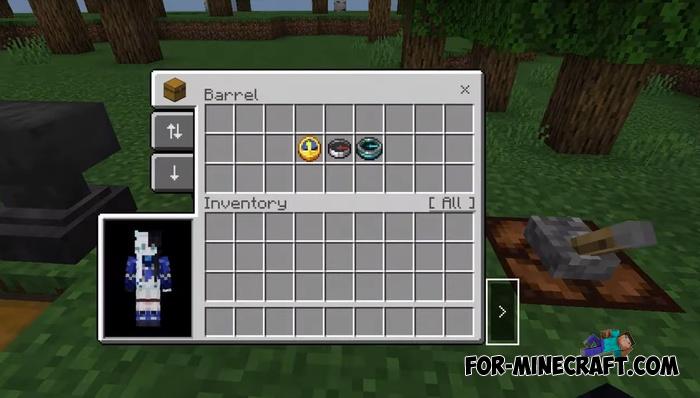
- View chunk coordinates, XP to next level, item durability inventory free slots, and item counts. Utility items like clocks and compasses now display directly on the HUD.
- Quickly toggle HUD features or check the player list using a tab menu (keyboard) or on-screen button (touch).
- New quick move, drop, and destroy modes, plus smart bulk actions. There's also a highlight search, quick craft button, and creative improvements.
- Built-in brewing recipe guide, advanced chat controls with message history, copy features, and mute toggles.
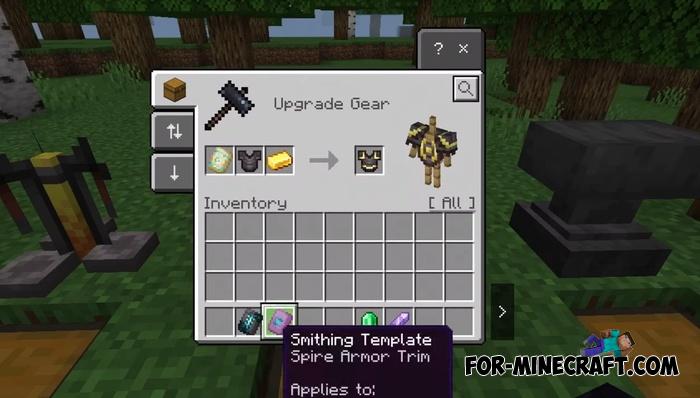
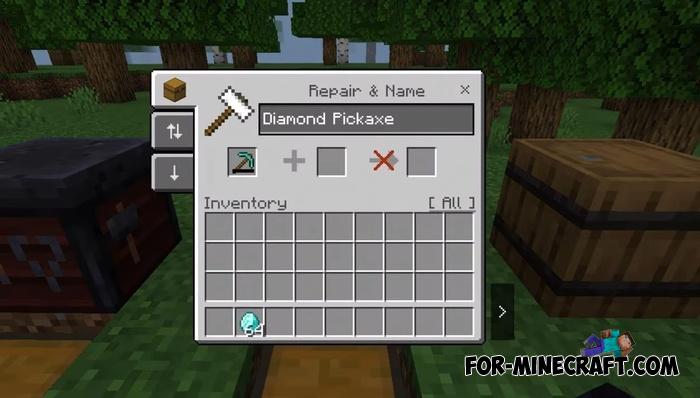
- Updated pause screen, trading improvements, marketplace purchase confirmations, Java edition UI parity, server-specific XP tools, and more.
Credits:
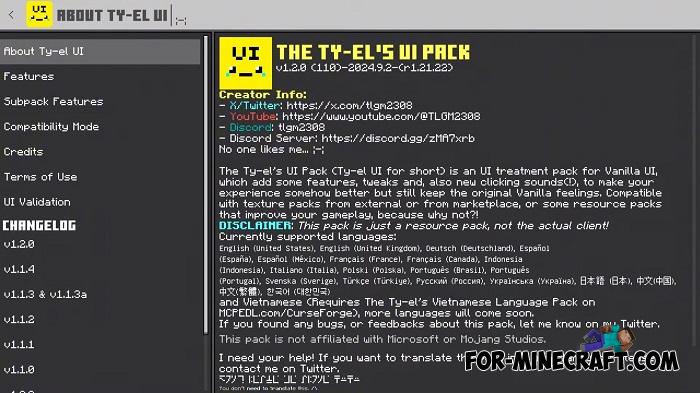
CREATOR INFO
- X/Twitter: https://x.com/tlgm2308
- YouTube: https://www.youtube.com/@TLGM2308
- Discord: tlgm2308
- Discord Server: https://discord.gg/zMA7xrb
How to install Tyel User Interface?
1. Open the file (.mcpack) using Minecraft PE
2. Activate the addon (world or game settings)
- Category: Texture Packs for Minecraft Bedrock
Recommend:
-
 IndustrialCraft PE mod v2.0 Pre-Release 7 for Minecraft PE
IndustrialCraft PE is a global mod for MCPE which is a very accurate IndustrialCraft copy for Minecraft PC. It
IndustrialCraft PE mod v2.0 Pre-Release 7 for Minecraft PE
IndustrialCraft PE is a global mod for MCPE which is a very accurate IndustrialCraft copy for Minecraft PC. It
-
 Inner Core for Minecraft PE 1.16 - 3.1.1b127-128 (ARM64 Update)
Inner Core was created on the basis of the original MCPE 1.0.3 and is a full complement for creating and playing with
Inner Core for Minecraft PE 1.16 - 3.1.1b127-128 (ARM64 Update)
Inner Core was created on the basis of the original MCPE 1.0.3 and is a full complement for creating and playing with
-
 IndustrialCraft PE Mod 2.4.8 for Minecraft PE 1.16
The IndustrialCraft PE history continues and now it goes to a new level..
IndustrialCraft PE Mod 2.4.8 for Minecraft PE 1.16
The IndustrialCraft PE history continues and now it goes to a new level..
-
 Chisel Addon v2.0.0 for Minecraft PE 1.14/1.20
A couple of years ago, Chisel was in the top 10 most popular mods for Minecraft thanks to a huge number of new
Chisel Addon v2.0.0 for Minecraft PE 1.14/1.20
A couple of years ago, Chisel was in the top 10 most popular mods for Minecraft thanks to a huge number of new
-
 Factorization Mod 5.2 for Minecraft PE 0.11/0.12/0.13/0.14
The basis of mod make blocks-mechanisms. With these systems of the mechanisms can be automated almost any process in
Factorization Mod 5.2 for Minecraft PE 0.11/0.12/0.13/0.14
The basis of mod make blocks-mechanisms. With these systems of the mechanisms can be automated almost any process in
