Popular
-

Minecraft PE / Bedrock 26.70.22 (1.21.132/26.60)
More epic battles in the new structure, wind -

TreeCapitator Addon for Minecraft PE 1.17/1.18/1.19/1.20/1.21.132 (26.60)+
No modifications, now the old TreeCapitator is -

Vein Miner & TreeCapitator Addon for Minecraft PE 1.17/1.20/1.21/26.70+
Start your first day working as a miner or -

Apollon Client 6.70 for Minecraft PE 1.21.114/26.52
Apollon is a standalone client wrapped in -

Minecraft Bedrock 1.21.132/26.60/26.70.21 Patched (apk)
Do you prefer to play non render dragon shaders -

Body Actions Addon v3.4.13 for Minecraft PE 1.19/1.21.110/26.60+
Humanization of characters in Minecraft Bedrock -

LeviLauncher v0.3.11 (LeviLaunchroid v1.6.0) for Minecraft Bedrock 1.21.132/26.60
LeviLauncher is the tool you've been -

Shadow Company Addon for Minecraft PE 1.21/26
A killer weapon addon for Minecraft Bedrock, -

Newb (Legacy/ Dragon/ Trailer/ Glow/ Firelight/ Gold/ Dynamite/ Memories/ Stellar/ AI/ Plus)
Uniting under a single name, all presented Newb -

Mini Structures Addon v2.0 for Minecraft PE 1.18/1.19/1.20/1.21/26.70+
There are 30 structures at the moment, and all
0
Simplicity is not about texture simplification, this pack was created as a texture-tweak pack for Bedrock 1.21 supporting all visual features including Vibrant Visuals (play on Minecraft PE 1.21.90.2x if you want VV enabled). What can small changes do when there are many of them? Look at the screenshots to see the differences.
By: iKorbon


Vibrant Visuals was not used in creating the screenshots.


1. Download the pack and open it using Minecraft PE
2. Go to the game settings and activate the pack
Simplicity Resource Pack for Minecraft 1.21
- Author: Bernard
- Date:
Simplicity is not about texture simplification, this pack was created as a texture-tweak pack for Bedrock 1.21 supporting all visual features including Vibrant Visuals (play on Minecraft PE 1.21.90.2x if you want VV enabled). What can small changes do when there are many of them? Look at the screenshots to see the differences.
By: iKorbon


Simplicity vs Vanilla:
- Deep lighting settings similar to shaders
- Updated shadows go along with the light
- The color scheme has a more contrasting look, great for forests
- Color grading edits
- Realistic fogs depending on the biome
- Smoother textures, although not much different from vanilla
- Other settings and features concerning PBR, lighting, biomes and more


What does this look like in the game?
Vibrant Visuals was not used in creating the screenshots.


How to install the Simplicity Resource Pack?
1. Download the pack and open it using Minecraft PE
2. Go to the game settings and activate the pack
- Category: Texture Packs for Minecraft Bedrock
Recommend:
-
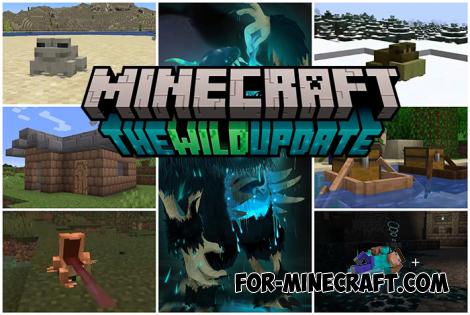 Minecraft PE 1.19.80.24 Beta (1.19.81 Release)
Meet the officially announced Minecraft PE 1.19 update with frogs, warden, fireflies and swamps!
Minecraft PE 1.19.80.24 Beta (1.19.81 Release)
Meet the officially announced Minecraft PE 1.19 update with frogs, warden, fireflies and swamps!
-
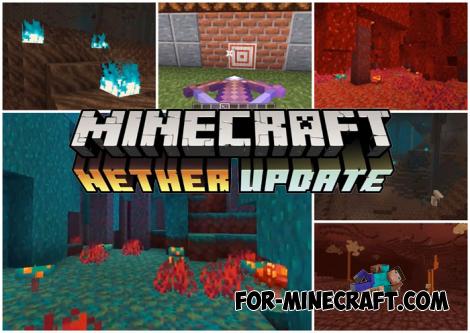 Download Minecraft PE 1.16.230.56 (1.16.221) - Nether Update
The most massive Nether update with new mobs, plants and biomes!
Download Minecraft PE 1.16.230.56 (1.16.221) - Nether Update
The most massive Nether update with new mobs, plants and biomes!
-
Minecraft PE / Bedrock 26.70.22 (1.21.132/26.60)
More epic battles in the new structure, wind shooting mob, auto crafting and more..
-
 PlankzPlus (BlockzPlus) Addon for Minecraft PE 1.18/1.19
PlankzPlus is a variant of Chisel in a way, published as an addon for Minecraft Bedrock Edition 1.18 and 1.19..
PlankzPlus (BlockzPlus) Addon for Minecraft PE 1.18/1.19
PlankzPlus is a variant of Chisel in a way, published as an addon for Minecraft Bedrock Edition 1.18 and 1.19..
-
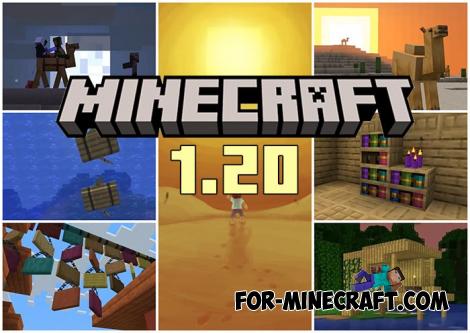 Minecraft PE 1.20.80.24 (1.20.80 Release)
Camels, hanging signs, sniffers and rafts and much more..
Minecraft PE 1.20.80.24 (1.20.80 Release)
Camels, hanging signs, sniffers and rafts and much more..
