Popular
-
Faithful Textures for MCPE 1.16/1.17/1.19/1.20/1.21/26.52 (32x/64x/128x) (RTX)
Now you can play with the most popular -

Minecraft PE 26.60.30 (1.21.132/26.52)
More epic battles in the new structure, wind -

Dynamic Lights PE Addon for MCPE 1.16/1.17/1.18/1.19/1.20/1.21/26.60+
Dynamic Lights has long been created for almost -

X-Ray for Minecraft Bedrock Edition 1.19/1.20/1.21.132/26.60+
X-Ray is a cult cheat in the past, available as -

TreeCapitator Addon for Minecraft PE 1.17/1.18/1.19/1.20/1.21.132 (26.60)+
No modifications, now the old TreeCapitator is -

Vein Miner & TreeCapitator Addon for Minecraft PE 1.17/1.20/1.21/26.60+
Start your first day working as a miner or -

Java Combat System Addon v8.0 for Bedrock 1.17/1.18/1.19/1.21/26.60+
Install this updated combat system in the form -

Apollon Client 6.53 for Minecraft PE 1.21.114/26.45
Apollon is a standalone client wrapped in -

Minecraft Bedrock 1.21.132/26.44/26.60.29 Patched (apk)
Do you prefer to play non render dragon shaders -

Body Actions Addon v3.4.12 for Minecraft PE 1.19/1.21.110/26.60+
Humanization of characters in Minecraft Bedrock
7
For Win10 players, Tint will become the most beautiful and incredibly mesmerizing shaders of all. Indeed, those who play the computer version of MCPE have not seen anything like this until this moment, especially such a beautiful sky. The Tint Shaders are designed to transform the ordinary sky into something else that can be seen mainly in cold northern places.
By: Source_Win
Works on Minecraft PE 1.11.3 and 1.12 Beta
Fixed sunlight
The shader is called SDGWE
Support for MCPE 1.9.X


This unusual phenomenon when you see it you immediately understand what is at stake. Polar lights such as in the screenshot are best seen somewhere in the snow biome early in the night. Just lift your eyes to the sky and admire the beautiful view that can not be seen in the original version of Minecraft BE.
1. Download the pack and open it using the game.
2. Go to the world or game settings and activate the shader.
Tint Shaders v3.0 for Minecraft Bedrock Edition (Win10)
- Author: Bernard
- Date:
For Win10 players, Tint will become the most beautiful and incredibly mesmerizing shaders of all. Indeed, those who play the computer version of MCPE have not seen anything like this until this moment, especially such a beautiful sky. The Tint Shaders are designed to transform the ordinary sky into something else that can be seen mainly in cold northern places.
By: Source_Win
Changelog v3.0:
Works on Minecraft PE 1.11.3 and 1.12 Beta
Fixed sunlight
Changelog v1.1.0:
The shader is called SDGWE
Support for MCPE 1.9.X
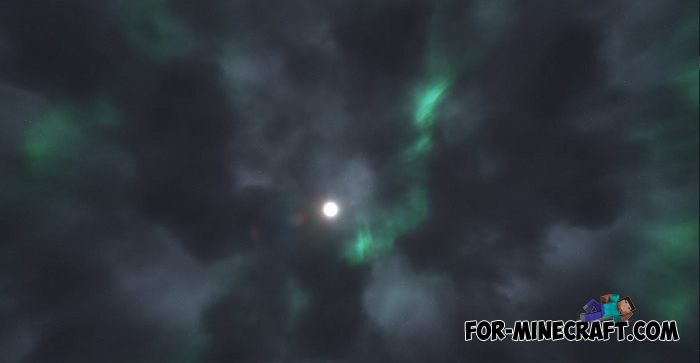
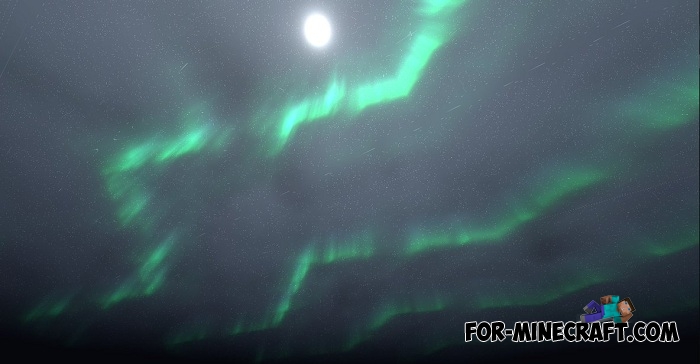
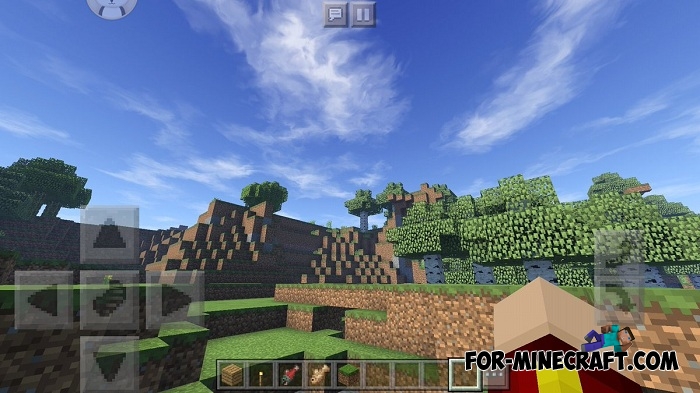


This unusual phenomenon when you see it you immediately understand what is at stake. Polar lights such as in the screenshot are best seen somewhere in the snow biome early in the night. Just lift your eyes to the sky and admire the beautiful view that can not be seen in the original version of Minecraft BE.
How to install the Tint shaders?
1. Download the pack and open it using the game.
2. Go to the world or game settings and activate the shader.
- Category: Shaders for Minecraft Bedrock (PE)
Recommend:
-
 IndustrialCraft PE mod v2.0 Pre-Release 7 for Minecraft PE
IndustrialCraft PE is a global mod for MCPE which is a very accurate IndustrialCraft copy for Minecraft PC. It
IndustrialCraft PE mod v2.0 Pre-Release 7 for Minecraft PE
IndustrialCraft PE is a global mod for MCPE which is a very accurate IndustrialCraft copy for Minecraft PC. It
-
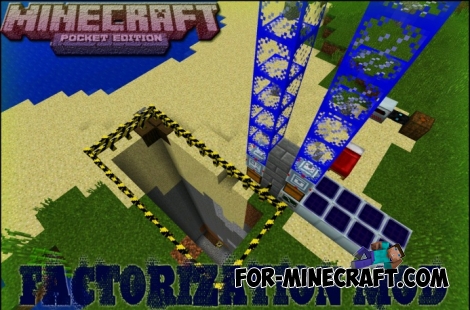 Factorization Mod 5.2 for Minecraft PE 0.11/0.12/0.13/0.14
The basis of mod make blocks-mechanisms. With these systems of the mechanisms can be automated almost any process in
Factorization Mod 5.2 for Minecraft PE 0.11/0.12/0.13/0.14
The basis of mod make blocks-mechanisms. With these systems of the mechanisms can be automated almost any process in
-
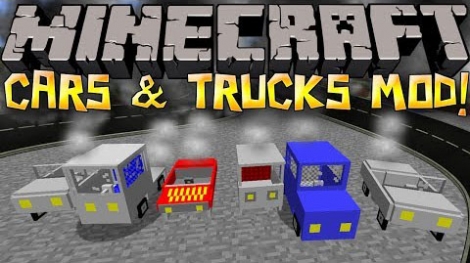 Cars and Drives Mod for Minecraft 1.7.10 / 1.7.2
Cars and Drives Mod makes it possible to make real machine in minecraft. Most importantly, you can to drive a car! In
Cars and Drives Mod for Minecraft 1.7.10 / 1.7.2
Cars and Drives Mod makes it possible to make real machine in minecraft. Most importantly, you can to drive a car! In
-
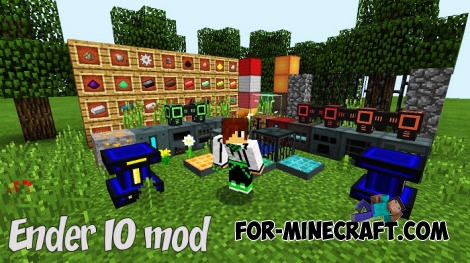 Ender IO mod v1.0 for Minecraft PE (Bedrock)
Ender IO IC is a modification that adds various machines, generators for the production of RF and Eu energy, devices
Ender IO mod v1.0 for Minecraft PE (Bedrock)
Ender IO IC is a modification that adds various machines, generators for the production of RF and Eu energy, devices
-
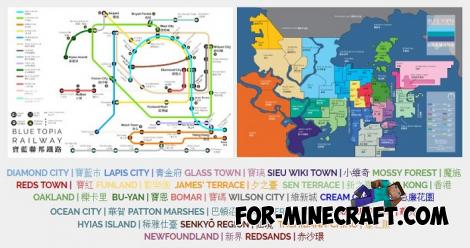 Blue City Map n2.2 for Minecraft PE 1.15/1.16
Blue City is one of the oldest cities for Minecraft Pocket Edition..
Blue City Map n2.2 for Minecraft PE 1.15/1.16
Blue City is one of the oldest cities for Minecraft Pocket Edition..
