-

Minecraft PE / Bedrock 26.70.24 (1.21.132/26.63)
More epic battles in the new structure, wind -

X-Ray for Minecraft Bedrock Edition 1.19/1.20/1.21.132/26.60+
X-Ray is a cult cheat in the past, available as -

TreeCapitator Addon for Minecraft PE 1.17/1.18/1.19/1.20/1.21.132 (26.60)+
No modifications, now the old TreeCapitator is -

Vein Miner & TreeCapitator Addon for Minecraft PE 1.17/1.20/1.21/26.70+
Start your first day working as a miner or -

Apollon Client 6.70 for Minecraft PE 1.21.114/26.52
Apollon is a standalone client wrapped in -

Minecraft Bedrock 1.21.132/26.60/26.70.21 Patched (apk)
Do you prefer to play non render dragon shaders -

Body Actions Addon v3.4.13 for Minecraft PE 1.19/1.21.110/26.60+
Humanization of characters in Minecraft Bedrock -

RealSource Resource Pack v1.9.3 for Minecraft PE 1.19/1.20/1.21.111/26.62
Prefer the vanilla look over all other Minecraft -

LeviLauncher v1.0.7 (LeviLaunchroid v1.6.0) for Minecraft Bedrock 1.21.132/26.60
LeviLauncher is the tool you've been -

Mini Structures Addon v2.0 for Minecraft PE 1.18/1.19/1.20/1.21/26.70+
There are 30 structures at the moment, and all
CosmeticArmor Addon v1.1.1 for Minecraft Bedrock 26.63+
- Author: Bernard
- Date:
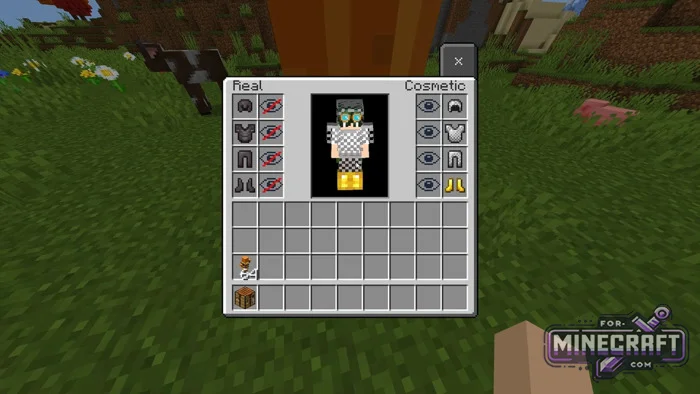
Either run around in the default skin and look like everyone else, or wear your favorite armor without any protection. But with the CosmeticArmor Addon, armor stats are handled separately from appearance, so you can customize your look without sacrificing defense. Check out the updated interface and the new slots on the right.
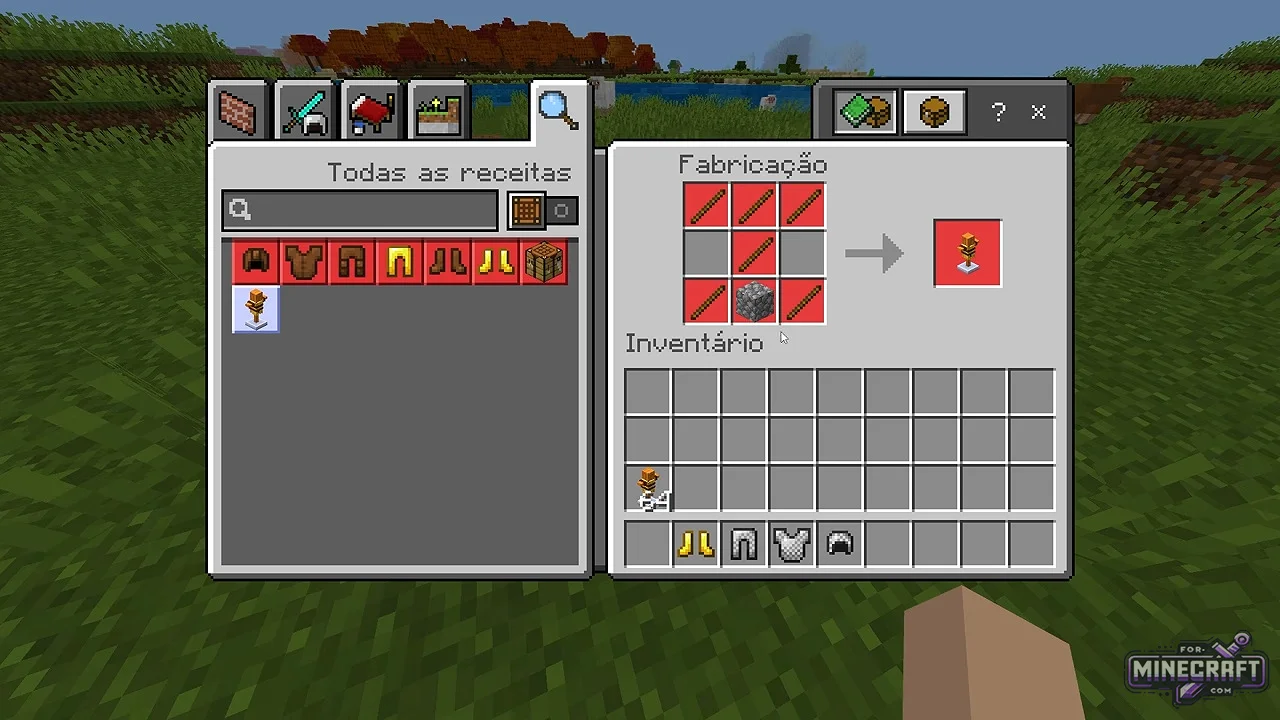
Crafting the wardrobe:
Craft a wardrobe block using a few sticks and one cobblestone block. Place it on the ground and right-click to interact. The customization menu will appear.
How the Customization Menu Works:
- On the left is the "Real" column for combat armor with enchantments and defense stats.
- On the right is "Cosmetic" column, where you can place any items for visual effect.
- In the center is your character model
- Next to each slot is a toggle shaped like an eye. Use it to hide individual pieces of the set.
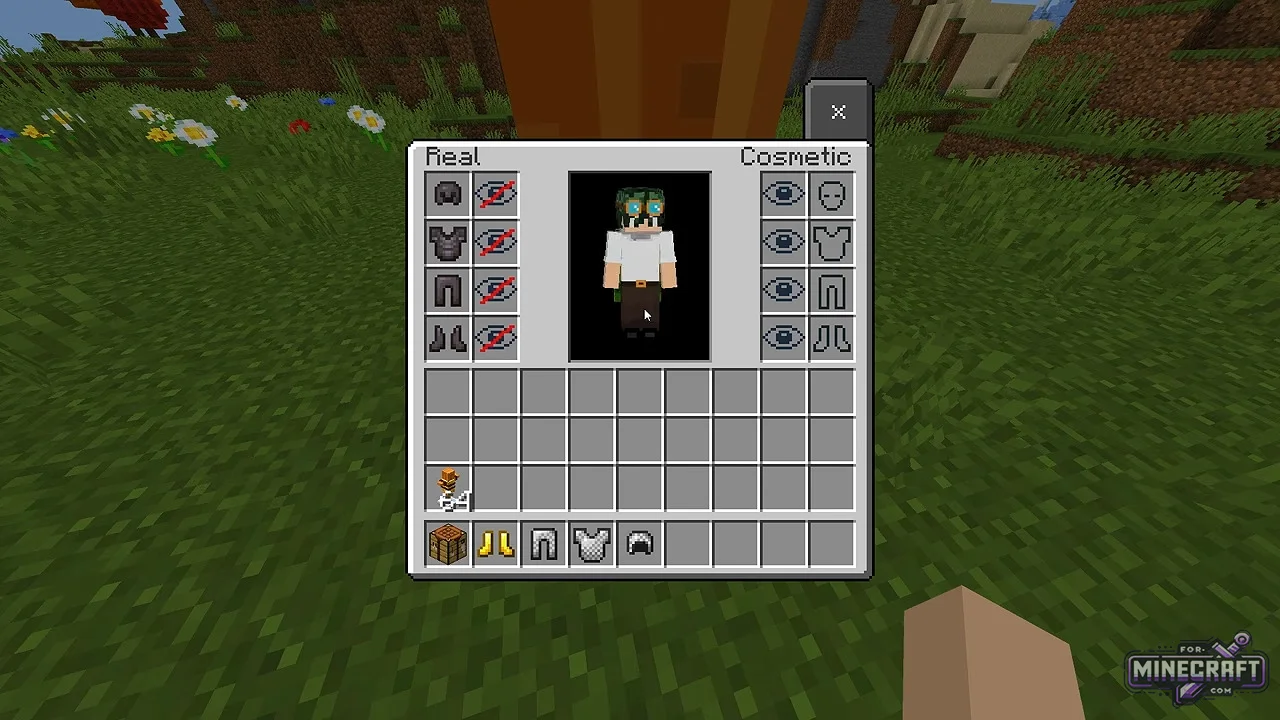
Mix and Match:
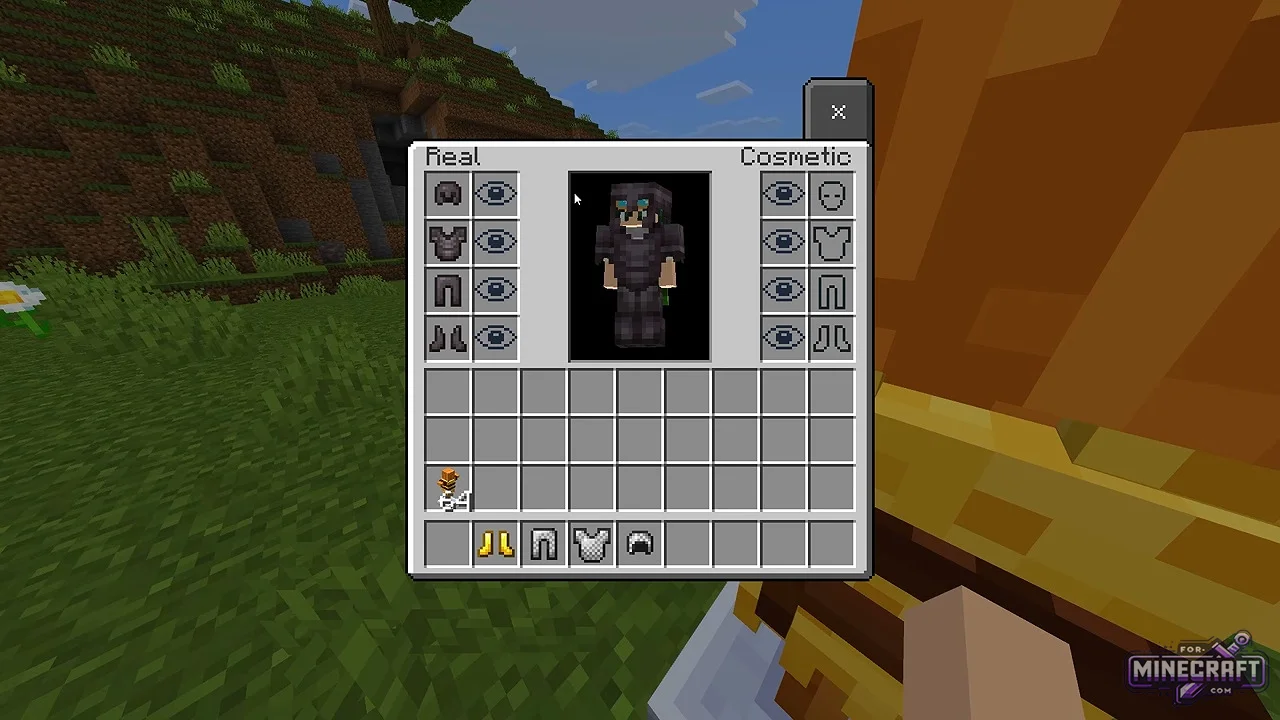
The CosmeticArmor Addon supports all armor types, including leather, iron, copper, gold, chainmail, diamond, and netherite, as well as turtle shells and elytra. You can wear top-tier netherite armor while displaying chainmail with gold boots, or hide your entire equipement. Your armor dont lose its protection stats when you change its appearance.
Mechanics and Features:
- Dual-slot system - retain the maximum protection and durability stats from one piece of armor while visually displaying another.
- Custom armor concealment
- Integration with vanilla armor
- Category: Mods & Addons for Minecraft Bedrock (PE)
Recommend:
-
Minecraft PE / Bedrock 26.70.24 (1.21.132/26.63)
More epic battles in the new structure, wind shooting mob, auto crafting and more..
-
 Hive Cosmetic Skinpack for Minecraft 1.21+
250 skins are included in TwoDay's pack, designed specifically for playing on Hive..
-
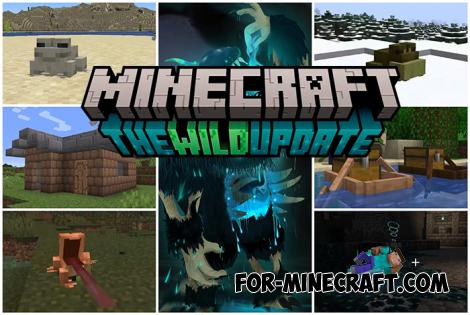 Minecraft PE 1.19.80.24 Beta (1.19.81 Release)
Meet the officially announced Minecraft PE 1.19 update with frogs, warden, fireflies and swamps!
-
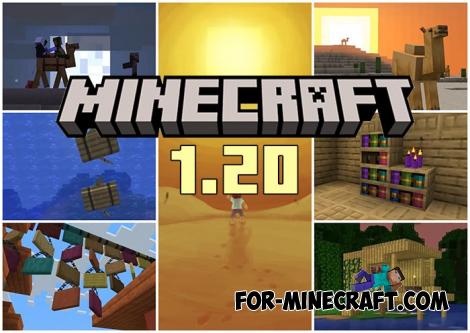 Minecraft PE 1.20.80.24 (1.20.80 Release)
Camels, hanging signs, sniffers and rafts and much more..
-
 Gothic Cosmetic Skin Pack (80 +Capes) for Minecraft Bedrock 26.X+
If you want to stand out on the server use these instead of the flashy 5D skins..
