-

Faithful Textures for MCPE 1.16/1.17/1.19/1.20/1.21/26.52 (32x/64x/128x) (RTX)
Now you can play with the most popular -

Minecraft PE 26.70.21 (1.21.132/26.52)
More epic battles in the new structure, wind -

Dynamic Lights PE Addon for MCPE 1.16/1.17/1.18/1.19/1.20/1.21/26.60+
Dynamic Lights has long been created for almost -

X-Ray for Minecraft Bedrock Edition 1.19/1.20/1.21.132/26.60+
X-Ray is a cult cheat in the past, available as -

Vein Miner & TreeCapitator Addon for Minecraft PE 1.17/1.20/1.21/26.70+
Start your first day working as a miner or -

Apollon Client 6.70 for Minecraft PE 1.21.114/26.52
Apollon is a standalone client wrapped in -

Minecraft Bedrock 1.21.132/26.44/26.70.21 Patched (apk)
Do you prefer to play non render dragon shaders -

LeviLauncher v0.3.11 (LeviLaunchroid v1.5.27) for Minecraft Bedrock 1.21.132/26.70
LeviLauncher is the tool you've been -

Shadow Company Addon for Minecraft PE 1.21/26
A killer weapon addon for Minecraft Bedrock, -

Newb (Legacy/ Dragon/ Trailer/ Glow/ Firelight/ Gold/ Dynamite/ Memories/ Stellar/ AI/ Plus)
Uniting under a single name, all presented Newb
Canopy Bedrock Mod v1.6.0 for Minecraft PE 1.21/26.40+
- Author: Bernard
- Date:
Canopy is a technical mod for Minecraft Bedrock Edition that expands control over internal processes with custom commands, monitoring, tools for creative building, farm optimization, and useful survival features.
By: ForestOfLight
Changelog:
v1.6.0:
-
Minecraft BE 26.40 support
-
Built-in Understudy integrated into Canopy without extra downloads.
-
No separate Realms edition needed; works natively everywhere.
-
/canopy and /info converted to vanilla commands with auto-complete.
-
Player commands now use /canopy:player<cmd> <args>.
-
Added /playerglide to toggle Elytra flight for simulated players.
-
Added /analyzearea to run jаvascript expressions on block regions
-
New HUD Display Rules
-
Replaced noSimplayerSaving with simplayerSaving (defaults to true).
-
Improved /playerlook with rotation support and exact block face targeting.
-
/cs <player> now warps directly to the target player.
-
Fixed portal transition crashes, /hss calculate off-by-one errors and server noFog access.
v1.5.5:
- Allows minecarts to tick the specified chunk radius around them for 10 seconds
- Bug fixes
- Minecraft Bedrock 26.10/26.11 support
v1.5.2:
- Technical improvements
- Bug fixes
- Minecraft Bedrock 26.0 support
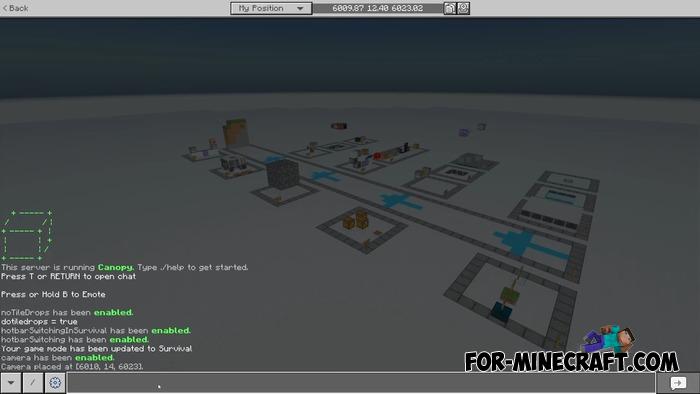
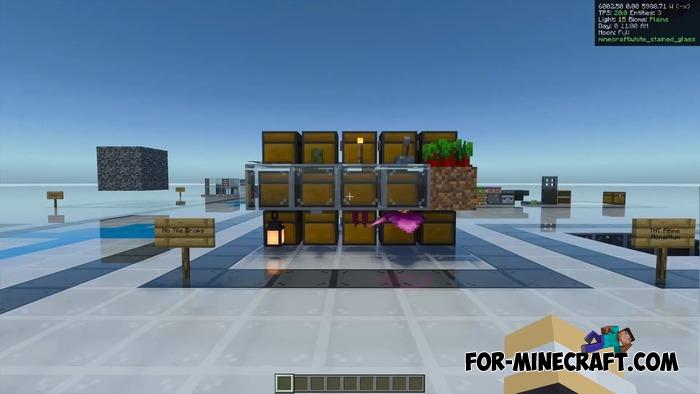
Info Display:
Command
./help info display
When enabled, displays the following in the upper right corner:
• coordinates
• view direction
• TPS and MSPT
• number of entities
• light level
• biome name
• day, time, moon phase
• data of blocks under the crosshairs (type, contents of chests/barrels)
Also works in spectator mode - convenient for viewing mechanisms.
Additionally, there is a display of hopper counters and event trackers (disabled by default).
Tick control:
Commands
/tick <milliseconds> /tick step <n> /tick reset
Functions:
• slow down the game (speed up is not possible due to BP limitations)
• frame-by-frame execution (ideal for analyzing farms and Redstone)
• return to normal tick cycle
Mob spawn debugging (Spawn Tracking):
Requires enabling the feature: /feature allow spawn_mocking true
Spawn system functions:
• spawn_mocking true - the game processes spawns, but mobs do not appear (useful for testing farms without a mobcap limit)
• spawn tracking start - enable statistics collection
• spawn tracking - show spawn statistics by category and measurement
• spawn recent - last spawns in 30 seconds
• spawn entities - all entities and their coordinates
• spawn test - reset counters + hopper counters
You can also:
• track only one type of mob
• track spawns in a specified area
Hopper counters:
Enable via: /feature hopper_counters true
Any hopper pointing at a wool block becomes a counter.
16 channels - one for each color.
They show:
• number of items
• speed per hour/minute/second
• test time
Commands
/counter /counter <color> /counter reset /counter <color> reset /counter realtime
Only work if placed manually.
Script Event Commands:
Allow you to run the Canopy command via the usual /scriptevent, including command blocks.
For example: scriptevent canopy:counter scriptevent canopy:counter_reset scriptevent canopy:spawn_test
World monitoring:
Entities & performance
/health
Shows the number of entities in each dimension, TPS, and MSPT.
Entity clusters
/entitydensity
Checks for mob "clusters" on a grid (the grid size is set manually).
Block and entity data
/dat
Displays complete data about a block or entity: ID, components, states, tags, positions.
Distance
/distance
Calculates the distance between coordinates (straight, flat, Manhattan).
Logging:
Commands: /log tnt /log projectiles /log falling_blocks
Shows coordinates:
• start of movement
• each tick
• TNT explosion
There is a precision setting.
Searching for items in containers:
Command
/peek /peek <item name>
Shows the contents of chests and highlights the desired items.
Track Event (Script API events):
Command
/trackevent <eventName> after|before
You can track:
• block breaking
• button presses
• piston activation
• chat messages
• any Script API events
Simplified game mode switches:
/sls - survival /slc - creative /slsp - spectator
Jump command:
Enable: /feature jump true
Use: /sl jump
Teleports you to the block you are looking at.
Can be enabled in survival mode.
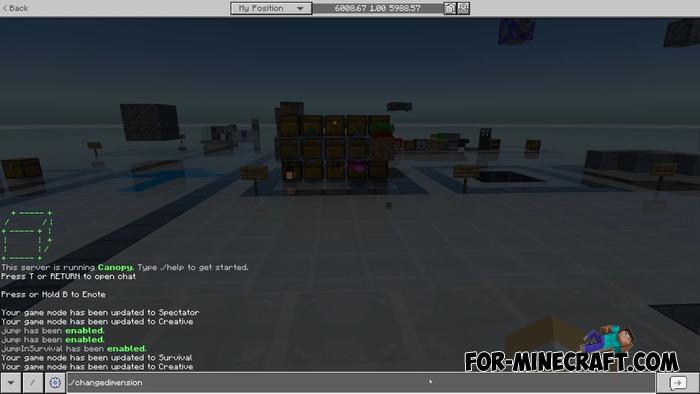
Dimension change:
/changedimension nether /changedimension overworld <x> <y> <z>
Teleports you to the same location in another dimension - as in Java.
Summon TNT:
Enable: /feature summon_tnt true
Use: /summon tnt <quantity>
Warp system:
Enable: /feature warp true
Commands: /warp add <name> /warp <name> /warp remove <name>
Can be enabled in survival mode.
Disable block destruction by explosions:
/feature no_explosion_block_damage true
TNT momentum control:
• disable random deviation
• maximum momentum /feature no_tnt_prime_momentum true /feature hardcoded_tnt_prime_momentum true
Disable block drops (including inventory contents):
/feature no_tile_drops true
Only works when destroyed by a player.
Quick hotbar switching:
Requires placing an arrow in the last slot.
Enable: /feature hotbar_switching true
Allows you to save 9 different hotbars and switch between them while crouching.
Camera and free view:
Enable: /feature camera true
Commands: /camera spectate /camera place /camera view
You can place custom cameras and view from their perspective.
Claim Projectiles:
Enable: /feature claim_projectiles true
Use: /claimprojectiles
The player becomes the owner of the nearest projectiles - mobs begin to drop experience and items.
Flipping Arrows:
Enable: /feature flipping_arrows true
With an arrow, you can:
• rotate blocks
• change the direction of doors and hatches
If the arrow is in the off-hand, the blocks are placed rotated.
Pick up items directly into your inventory:
/feature pickup_on_mine true
Dup TNT:
/feature dup_tnt true
Only works when the piston is moving and the signal is near the note block.
Armor stand respawn:
/feature armor_stand_respawning true
When hit by a projectile, the stand drops items and respawns.
Renewable sponge:
/feature renewable_sponge true
A guard struck by lightning turns into an ancient guard and drops a sponge. 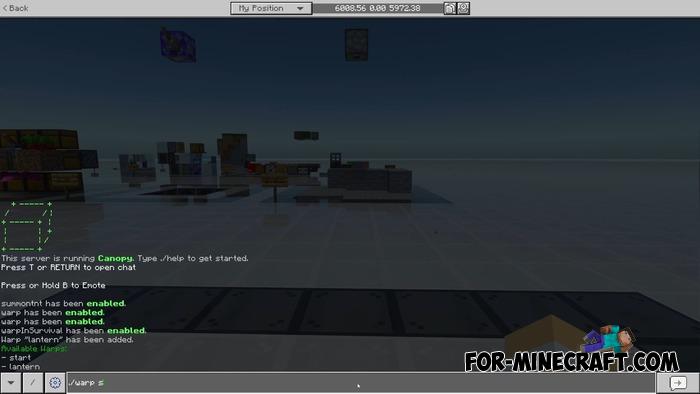
Reason: Added v1.6.0 for MCPE 26.40
- Category: Mods & Addons for Minecraft Bedrock (PE)
Recommend:
-
 PlankzPlus (BlockzPlus) Addon for Minecraft PE 1.18/1.19
PlankzPlus is a variant of Chisel in a way, published as an addon for Minecraft Bedrock Edition 1.18 and 1.19..
PlankzPlus (BlockzPlus) Addon for Minecraft PE 1.18/1.19
PlankzPlus is a variant of Chisel in a way, published as an addon for Minecraft Bedrock Edition 1.18 and 1.19..
-
Minecraft PE 26.70.21 (1.21.132/26.52)
More epic battles in the new structure, wind shooting mob, auto crafting and more..
-
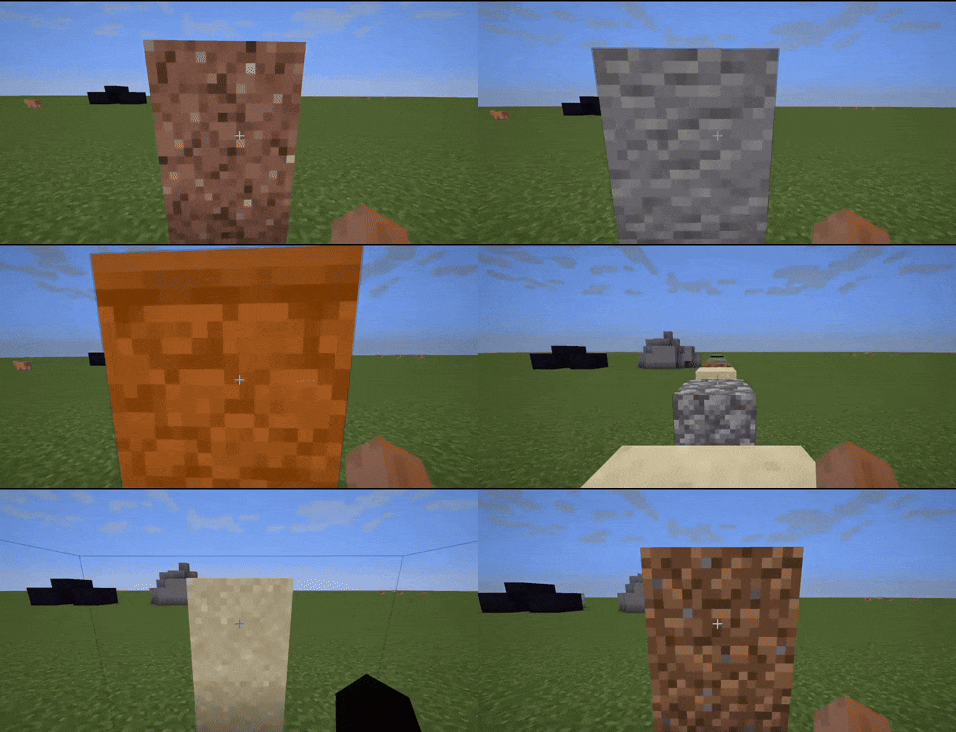 Phase Blocks Addon v1.0.0.5 for Bedrock Edition 1.21
Hide anything from the eyes of others, any entrance, passage, tunnel, but without using anything..
Phase Blocks Addon v1.0.0.5 for Bedrock Edition 1.21
Hide anything from the eyes of others, any entrance, passage, tunnel, but without using anything..
-
 IndustrialCraft PE Mod 2.4.8 for Minecraft PE 1.16
The IndustrialCraft PE history continues and now it goes to a new level..
IndustrialCraft PE Mod 2.4.8 for Minecraft PE 1.16
The IndustrialCraft PE history continues and now it goes to a new level..
-
 IndustrialCraft PE mod v2.0 Pre-Release 7 for Minecraft PE
IndustrialCraft PE is a global mod for MCPE which is a very accurate IndustrialCraft copy for Minecraft PC. It
IndustrialCraft PE mod v2.0 Pre-Release 7 for Minecraft PE
IndustrialCraft PE is a global mod for MCPE which is a very accurate IndustrialCraft copy for Minecraft PC. It
