Popular
-

Faithful Textures for MCPE 1.16/1.17/1.19/1.20/1.21/26.52 (32x/64x/128x) (RTX)
Now you can play with the most popular -

Minecraft PE 26.60.30 (1.21.132/26.52)
More epic battles in the new structure, wind -

Dynamic Lights PE Addon for MCPE 1.16/1.17/1.18/1.19/1.20/1.21/26.60+
Dynamic Lights has long been created for almost -

X-Ray for Minecraft Bedrock Edition 1.19/1.20/1.21.132/26.60+
X-Ray is a cult cheat in the past, available as -

TreeCapitator Addon for Minecraft PE 1.17/1.18/1.19/1.20/1.21.132 (26.60)+
No modifications, now the old TreeCapitator is -

Vein Miner & TreeCapitator Addon for Minecraft PE 1.17/1.20/1.21/26.60+
Start your first day working as a miner or -

Java Combat System Addon v8.0 for Bedrock 1.17/1.18/1.19/1.21/26.60+
Install this updated combat system in the form -

Apollon Client 6.53 for Minecraft PE 1.21.114/26.45
Apollon is a standalone client wrapped in -

Minecraft Bedrock 1.21.132/26.44/26.60.29 Patched (apk)
Do you prefer to play non render dragon shaders -

Body Actions Addon v3.4.12 for Minecraft PE 1.19/1.21.110/26.60+
Humanization of characters in Minecraft Bedrock
0
By: VirtualBlack8
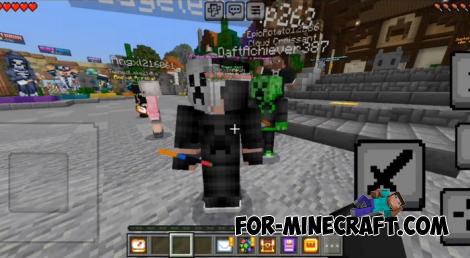
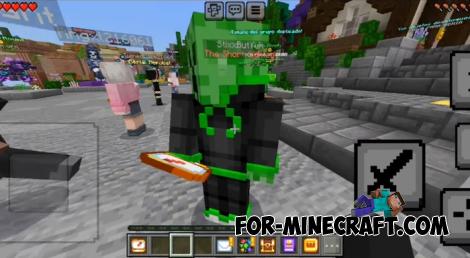
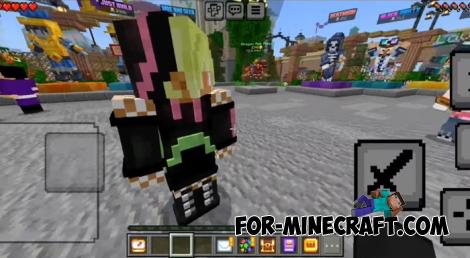
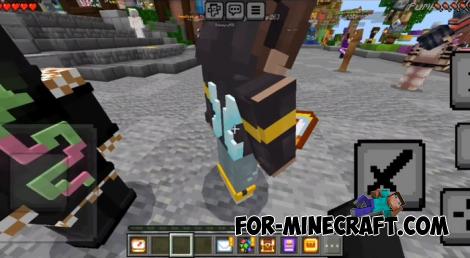
Yes but only if they have the plugin installed as well. Otherwise, they'll see your usual 3D skin just like before. When the plugin is installed, you'll see all skins with 4D like details, and it works great with classic skins too.



1. Open the file (.mcpack) using Minecraft PE.
2. Activate the addon (world or game settings).
SkinDepth for Minecraft Bedrock 1.21
- Author: Bernard
- Date:
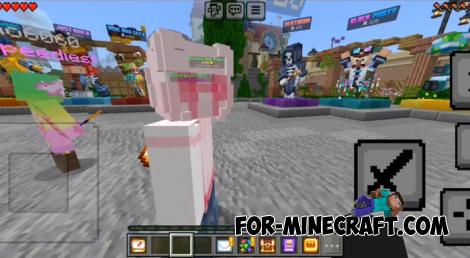
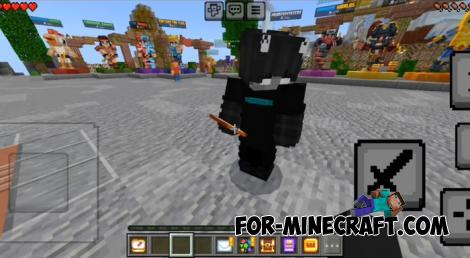
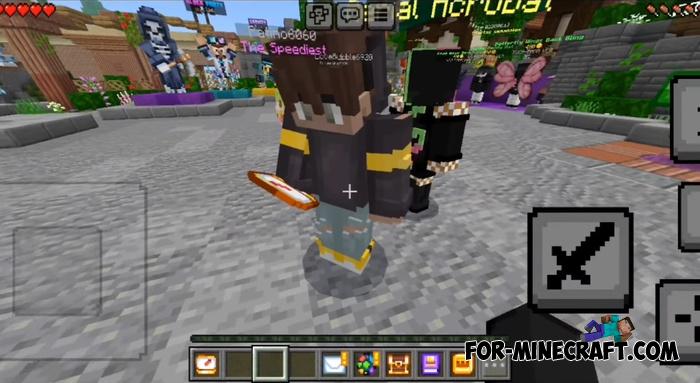
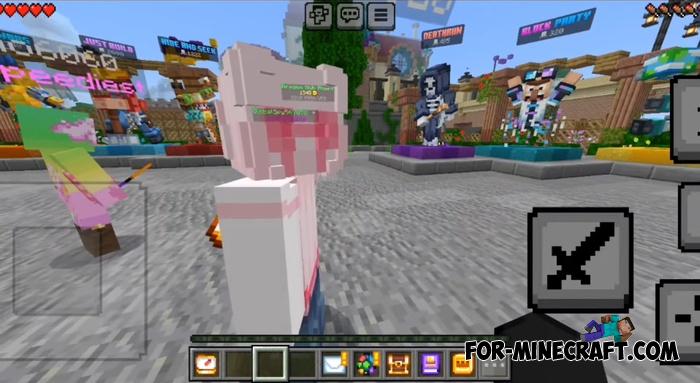
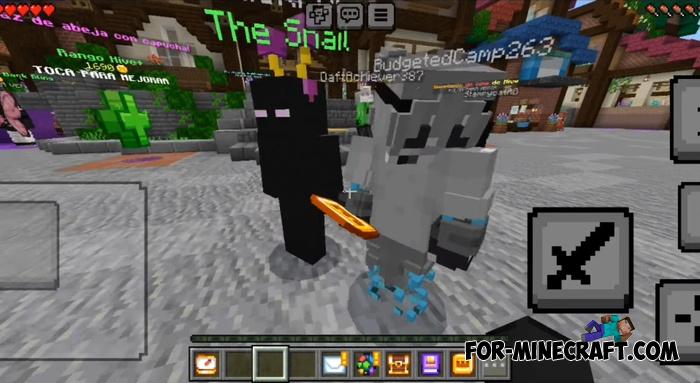
This isn't a skin pack like you might think - it's a plugin for Minecraft Bedrock Edition that works with skins. SkinDepth takes your current skin and enhances it by adding raised outlines along the edges of the body and embossed patterns on the surface. It gives the impression that you're wearing a 4D skin, similar to those found in Skins for Minecraft Bedrock 1.21.
By: VirtualBlack8

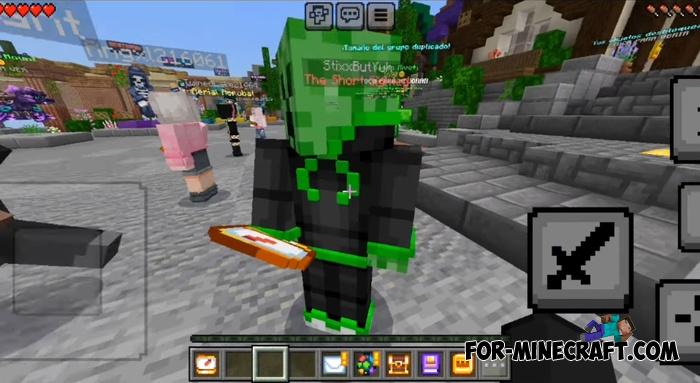
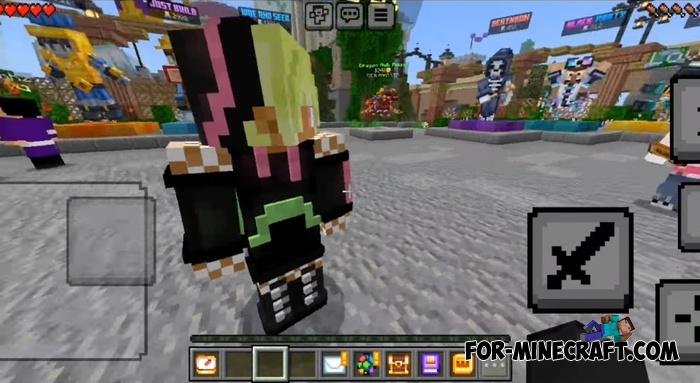
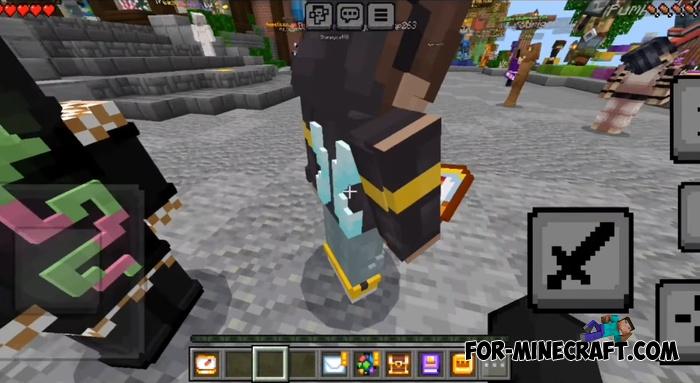
Can other players see your enhanced skin?
Yes but only if they have the plugin installed as well. Otherwise, they'll see your usual 3D skin just like before. When the plugin is installed, you'll see all skins with 4D like details, and it works great with classic skins too.
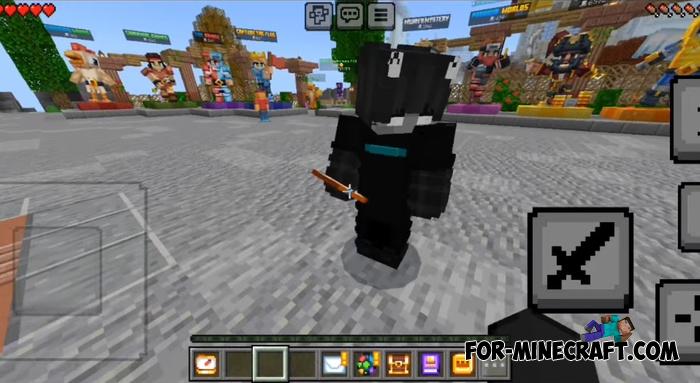
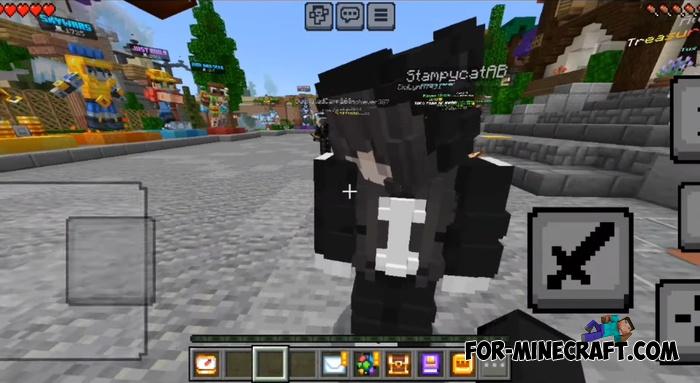
How to install the SkinDepth Plugin?
1. Open the file (.mcpack) using Minecraft PE.
2. Activate the addon (world or game settings).
- Category: Mods & Addons for Minecraft Bedrock (PE)
Recommend:
-
Minecraft PE 26.60.30 (1.21.132/26.52)
More epic battles in the new structure, wind shooting mob, auto crafting and more..
-
 Minecraft PE 1.19.80.24 Beta (1.19.81 Release)
Meet the officially announced Minecraft PE 1.19 update with frogs, warden, fireflies and swamps!
Minecraft PE 1.19.80.24 Beta (1.19.81 Release)
Meet the officially announced Minecraft PE 1.19 update with frogs, warden, fireflies and swamps!
-
 Too Much TNT Mod for MCPE 0.10.5/0.10.4
"Too Much TNT" - with this dynamite you can indulge in a good Minecraft - Pocket Edition all nice explosion.
Too Much TNT Mod for MCPE 0.10.5/0.10.4
"Too Much TNT" - with this dynamite you can indulge in a good Minecraft - Pocket Edition all nice explosion.
-
 Download Minecraft PE 1.16.230.56 (1.16.221) - Nether Update
The most massive Nether update with new mobs, plants and biomes!
Download Minecraft PE 1.16.230.56 (1.16.221) - Nether Update
The most massive Nether update with new mobs, plants and biomes!
-
 Minecraft PE 1.20.80.24 (1.20.80 Release)
Camels, hanging signs, sniffers and rafts and much more..
Minecraft PE 1.20.80.24 (1.20.80 Release)
Camels, hanging signs, sniffers and rafts and much more..
