Popular
-

Minecraft PE / Bedrock 26.70.26 (1.21.132/26.66)
More epic battles in the new structure, wind -

Lucky Block Addon for Minecraft Bedrock 1.17/1.18/1.19/1.20/1.21/26.60+
Keep the latest lucky block addon for current -

X-Ray for Minecraft Bedrock Edition 1.19/1.20/1.21.132/26.60+
X-Ray is a cult cheat in the past, available as -

TreeCapitator Addon for Minecraft PE 1.17/1.18/1.19/1.20/1.21.132 (26.60)+
No modifications, now the old TreeCapitator is -

Vein Miner & TreeCapitator Addon for Minecraft PE 1.17/1.20/1.21/26.70+
Start your first day working as a miner or -

Apollon Client 6.70 for Minecraft PE 1.21.114/26.52
Apollon is a standalone client wrapped in -

Minecraft Bedrock 1.21.132/26.60/26.70.21 Patched (apk)
Do you prefer to play non render dragon shaders -

Body Actions Addon v3.4.13 for Minecraft PE 1.19/1.21.110/26.60+
Humanization of characters in Minecraft Bedrock -
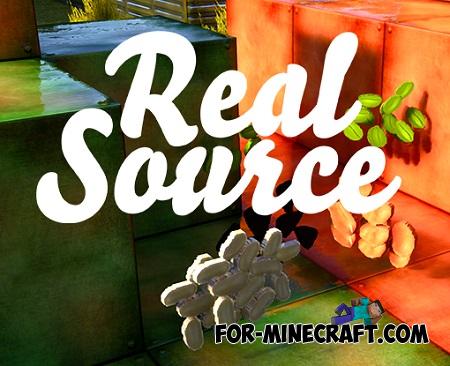
RealSource Resource Pack v1.9.3 for Minecraft PE 1.19/1.20/1.21.111/26.62
Prefer the vanilla look over all other Minecraft -

LeviLauncher v1.1.0 (LeviLaunchroid v1.7.1) for Minecraft Bedrock 1.21.132/26.63
LeviLauncher is the tool you've been
0
Why do you need new particles if the latest game updates have brought enough colorful and eye-catching particles? This addon will be primarily interesting to those who create maps, textures, or any creation that requires as many interesting things as possible. Particles are the event that makes the players admire what is happening.
By: DrageQ YT
Blood
Totem Drip
And more

The main command where you can see new particles is /particle. Use it as well as /particle help to add particles. Advantageously, the particles can be added to command blocks and work together with other mechanisms.

They are activated at the right time and demonstrate the desired effect. This can work with both MCPE 1.12 and 1.13. Also compatible with servers or regular maps.
1. Open the file (.mcpack) using Minecraft PE.
2. Activate the addon (world or game settings).
3. Experimental gameplay must be enabled.
More Particles for Minecraft Bedrock 1.12+
- Author: Bernard
- Date:
Why do you need new particles if the latest game updates have brought enough colorful and eye-catching particles? This addon will be primarily interesting to those who create maps, textures, or any creation that requires as many interesting things as possible. Particles are the event that makes the players admire what is happening.
By: DrageQ YT
New particles:
Blood
Bow
Fire
Hearth
Smoke
Sword
Water
SpiralTotem Drip
And more

How to use the new particles?
The main command where you can see new particles is /particle. Use it as well as /particle help to add particles. Advantageously, the particles can be added to command blocks and work together with other mechanisms.

They are activated at the right time and demonstrate the desired effect. This can work with both MCPE 1.12 and 1.13. Also compatible with servers or regular maps.
How to install the More Particles Addon?
1. Open the file (.mcpack) using Minecraft PE.
2. Activate the addon (world or game settings).
3. Experimental gameplay must be enabled.
- Category: Mods & Addons for Minecraft Bedrock (PE)
Recommend:
-
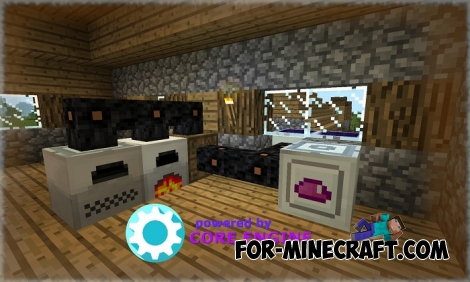 IndustrialCraft PE mod v2.0 Pre-Release 7 for Minecraft PE
IndustrialCraft PE is a global mod for MCPE which is a very accurate IndustrialCraft copy for Minecraft PC. It
-
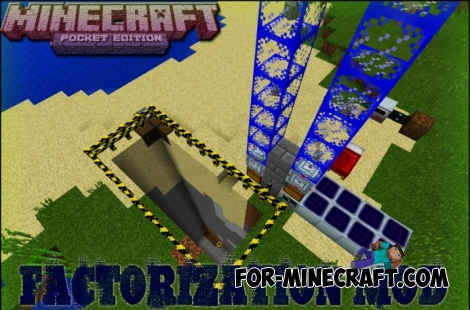 Factorization Mod 5.2 for Minecraft PE 0.11/0.12/0.13/0.14
The basis of mod make blocks-mechanisms. With these systems of the mechanisms can be automated almost any process in
-
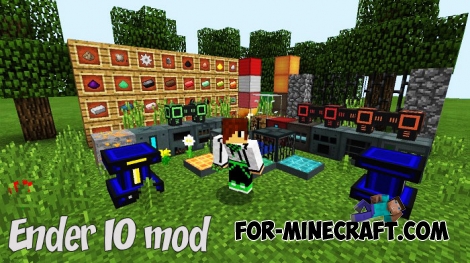 Ender IO mod v1.0 for Minecraft PE (Bedrock)
Ender IO IC is a modification that adds various machines, generators for the production of RF and Eu energy, devices
-
 Inner Core for Minecraft PE 1.16 - 3.1.1b127-128 (ARM64 Update)
Inner Core was created on the basis of the original MCPE 1.0.3 and is a full complement for creating and playing with
-
 Factorization mod 3.3 for Minecraft PE 0.9.5
 Script adds many different variety of mechanisms that may produce,
