Popular
-

Faithful Textures for MCPE 1.16/1.17/1.19/1.20/1.21/26.52 (32x/64x/128x) (RTX)
Now you can play with the most popular -

Minecraft PE 26.60.30 (1.21.132/26.52)
More epic battles in the new structure, wind -

Dynamic Lights PE Addon for MCPE 1.16/1.17/1.18/1.19/1.20/1.21/26.60+
Dynamic Lights has long been created for almost -

X-Ray for Minecraft Bedrock Edition 1.19/1.20/1.21.132/26.60+
X-Ray is a cult cheat in the past, available as -

TreeCapitator Addon for Minecraft PE 1.17/1.18/1.19/1.20/1.21.132 (26.60)+
No modifications, now the old TreeCapitator is -

Vein Miner & TreeCapitator Addon for Minecraft PE 1.17/1.20/1.21/26.60+
Start your first day working as a miner or -

Java Combat System Addon v8.0 for Bedrock 1.17/1.18/1.19/1.21/26.60+
Install this updated combat system in the form -

Apollon Client 6.53 for Minecraft PE 1.21.114/26.45
Apollon is a standalone client wrapped in -

Minecraft Bedrock 1.21.132/26.44/26.60.29 Patched (apk)
Do you prefer to play non render dragon shaders -

Body Actions Addon v3.4.12 for Minecraft PE 1.19/1.21.110/26.60+
Humanization of characters in Minecraft Bedrock
0
If you are familiar with LeviLauncher for Bedrock Edition, you might not need this guide. But for those who are new to it, here's a quick walkthrough on installing mods through the client. You can also quickly and easily install 4D and 5D skin packs in Minecraft Bedrock 1.21 using LeviLauncher.
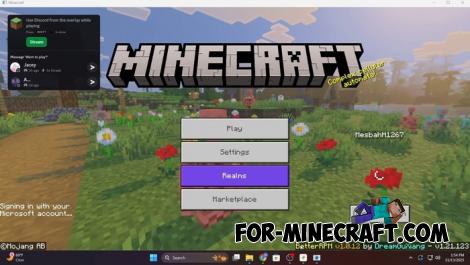
1. Open LeviLauncher.
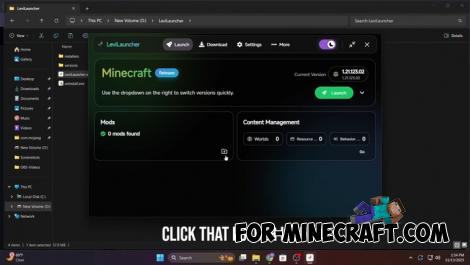
Go to the Minecraft version (instance) where you want to install the mod. If it doesn't exist yet, create it.
2. The launcher has a Mods section, which is responsible for worlds, resource packs, behavior packs, skins and mods.
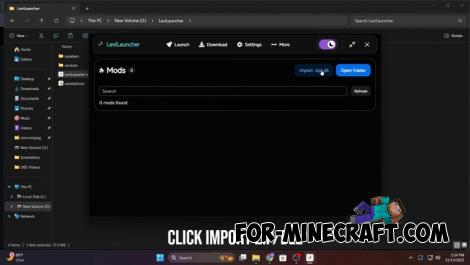
3. Find the Manage Mods button (or "Import Mods"); LeviLauncher supports importing .zip and .dll mods (be careful with cheats for Bedrock).
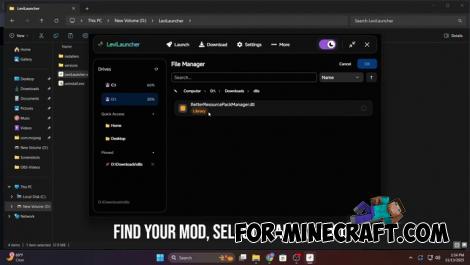
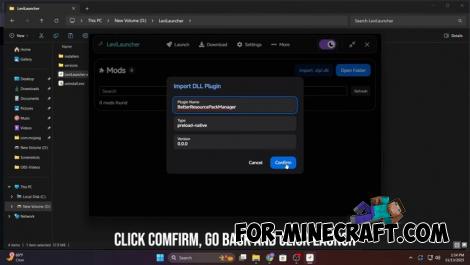
4. Select the mod file (zip or dll) on your computer and confirm the import.
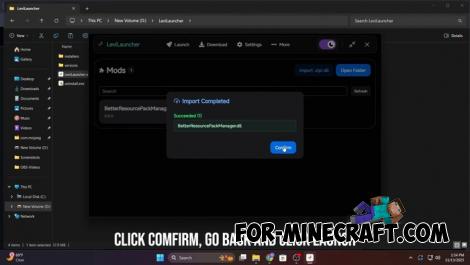
After importing, the mod will appear in the list of mods for this version of the game. You can enable, disable, or delete it.
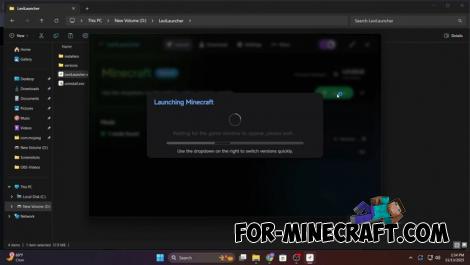
5. Launch the game through LeviLauncher, and the mod should be applied if it is compatible with the current version of GDK.
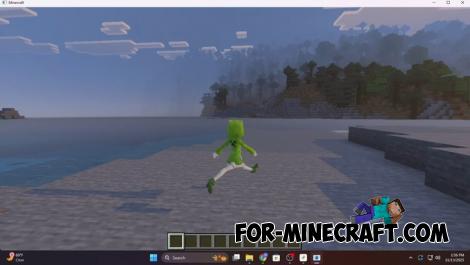
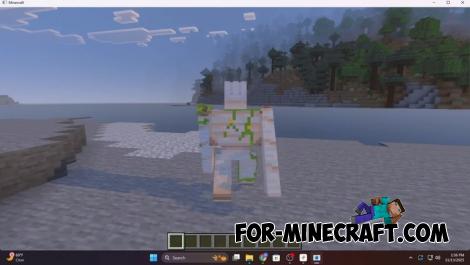
How to Import Mods (+4D skins) in LeviLauncher Bedrock
- Author: Bernard
- Date:
If you are familiar with LeviLauncher for Bedrock Edition, you might not need this guide. But for those who are new to it, here's a quick walkthrough on installing mods through the client. You can also quickly and easily install 4D and 5D skin packs in Minecraft Bedrock 1.21 using LeviLauncher.
Step-by-step guide to installing mods in Bedrock on Windows:
1. Open LeviLauncher.
Go to the Minecraft version (instance) where you want to install the mod. If it doesn't exist yet, create it.
2. The launcher has a Mods section, which is responsible for worlds, resource packs, behavior packs, skins and mods.
3. Find the Manage Mods button (or "Import Mods"); LeviLauncher supports importing .zip and .dll mods (be careful with cheats for Bedrock).
4. Select the mod file (zip or dll) on your computer and confirm the import.
After importing, the mod will appear in the list of mods for this version of the game. You can enable, disable, or delete it.
5. Launch the game through LeviLauncher, and the mod should be applied if it is compatible with the current version of GDK.
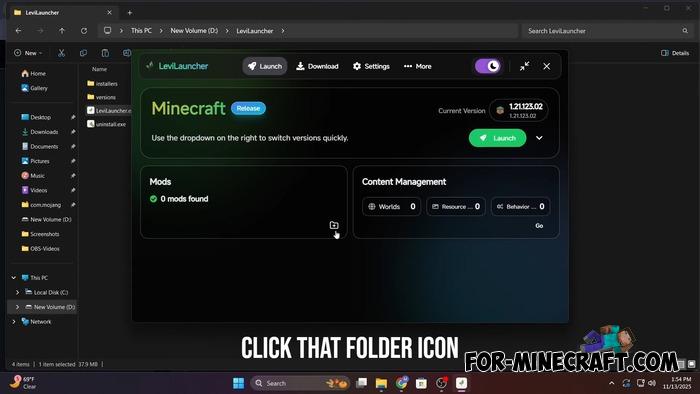
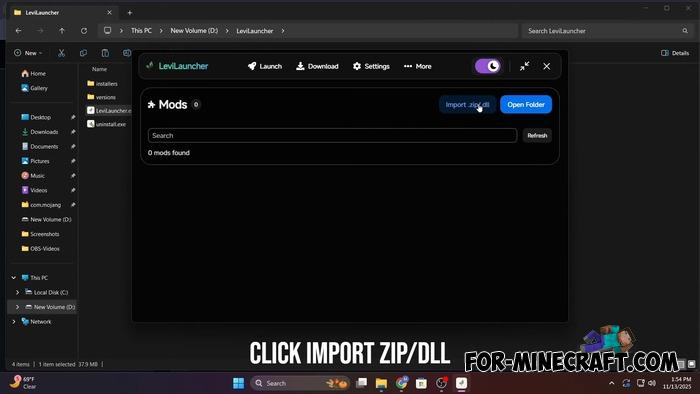
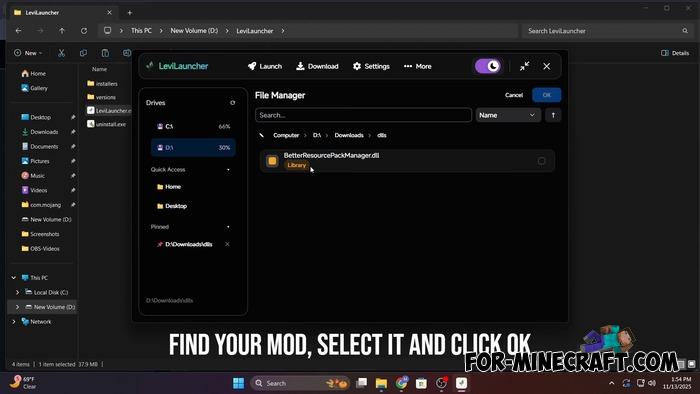
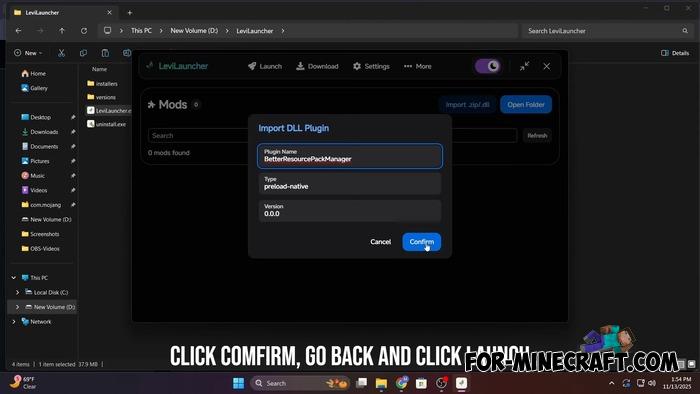
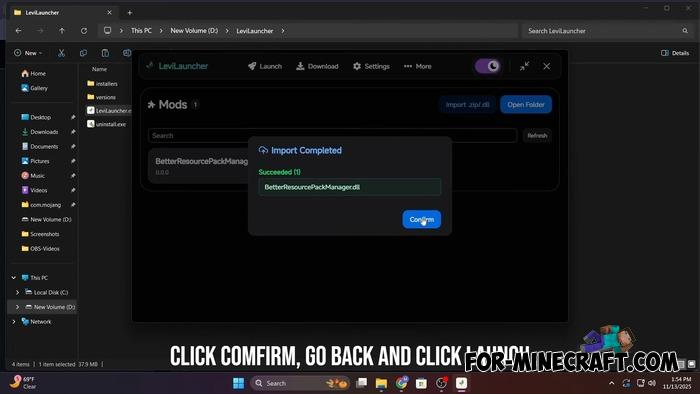
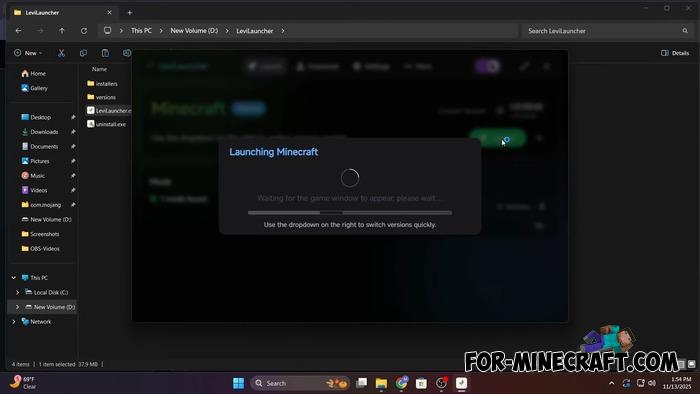
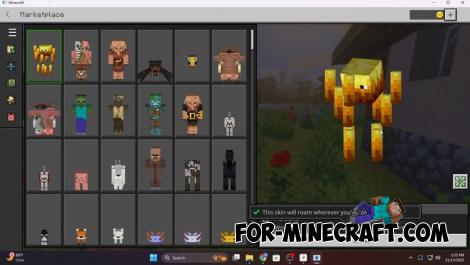
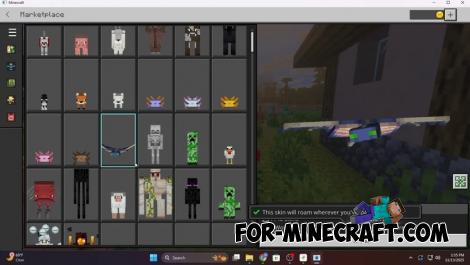
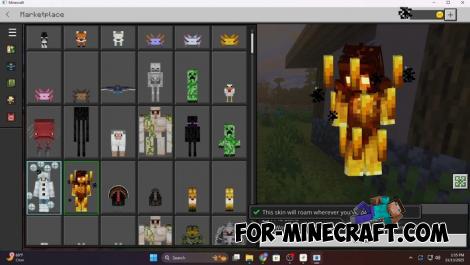
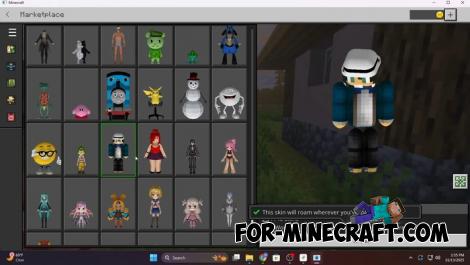
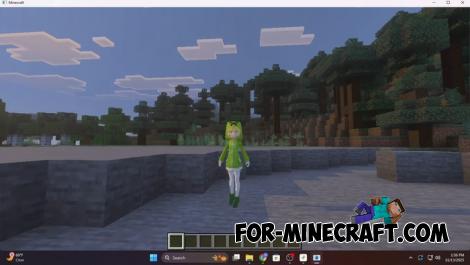
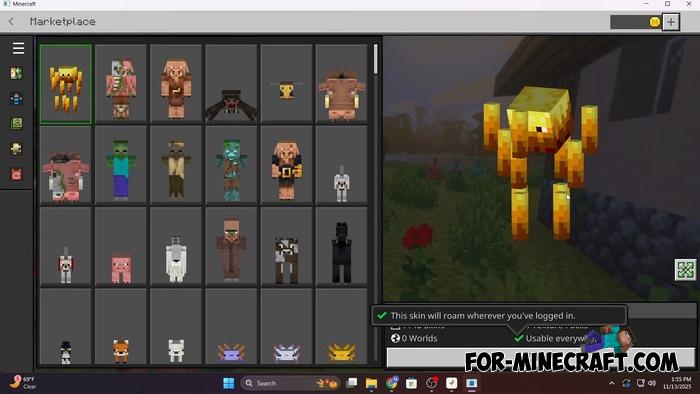
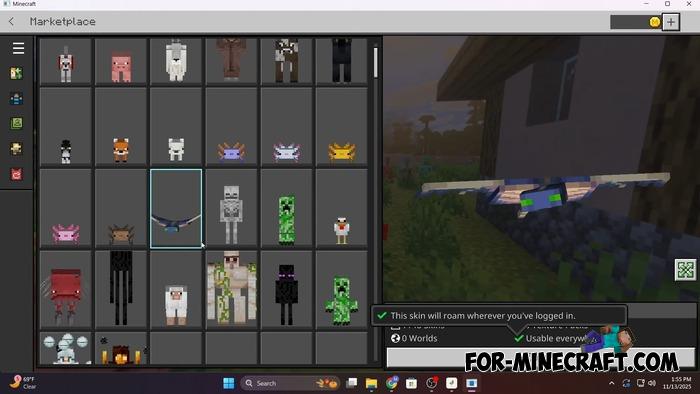
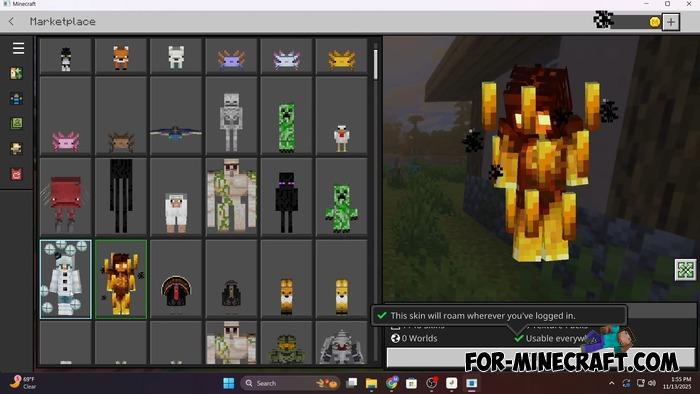
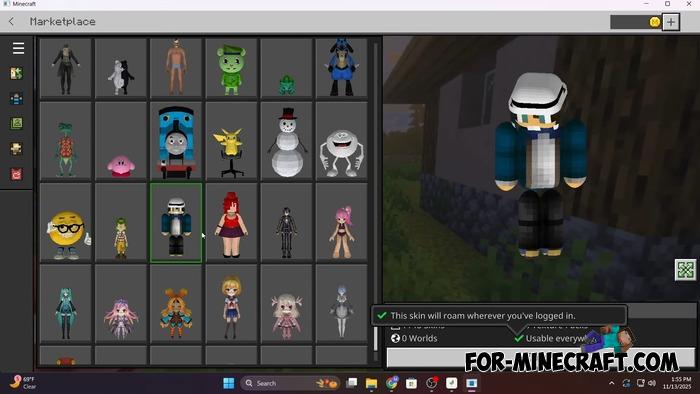
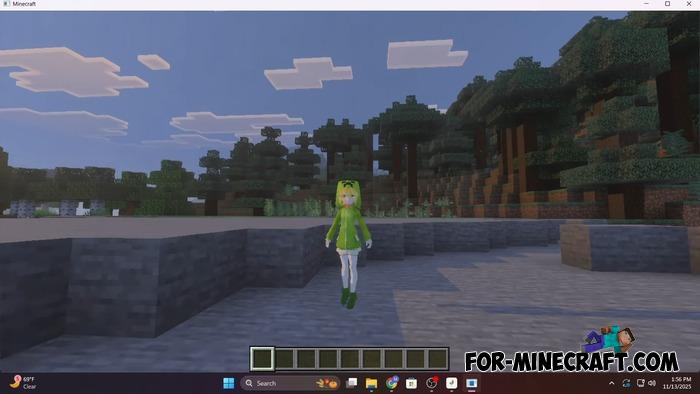
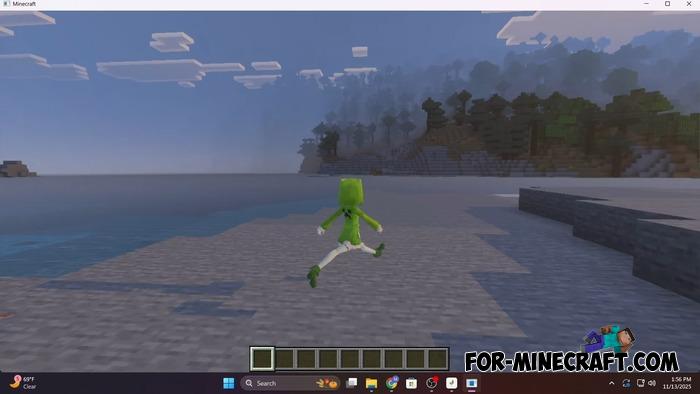
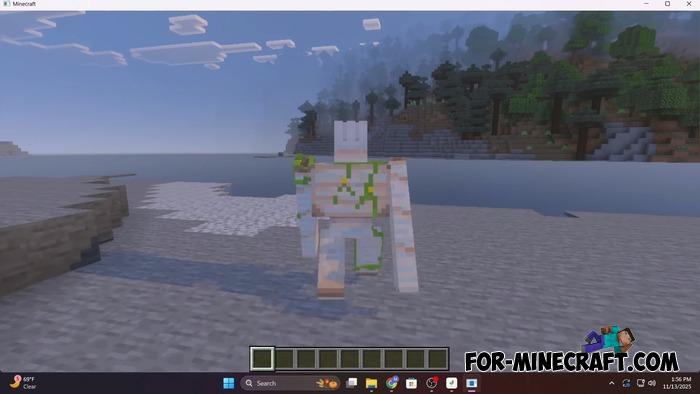
Example of installing a 4D skin pack in MCBE 1.21:
- Category: Clients for Minecraft Bedrock
Recommend:
-
Minecraft PE 26.60.30 (1.21.132/26.52)
More epic battles in the new structure, wind shooting mob, auto crafting and more..
-
 Download Minecraft PE 1.16.230.56 (1.16.221) - Nether Update
The most massive Nether update with new mobs, plants and biomes!
Download Minecraft PE 1.16.230.56 (1.16.221) - Nether Update
The most massive Nether update with new mobs, plants and biomes!
-
 Minecraft PE 1.19.80.24 Beta (1.19.81 Release)
Meet the officially announced Minecraft PE 1.19 update with frogs, warden, fireflies and swamps!
Minecraft PE 1.19.80.24 Beta (1.19.81 Release)
Meet the officially announced Minecraft PE 1.19 update with frogs, warden, fireflies and swamps!
-
 Block Launcher 1.27 for Minecraft PE 1.13 & 1.14.1
Block Launcher is a popular launcher for Minecraft PE which allows you to quickly install scripts, mods, addons,
Block Launcher 1.27 for Minecraft PE 1.13 & 1.14.1
Block Launcher is a popular launcher for Minecraft PE which allows you to quickly install scripts, mods, addons,
-
 IndustrialCraft PE mod v2.0 Pre-Release 7 for Minecraft PE
IndustrialCraft PE is a global mod for MCPE which is a very accurate IndustrialCraft copy for Minecraft PC. It
IndustrialCraft PE mod v2.0 Pre-Release 7 for Minecraft PE
IndustrialCraft PE is a global mod for MCPE which is a very accurate IndustrialCraft copy for Minecraft PC. It
