Popular
-

Faithful Textures for MCPE 1.16/1.17/1.19/1.20/1.21/26.52 (32x/64x/128x) (RTX)
Now you can play with the most popular -

Minecraft PE 26.60.30 (1.21.132/26.52)
More epic battles in the new structure, wind -

Dynamic Lights PE Addon for MCPE 1.16/1.17/1.18/1.19/1.20/1.21/26.60+
Dynamic Lights has long been created for almost -

X-Ray for Minecraft Bedrock Edition 1.19/1.20/1.21.132/26.60+
X-Ray is a cult cheat in the past, available as -

TreeCapitator Addon for Minecraft PE 1.17/1.18/1.19/1.20/1.21.132 (26.60)+
No modifications, now the old TreeCapitator is -

Vein Miner & TreeCapitator Addon for Minecraft PE 1.17/1.20/1.21/26.60+
Start your first day working as a miner or -

Java Combat System Addon v8.0 for Bedrock 1.17/1.18/1.19/1.21/26.60+
Install this updated combat system in the form -

Apollon Client 6.53 for Minecraft PE 1.21.114/26.45
Apollon is a standalone client wrapped in -

Minecraft Bedrock 1.21.132/26.44/26.60.29 Patched (apk)
Do you prefer to play non render dragon shaders -

Body Actions Addon v3.4.12 for Minecraft PE 1.19/1.21.110/26.60+
Humanization of characters in Minecraft Bedrock
0
Biomes Parkour II is an old but relevant today parkour project for Minecraft that received a Bedrock Edition version. Parkour in most cases is a fairly simple mini-game, the goal of which is to reach a checkpoint and complete all levels. Biomes Parkour is no exception to the rule - get to the checkpoint and complete each level using parkour.
By: CemreK
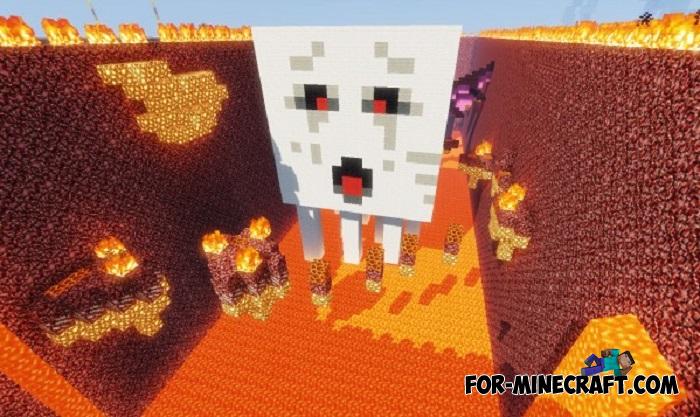
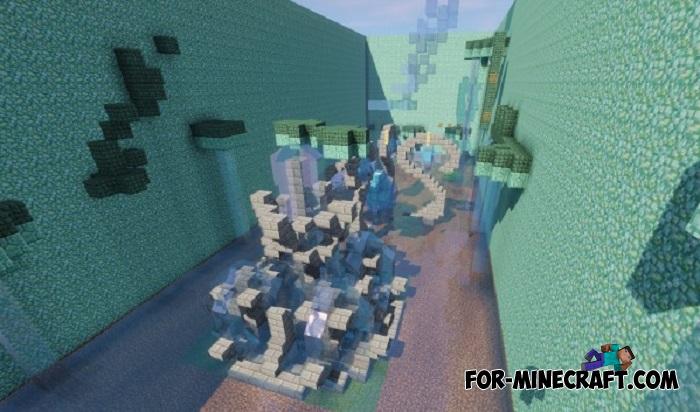
Biomes Parkour II levels are conceptually the same as the previous ones. You start in the first biome and try to reach the finish line using only your parkour skills. Here's what you should do when playing this map. It would seem that what can be difficult during the first passage? Without experience in such maps, you will feel each of the levels at 100%.


In Minecraft PE, there is the Parkour Animations Addon that replaces ordinary jumps with incredible acrobatic moves. There are several movement options that you can also use in this map.


1. Download the map.
2. Open it using Minecraft PE to import the map.
Biomes Parkour II Map on MCPE 1.18
- Author: Bernard
- Date:
Biomes Parkour II is an old but relevant today parkour project for Minecraft that received a Bedrock Edition version. Parkour in most cases is a fairly simple mini-game, the goal of which is to reach a checkpoint and complete all levels. Biomes Parkour is no exception to the rule - get to the checkpoint and complete each level using parkour.
By: CemreK
Locations:
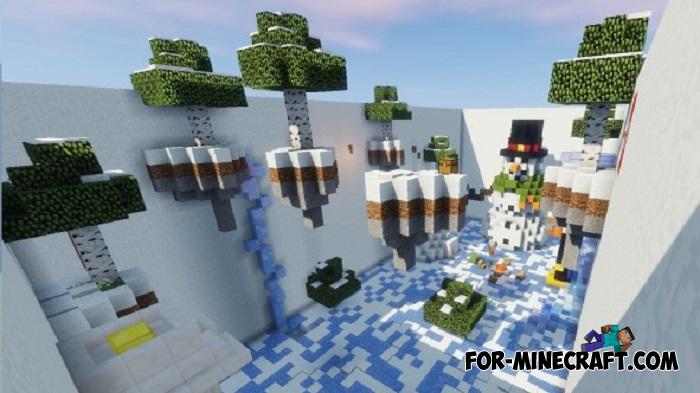
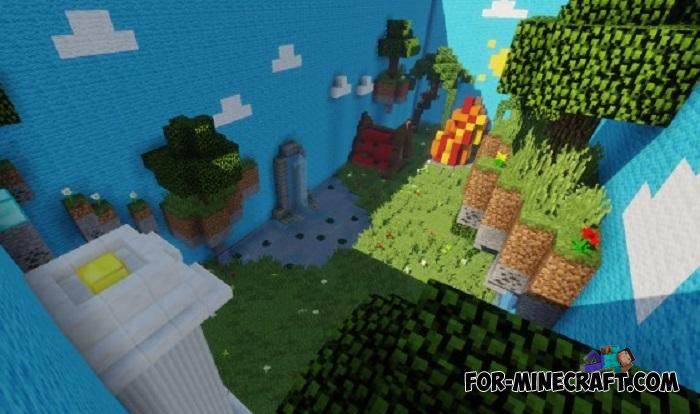
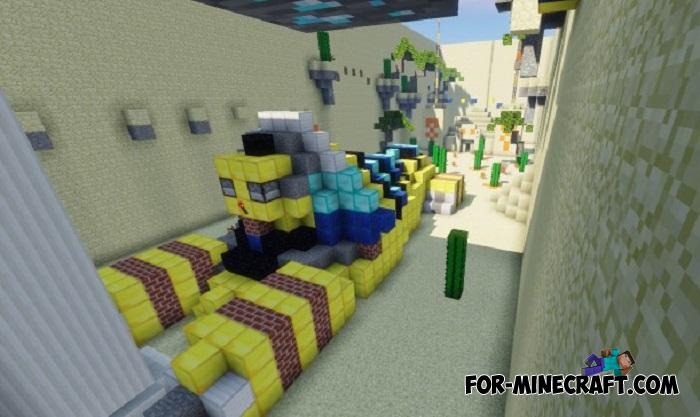
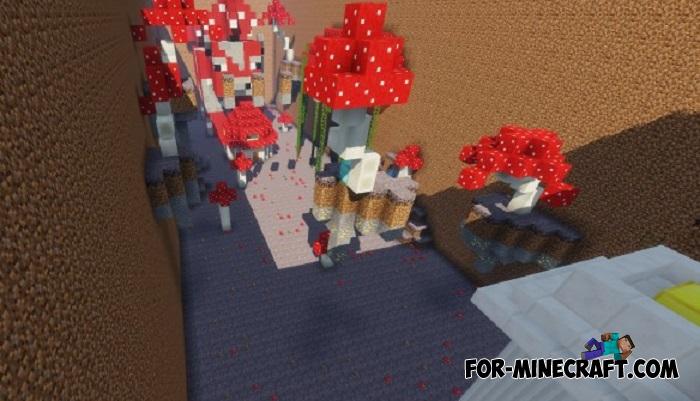
Biomes Parkour II levels are conceptually the same as the previous ones. You start in the first biome and try to reach the finish line using only your parkour skills. Here's what you should do when playing this map. It would seem that what can be difficult during the first passage? Without experience in such maps, you will feel each of the levels at 100%.
Animated jumps:
In Minecraft PE, there is the Parkour Animations Addon that replaces ordinary jumps with incredible acrobatic moves. There are several movement options that you can also use in this map.

How to install the Biomes Parkour II Map?
1. Download the map.
2. Open it using Minecraft PE to import the map.
- Category: Maps for Minecraft Bedrock
Recommend:
-
 Foxy's Mini Blocks Addon for Minecraft PE 1.16
Considering entities a more convenient way to implement mini blocks than blocks with actual properties..
Foxy's Mini Blocks Addon for Minecraft PE 1.16
Considering entities a more convenient way to implement mini blocks than blocks with actual properties..
-
 Download Minecraft PE 1.16.230.56 (1.16.221) - Nether Update
The most massive Nether update with new mobs, plants and biomes!
Download Minecraft PE 1.16.230.56 (1.16.221) - Nether Update
The most massive Nether update with new mobs, plants and biomes!
-
 IndustrialCraft PE mod v2.0 Pre-Release 7 for Minecraft PE
IndustrialCraft PE is a global mod for MCPE which is a very accurate IndustrialCraft copy for Minecraft PC. It
IndustrialCraft PE mod v2.0 Pre-Release 7 for Minecraft PE
IndustrialCraft PE is a global mod for MCPE which is a very accurate IndustrialCraft copy for Minecraft PC. It
-
 Inner Core for Minecraft PE 1.16 - 3.1.1b127-128 (ARM64 Update)
Inner Core was created on the basis of the original MCPE 1.0.3 and is a full complement for creating and playing with
Inner Core for Minecraft PE 1.16 - 3.1.1b127-128 (ARM64 Update)
Inner Core was created on the basis of the original MCPE 1.0.3 and is a full complement for creating and playing with
-
 Player Animations Pack for Minecraft PE 1.16/1.21
Running is just the beginning of the list of actions animated..
Player Animations Pack for Minecraft PE 1.16/1.21
Running is just the beginning of the list of actions animated..
